MicroHAWK Engine Integration Guide 8-23
I/O Parameters
Trend Analysis Output 1
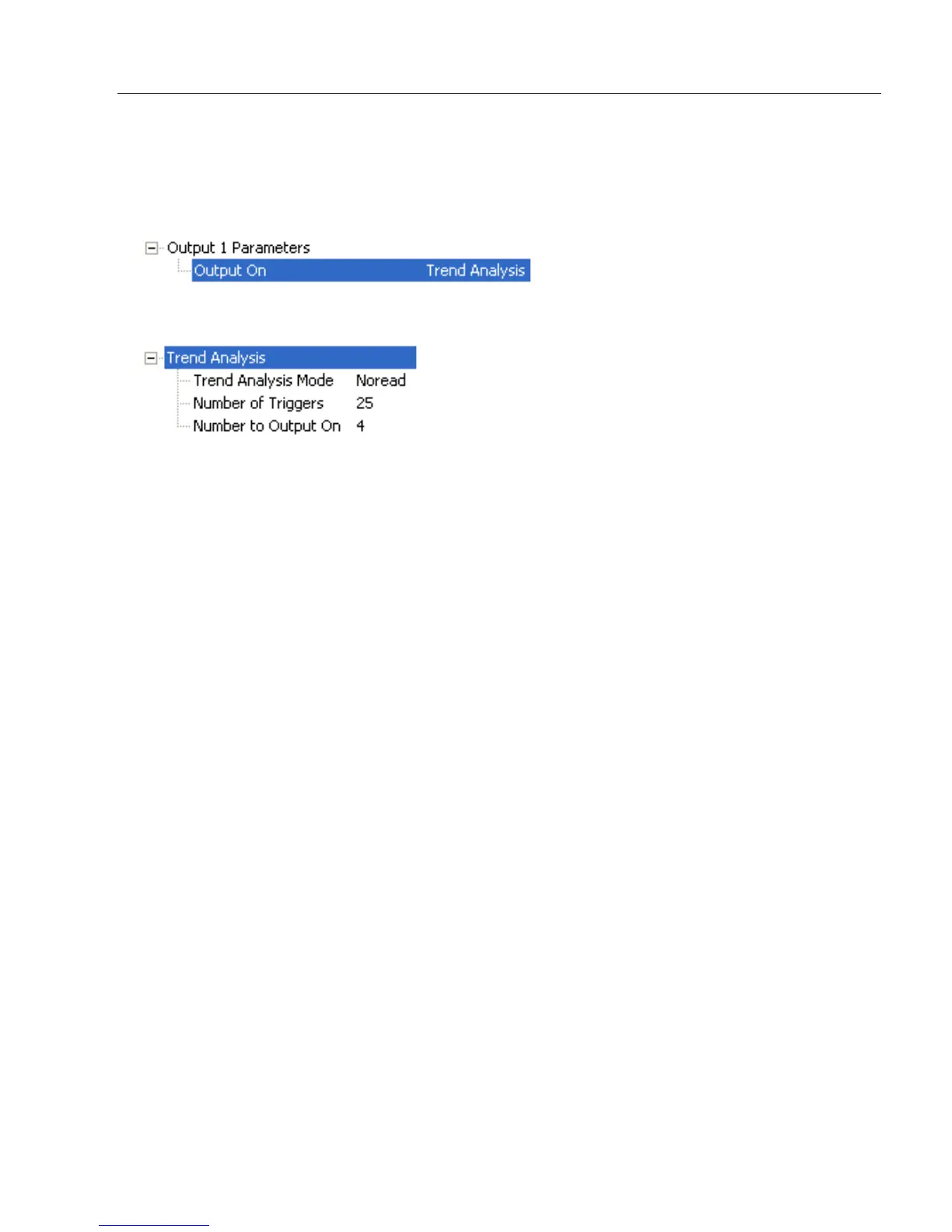
Note: Output On under Output 1 Parameters must be set to Trend Analysis for this
output to function.
Under Output 1 Parameters, expand the Trend Analysis tree:
Usage: Useful in cases where the user doesn’t want to shut down for one condition
but wants to monitor quality and read conditions.
Definition: Applies Trend Analysis settings to Output 1.
With Trend Analysis, the user can track the occurrences and frequency of
mismatches, No-Reads, and the number of reads per trigger, and output
the results to any of three outputs.
Example: Trend Analysis Mode = No-Read
Trigger Evaluation Period= 25 triggers (read cycles)
Number to Output On = 4
In this example, the reader will activate an output when 4 No-Reads occur
within a period of 25 triggers (read cycles).














 To Next Page