1-16 MicroHAWK Engine Integration Guide
Run the Application
Step 13 — Run the Application
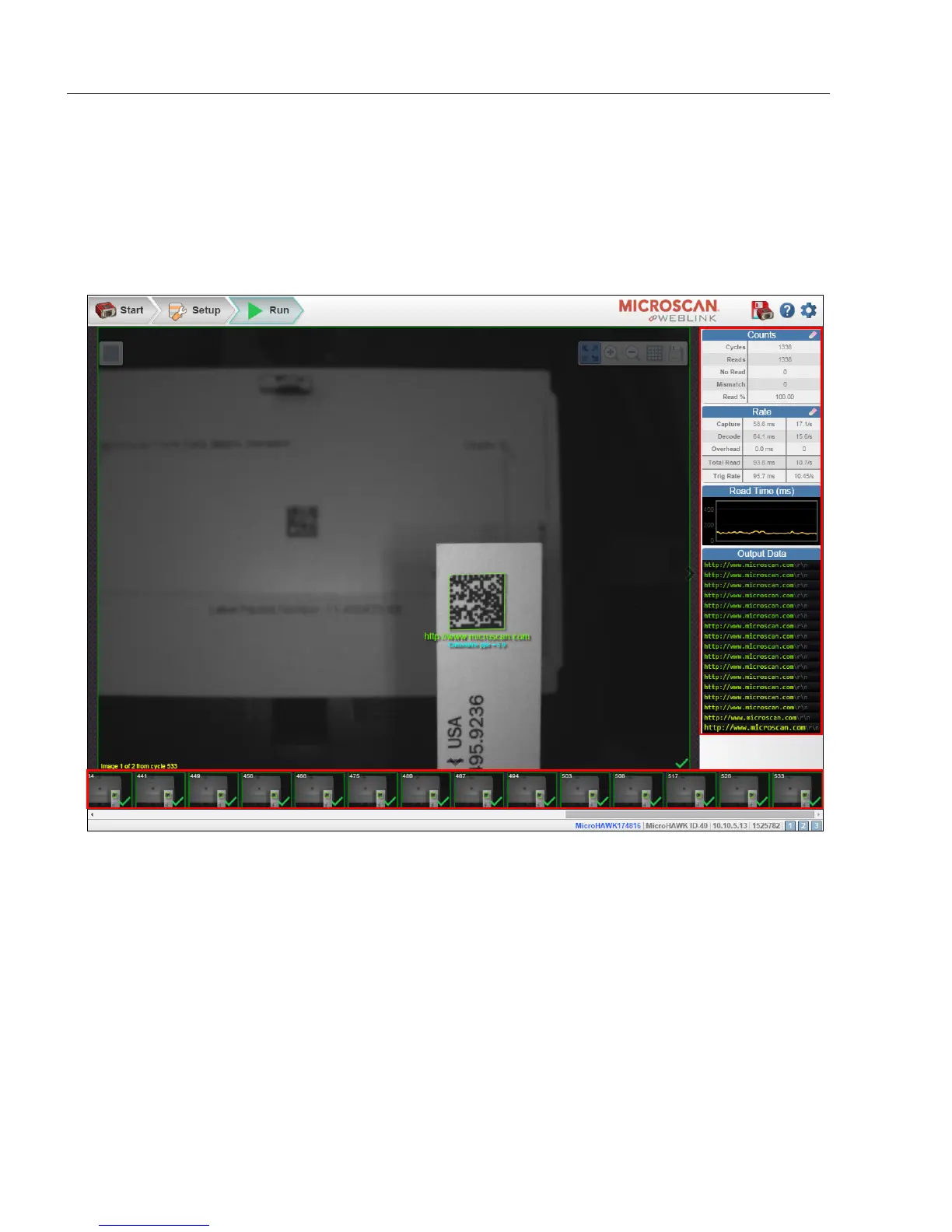
In the Run view, you can observe the progress of the setup as it follows the parameters
you have defined. The right panel of the UI shows Counts for Cycles, Reads, No Reads,
and Mismatches, as well as Rate information for Capture, Decode, Overhead, Total
Read, and Trigger Rate, as well as Output Data. A "filmstrip" below the Image Area
shows each image capture with a
green check mark
for a good read and a
red x
for a
no
-
read
.














 To Next Page