MicroHAWK Engine Integration Guide 1-45
Quick Start
Additional Notes
CPU Idle States (C-States)
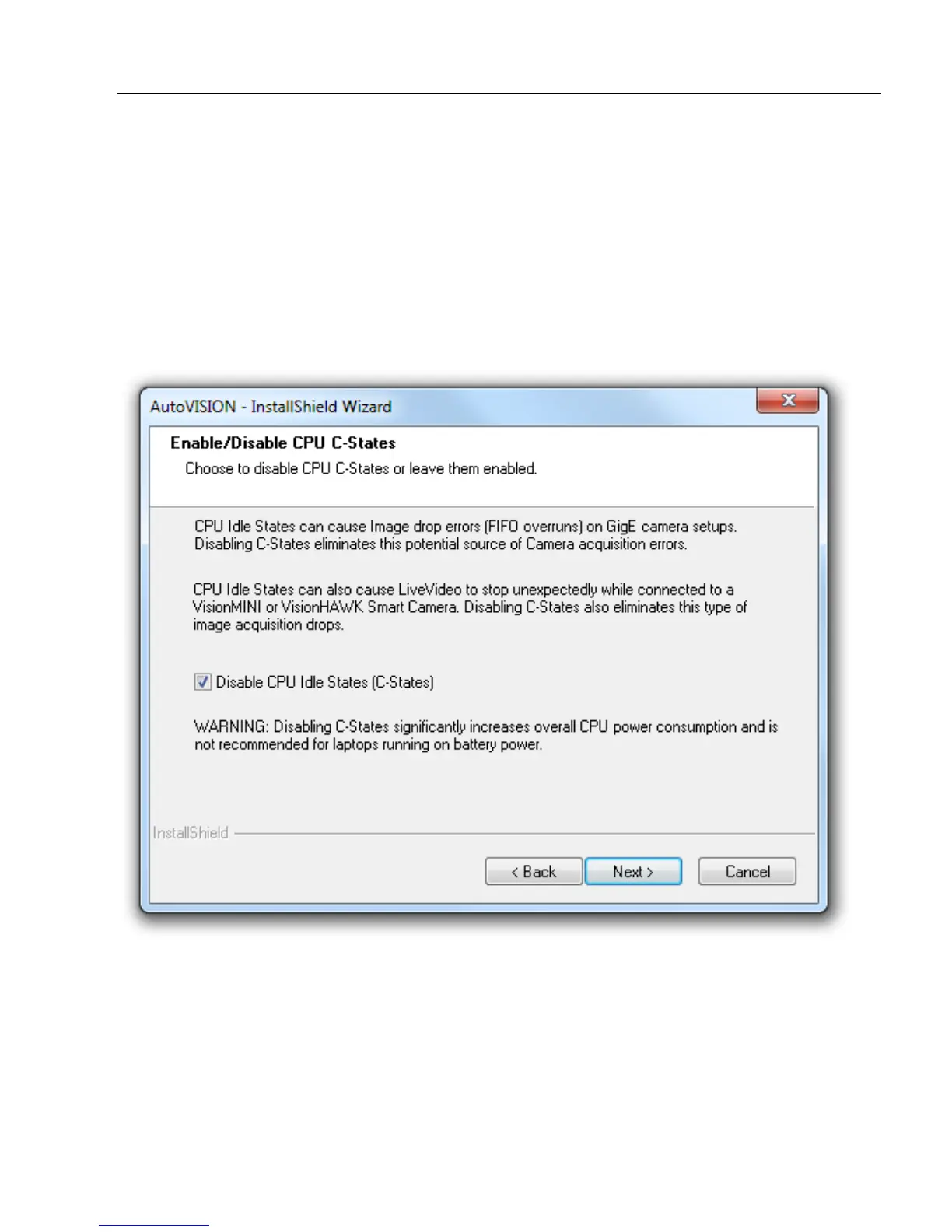
During AutoVISION installation, you will see the dialog shown below. The dialog allows
you to disable CPU idle states, also called C-states. The purpose of disabling C-states is
to avoid image drop errors in applications using GigE Cameras with Visionscape, which is
installed with AutoVISION.
Important: Disabling C-states helps you avoid image drop errors, but it also causes the
CPU to run at full speed at all times, significantly increasing power consumption.














 To Next Page