).
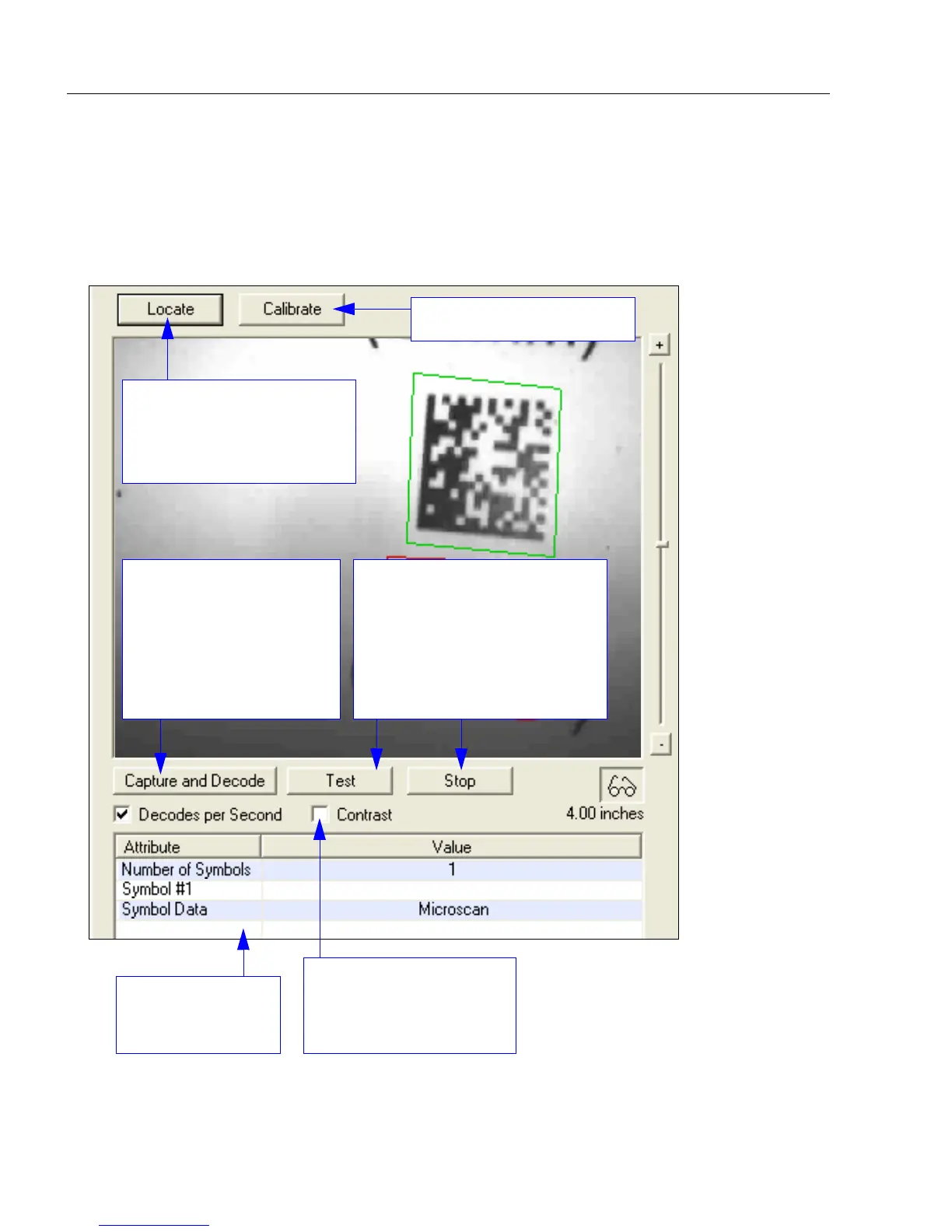
Allows the user to take an
image capture of the
symbol in the field of view
at any time, and to
decode the symbol data.
Similar to the Capture
and Decode function in
the Configuration views.
Initiates the Test routine.
Allows the user to test the
reader’s read rate and decodes
per second, and also displays
decoded symbol data in the
field at the bottom of the
screen, Click Stop to end the
Test routine.
When enabled, shows the
symbol in higher contrast
than the default contrast
value.
Symbol data and
Test results are
shown in this field.
Initiates Calibration routine.
Activates the reader’s target
pattern and initiates live
video display of the symbol
in the field of view.














 To Next Page