MicroHAWK Engine Integration Guide 1-11
Quick Start
Step 9 — Configure Acquire Settings
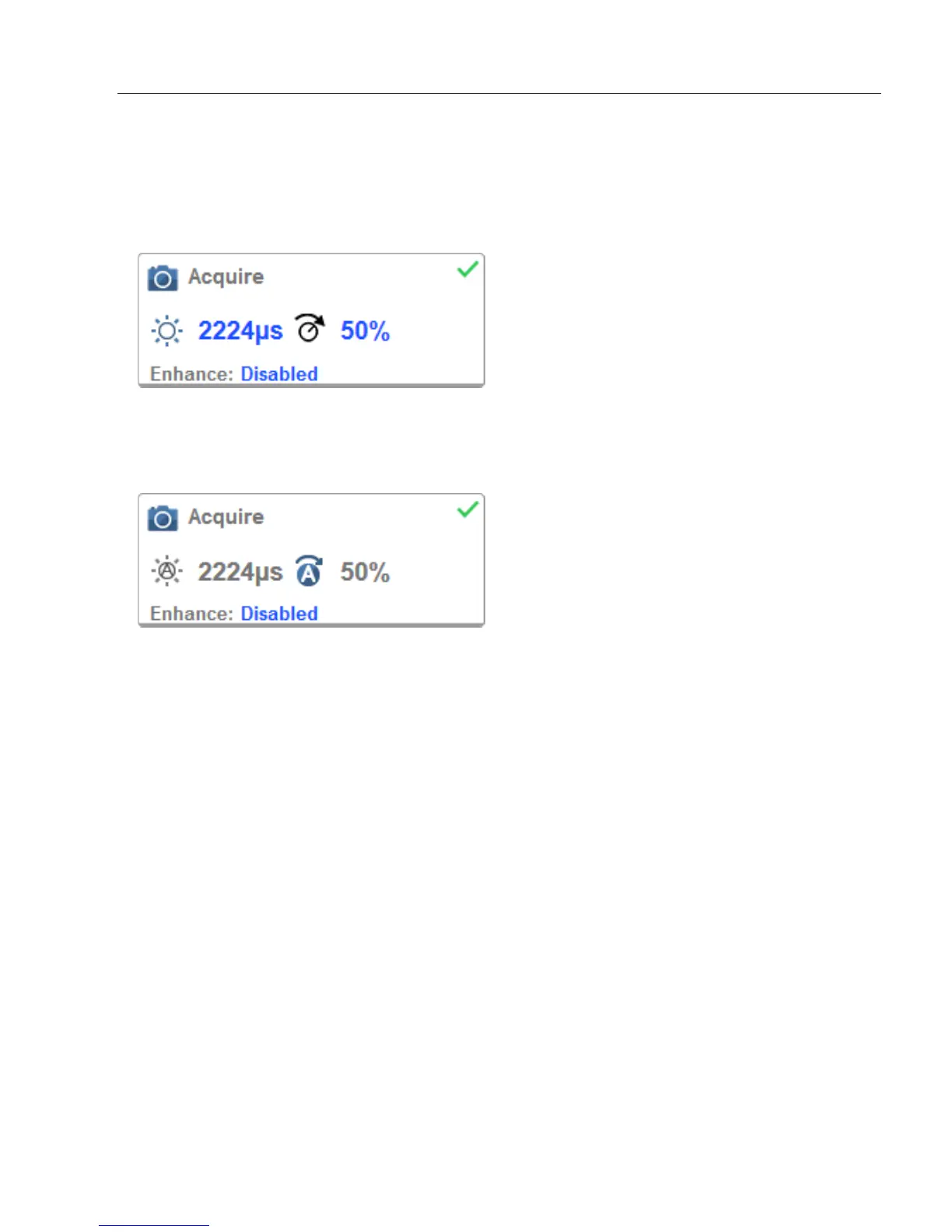
Acquire settings allow you to set Exposure (signified by the sun icon) and Gain (signified
by the dial and right-pointing arrow icon) in real time. Clicking any of these settings will
cause a control to appear, allowing you to modify that setting. Settings take effect immediately.
When Auto Photometry is enabled instead of Standard, Exposure and Gain are read-only.
The A shown on the sun and dial icons signifies that Auto Photometry is enabled. Auto
Photometry constantly determines the best Exposure and Gain settings during each read cycle.














 To Next Page