1-24 MicroHAWK Engine Integration Guide
Test Read Rate
Step 8 — Test Read Rate
Read Rate indicates the number of successful decodes per second achieved by the reader.
Test Read Rate by ESP
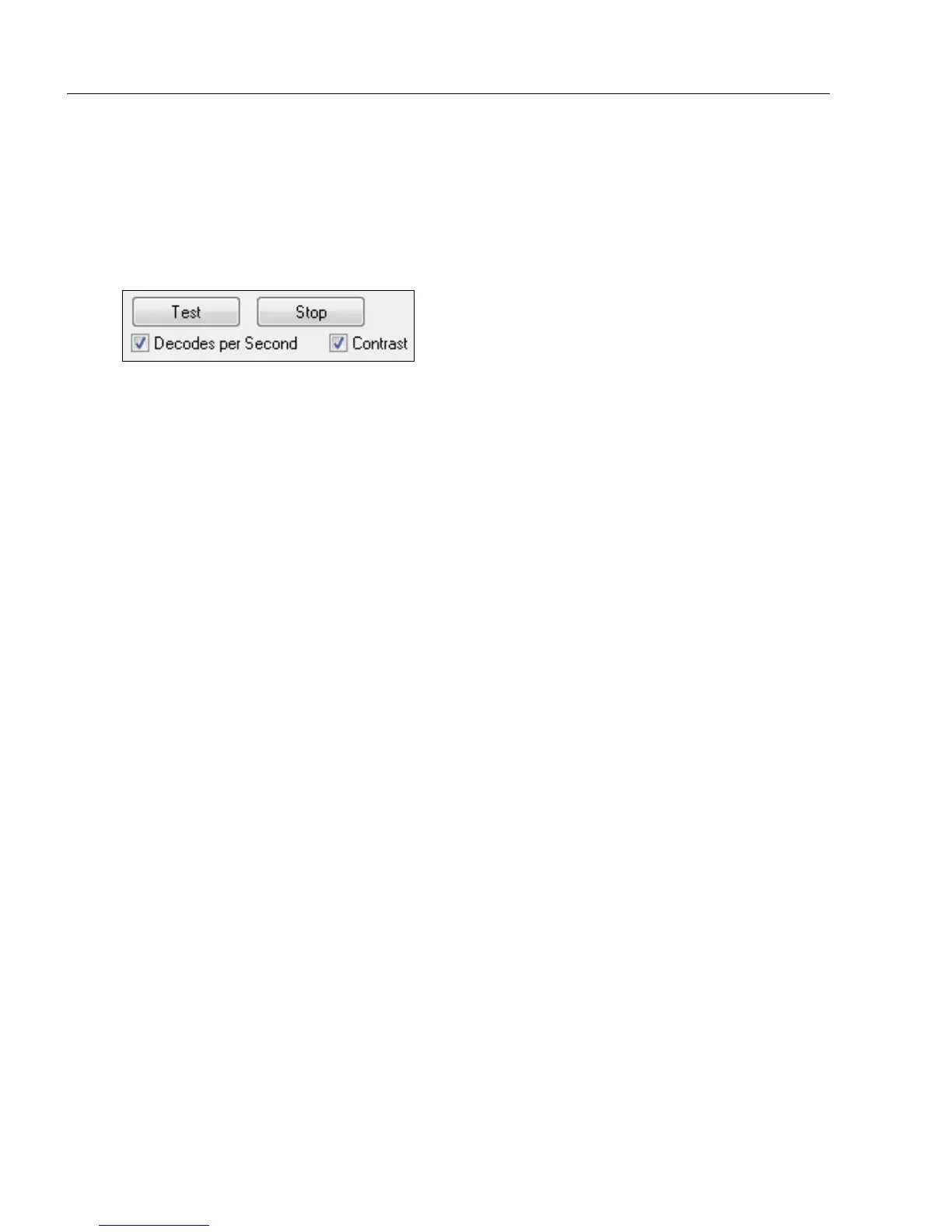
1. Click the Test button to start the Read Rate test and Stop to end it.
If a symbol has been successfully decoded, the symbol’s data and related features will
be presented in the field below the image display window. Also, while the symbol is
being inspected, the Read Rate LEDs will indicate the corresponding Read Rate
percentage on the back of the unit.
2. To end the test, click the Stop button.
Note: Read Rate can also be tested using the Read Rate interface in Utilities.
Test Read Rate by Serial Command
You can also start a test with the <C> or <Cp> command and end it with the <J> command.














 To Next Page