MicroHAWK Engine Integration Guide 1-43
Quick Start
Run the Job
Going to the
Run
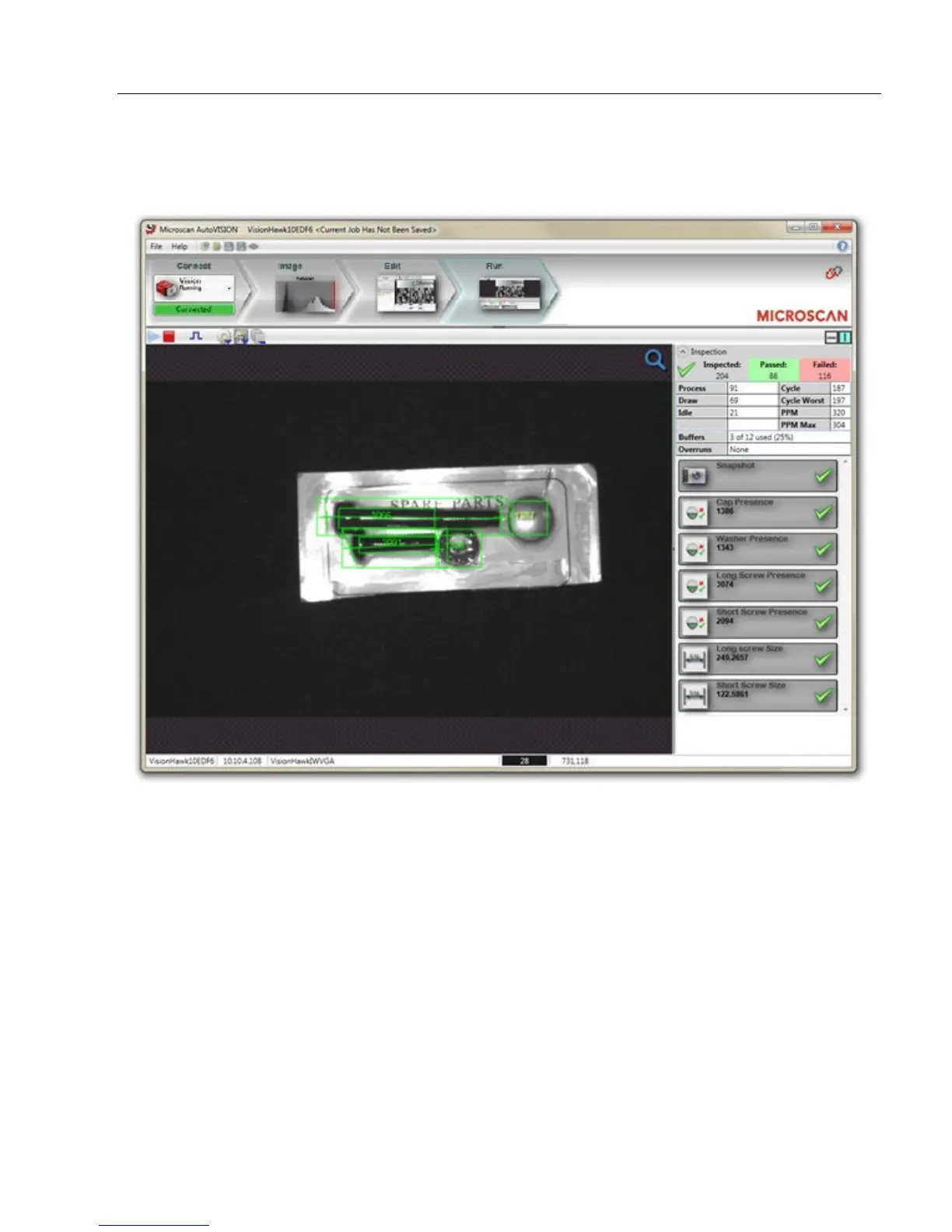
view will automatically download your job to the camera and start it running.
The Run view provides the following feedback:
• Image Display: Displays runtime images with Tool graphics;
• Inspection Counts: Displays the number of parts inspected, passed and rejected;
• Inspection Timing Statistics: Displays statistics on the speed of your inspection;
• Tool Results: Shows the Pass/Fail status and inspection data from each of your tools.
The following options are provided:
• Adjust the speed of the image display;
• Enable/disable graphics display;
• Save uploaded images to the PC;
• Clear the inspection counts.














 To Next Page