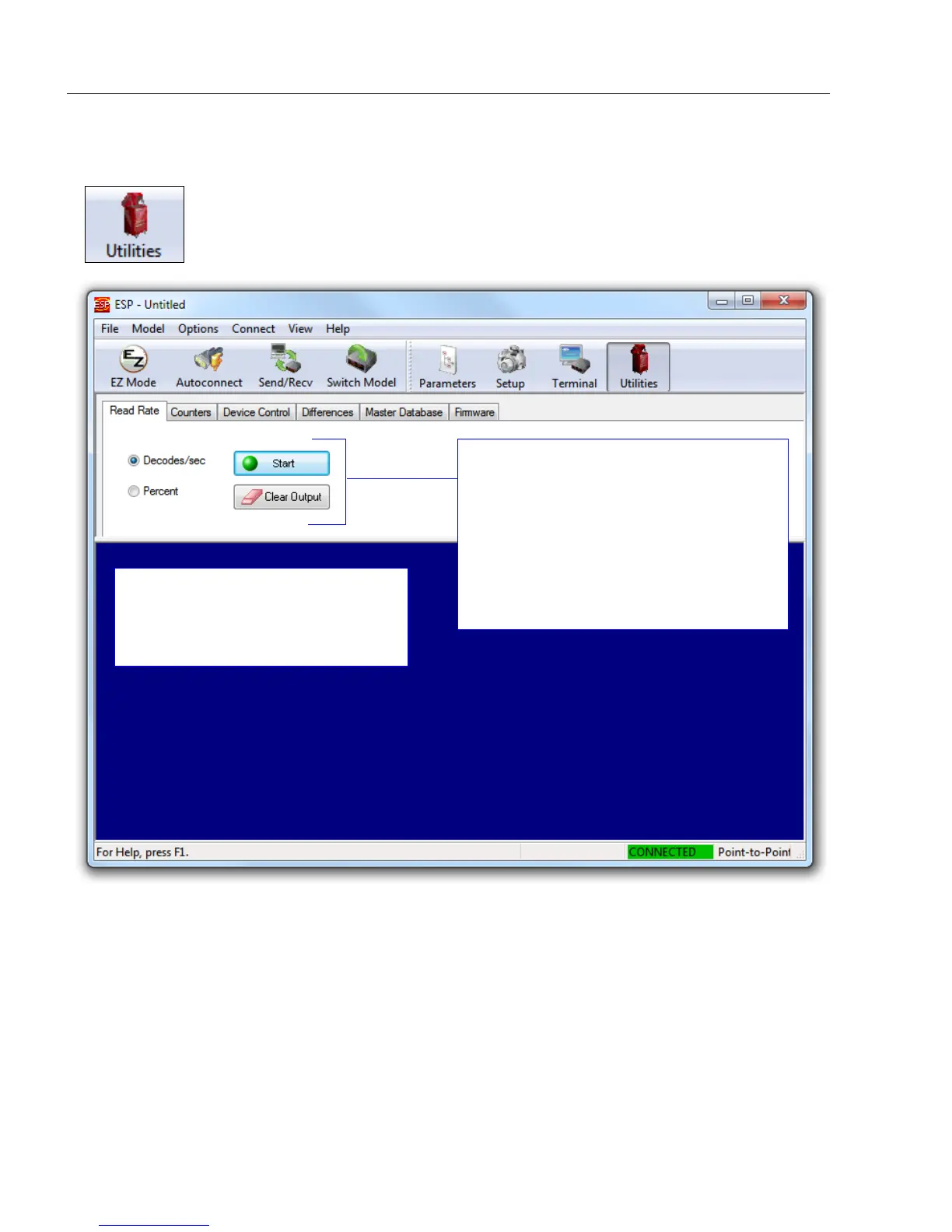
To see the number of decodes per second,
click the Decodes/sec radio button and
then the Start button.
To see the
percentage
of decodes, click
the
Percent
radio button and then the
Start
button.
To end a Read Rate test, click the Stop
button (the Start button becomes a Stop
button during an active Read Rate test.)
Read Rate information is displayed in
the lower portion of the Utilities view.
Serial commands can also be sent to
the reader from this screen.














 To Next Page