1-40 MicroHAWK Engine Integration Guide
Save Configuration in ESP
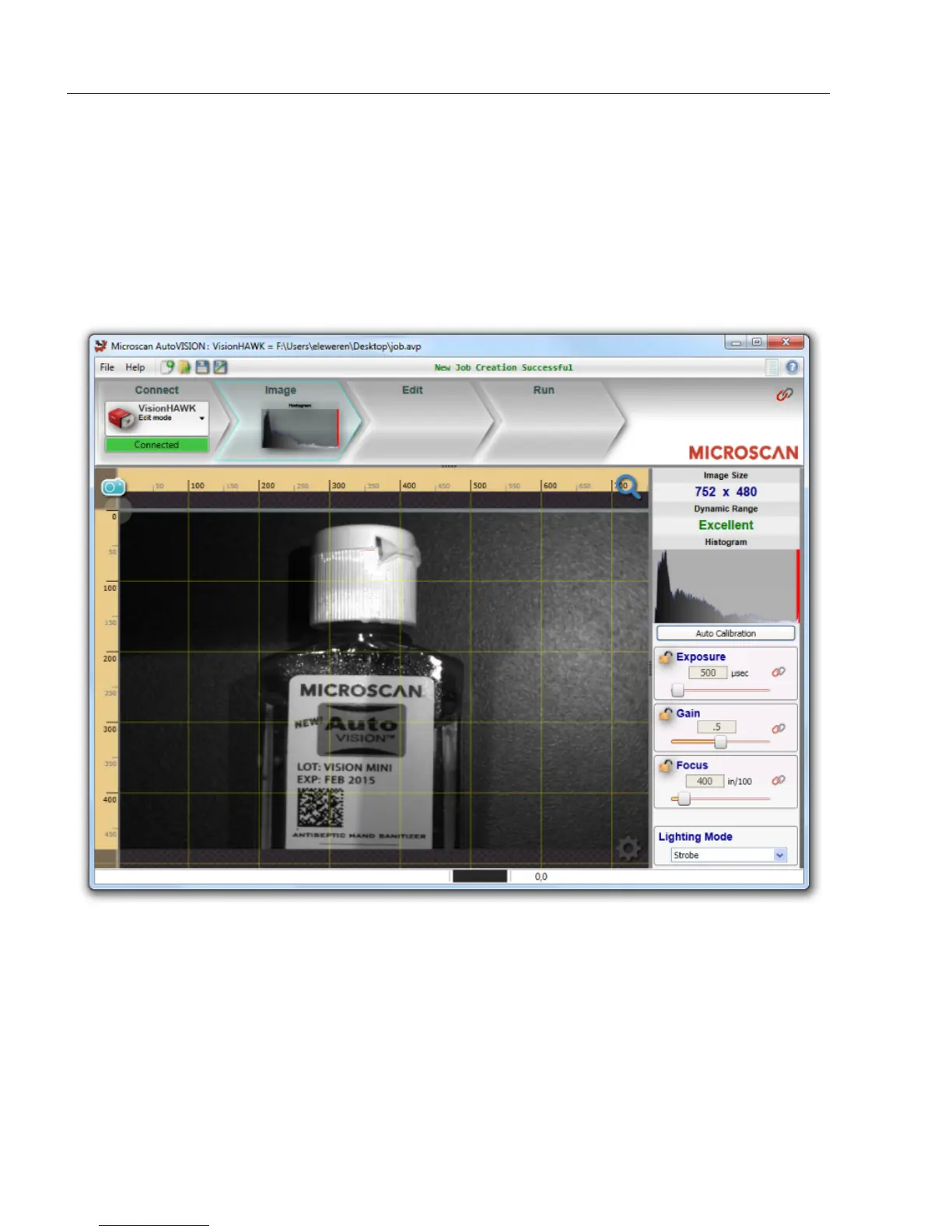
Adjust Camera Settings
Once you have selected your camera or the Emulator and created a new job, you will
move to the
Image
view. This view allows you to
Auto Calibrate
the camera, and to manually
adjust the camera's Exposure, Gain, and Focus, and also to set the Lighting Mode (On,
Off, or Strobe).
Note: If you load a job from your PC or upload a job from the camera, you will automatically
move to the Edit view.














 To Next Page