MicroHAWK Engine Integration Guide 12-15
Configuration Database
Save Current Settings to Configuration Database
Example:
<K255+,5>
This command phrase saves the reader’s current, active configuration settings to database
index 5.
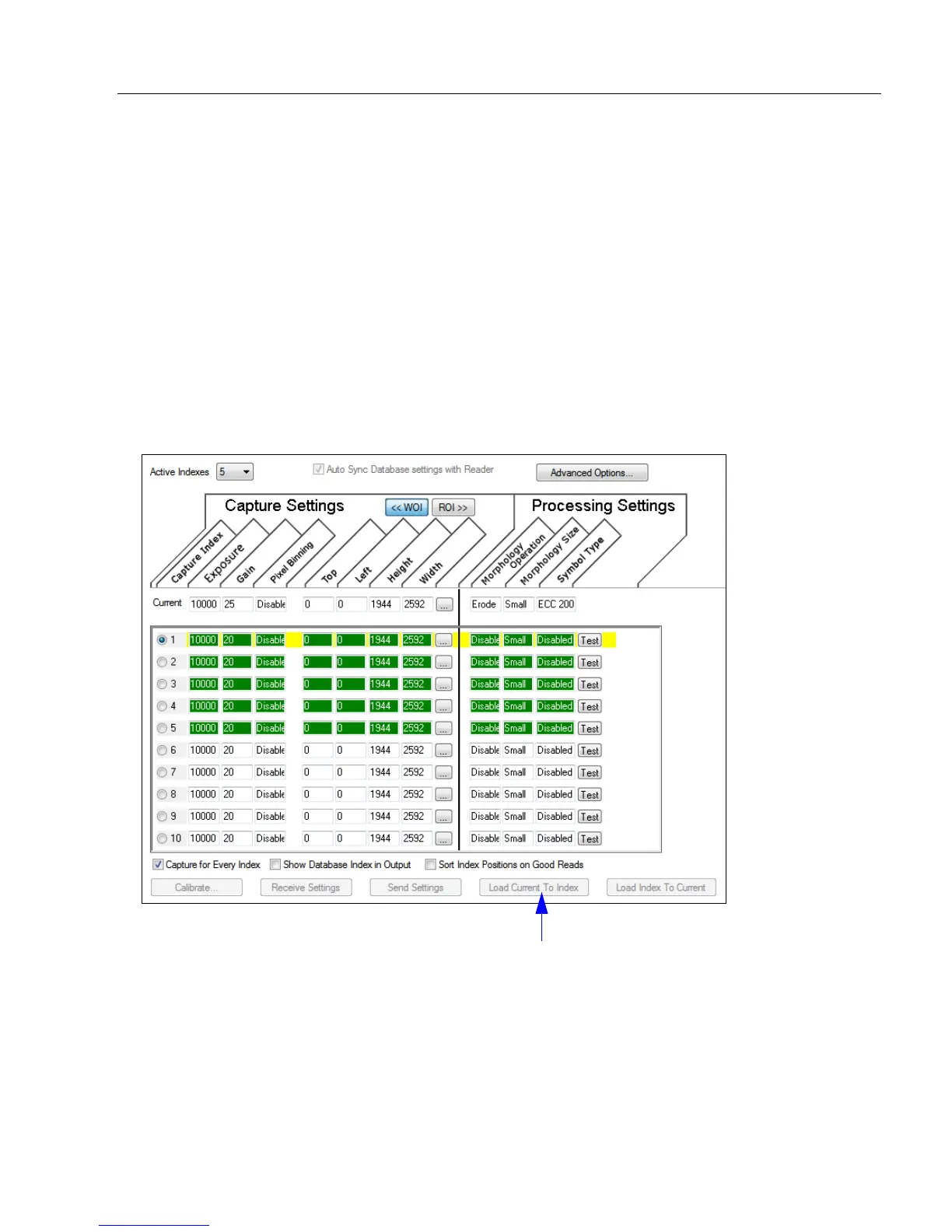
Save Current Settings to Configuration Database by ESP
Definition: Allows current, active configuration settings to be saved to a selected
database index.
Serial Cmd: <K255+,index>
Click the Load Current to Index button to
save the reader’s current configuration
parameters to the selected database index.














 To Next Page