1-20 MicroHAWK Engine Integration Guide
Select Model
Step 4 — Select Model
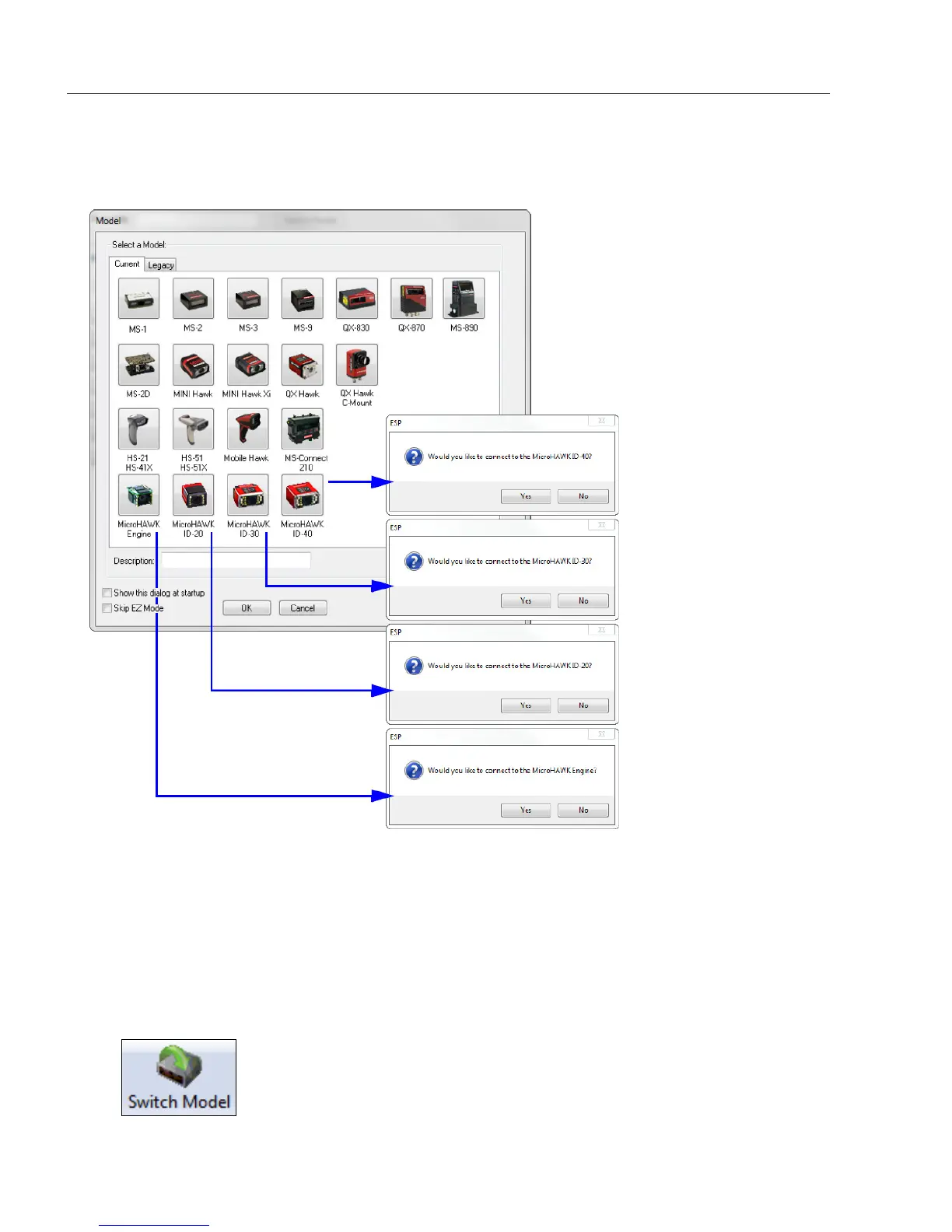
When you start ESP, the following menu will appear:
1. Click the button showing your version of the MicroHAWK.
2. Click OK or double-click one of the MicroHAWK buttons to select your reader.
3. Depending on the MicroHAWK version you have selected, you will see the appropriate
Would you like to connect to the MicroHAWK Engine-[XX]? dialog after selecting
your reader and clicking OK.
4. Click Yes when asked if you would like to connect.
Note: If you need to select another model later, click the Switch Model button near
the top of the screen or use Model > New Model in the menu toolbar.














 To Next Page