MicroHAWK Engine Integration Guide 1-13
Quick Start
Step 10 — Configure Symbology Settings
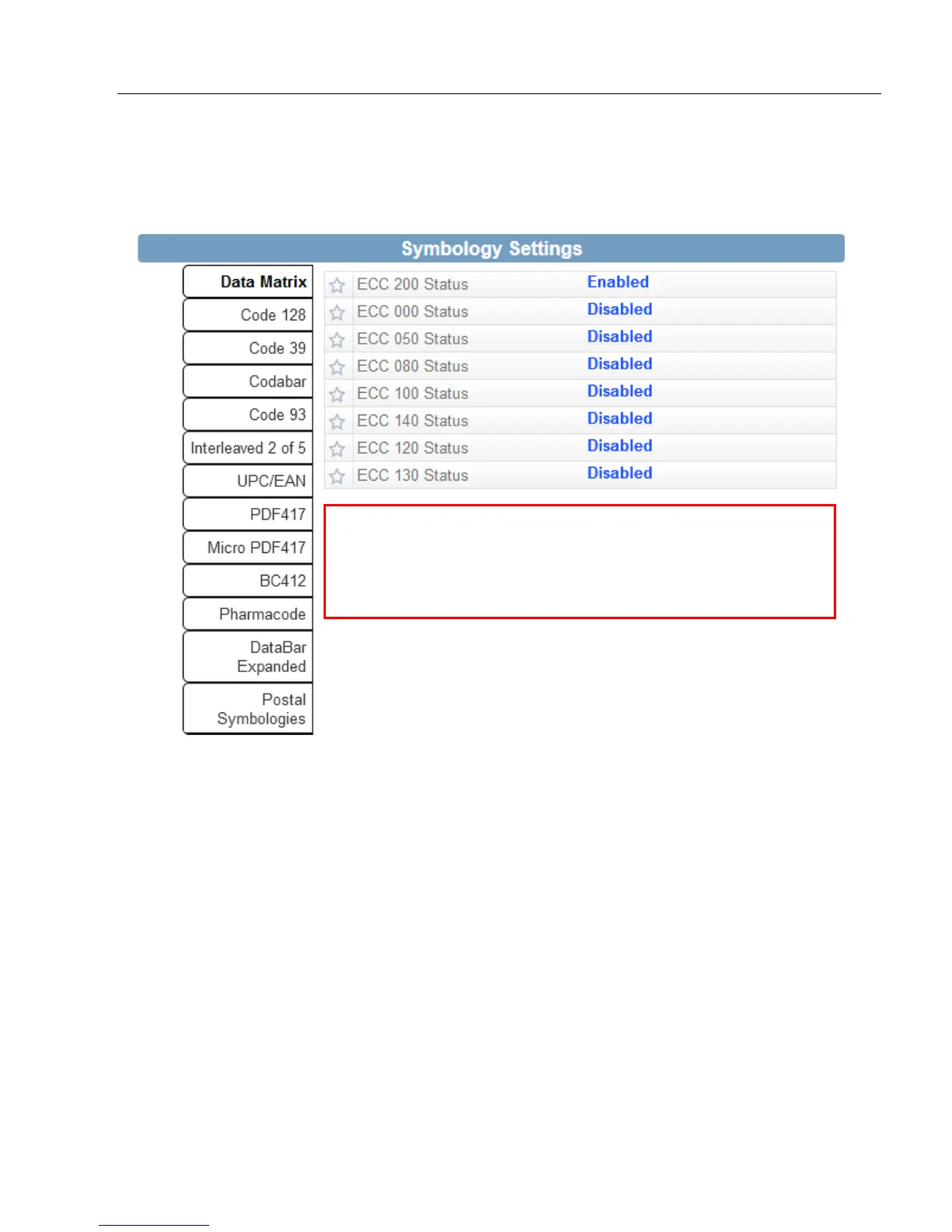
Clicking the gear icon at the bottom of the Decode dialog brings up Symbology Settings.
This allows you to configure every parameter for every available code type.
Data Matrix error correction parameters are shown in this
example, but you can configure any parameter for any of
the code types supported by WebLink. All parameter
changes for all code types take effect immediately.














 To Next Page