1-44 MicroHAWK Engine Integration Guide
Save Configuration in ESP
Save the Job
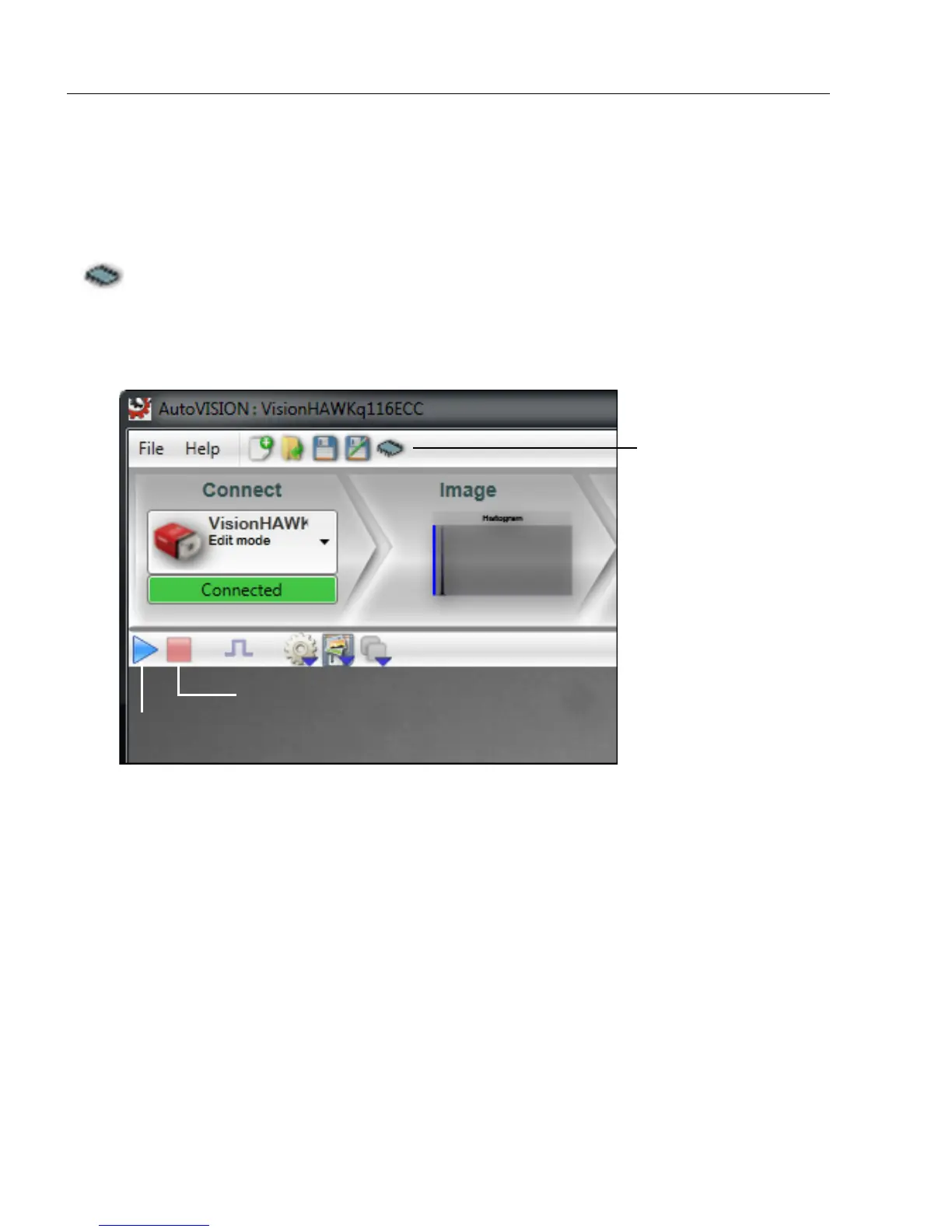
Click the Save icon to save the job to the camera's flash memory.
Note: The Save icon shows a popup menu of jobs, allowing you to overwrite existing jobs
or to create a new job.
1. Click the Stop icon.
2. Click the Save icon.
3. Click the Run icon to start again.
Note that jobs that are configured to run on stored images, saved, and then opened on a
camera, will have their snapshot setting changed to Acquire.
Save icon
Run icon
Stop icon














 To Next Page