MicroHAWK Engine Integration Guide 1-7
Quick Start
Step 6 — Create a New Setup or Load an Existing Setup
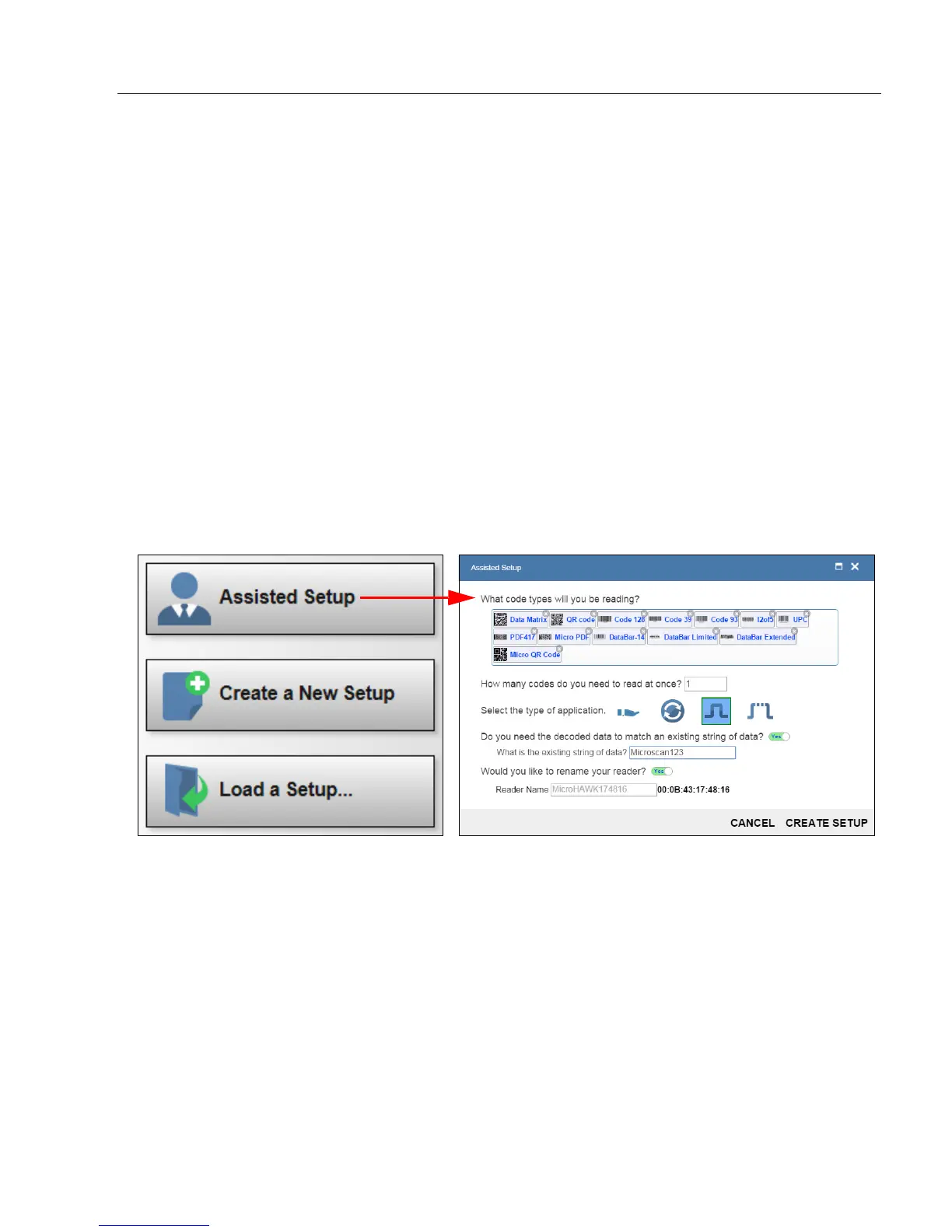
Assisted Setup
When you click the Assisted Setup button in the Start view, a dialog will appear asking
you a series of application-based questions. Based on your answers, WebLink generates
your initial setup automatically. Once the setup is created, you can fine-tune its parameters
in the Setup view.
Create a New Setup
The Start view also allows you to Create a New Setup without using Assisted Setup.
When you click the Create a New Setup button, WebLink searches for any differences
from default in the reader parameters. If no differences from default are found, you will see
the Setup view. If differences from default are found, an alert will appear asking if you want
to restore default settings.
Load a Setup
Select Load a Setup to load an existing .json WebLink setup file. You can also load an
.esp or .txt file from Microscan's ESP Software.














 To Next Page