MicroHAWK Engine Integration Guide 1-21
Quick Start
Step 5 — Connect
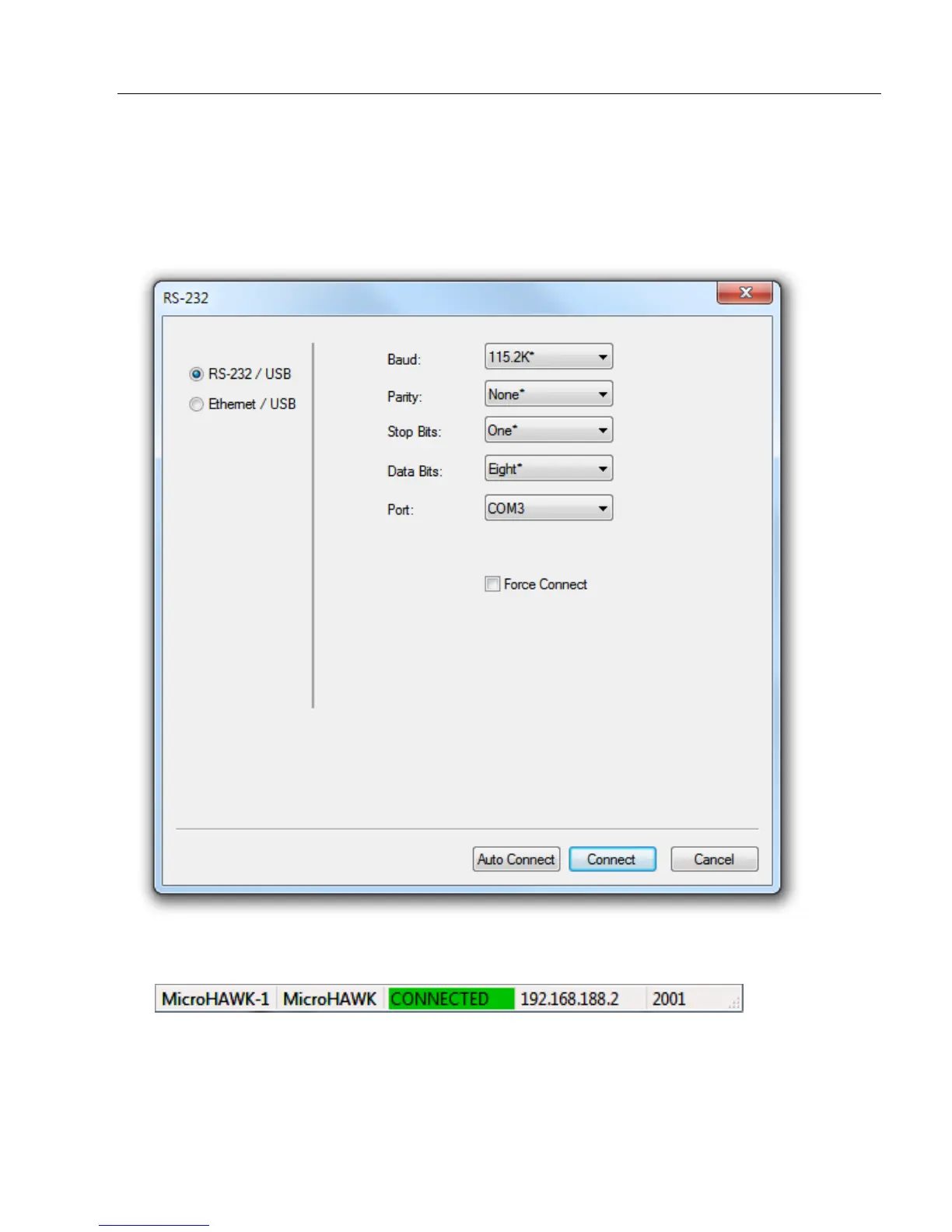
• Click Connect on the menu toolbar, and then select Connection Wizard.
• Select the communication interface required by your application.
• Configure settings as required by the application, and click Connect.
• When a connection is established, the green indicator in the status bar at the bottom
right of the screen will be visible:
Important:
For best connection results, be sure that no decodable symbols are within
the reader’s field of view while attempting to connect.














 To Next Page