MicroHAWK Engine Integration Guide 1-39
Quick Start
Select a Device
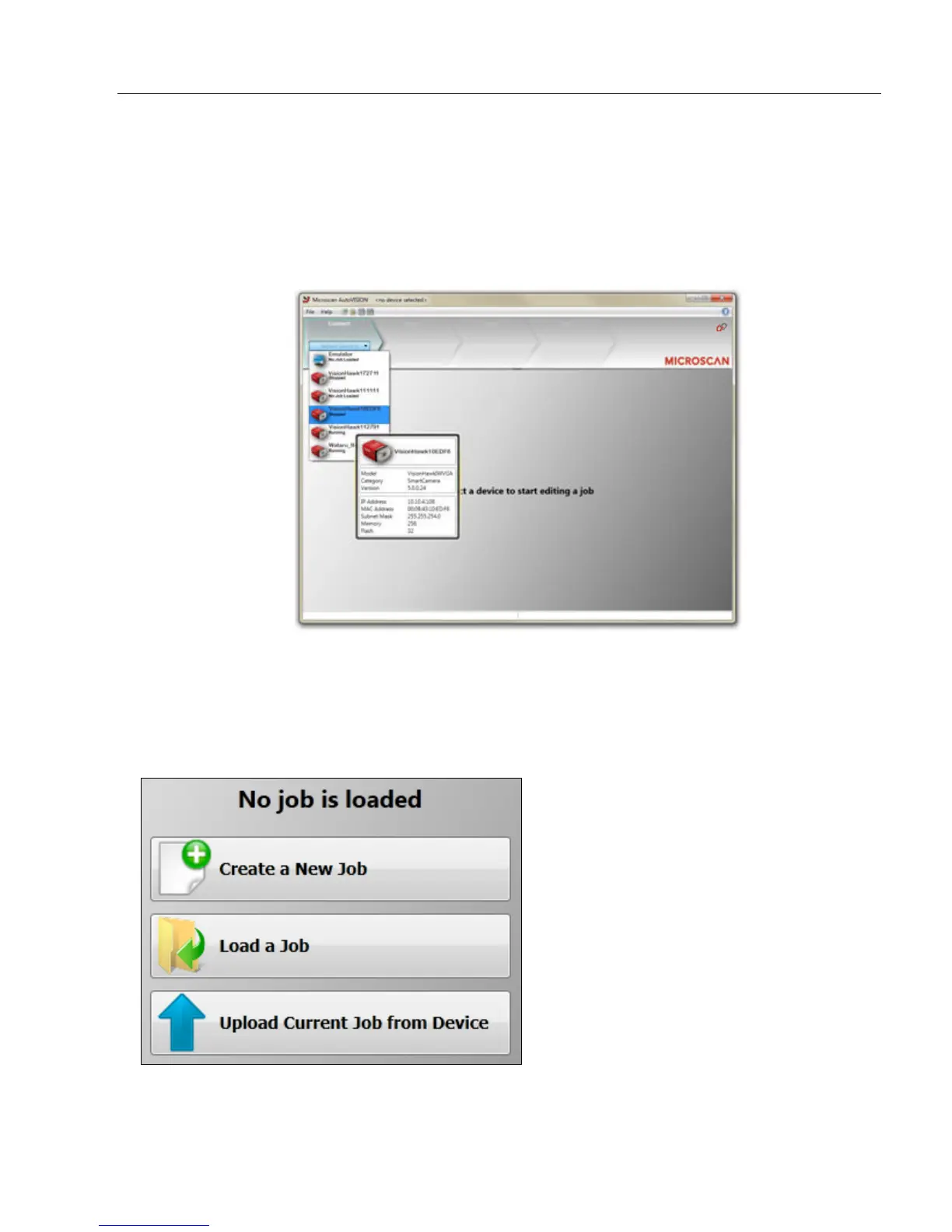
AutoVISION's Connect view allows you to select your device and configure its settings,
and to create a new job.
Cameras: Vision HAWK (standard or C-Mount), Vision MINI, or Vision MINI Xi.
Emulator: The software emulator allows you to work from saved images without hardware.
Once a device is selected, you can Create a New Job, Load a Job from a saved .avp file
on your PC, or Upload Current Job From Device (your camera).
• Job: A completed program, including image acquisition, tools, and reporting.
• Tool: A self-contained set of steps used to perform a specific task.
Note: When selecting the Emulator, there is no option to upload a job.
The Connect menu
provides a list of
available devices.
Hover the mouse
over a device to
see its details.














 To Next Page