120
•
Tapping activates the laser. Always make sure the path is clear
between the laser and its target.
•
Never allow foreign objects between the laser and its target. Take
care not to leave any part of your body in
•
the laser path while pressing the button.
Step 4. Turn on the machine and set the power
level to 15% of the maximum power or
lower.
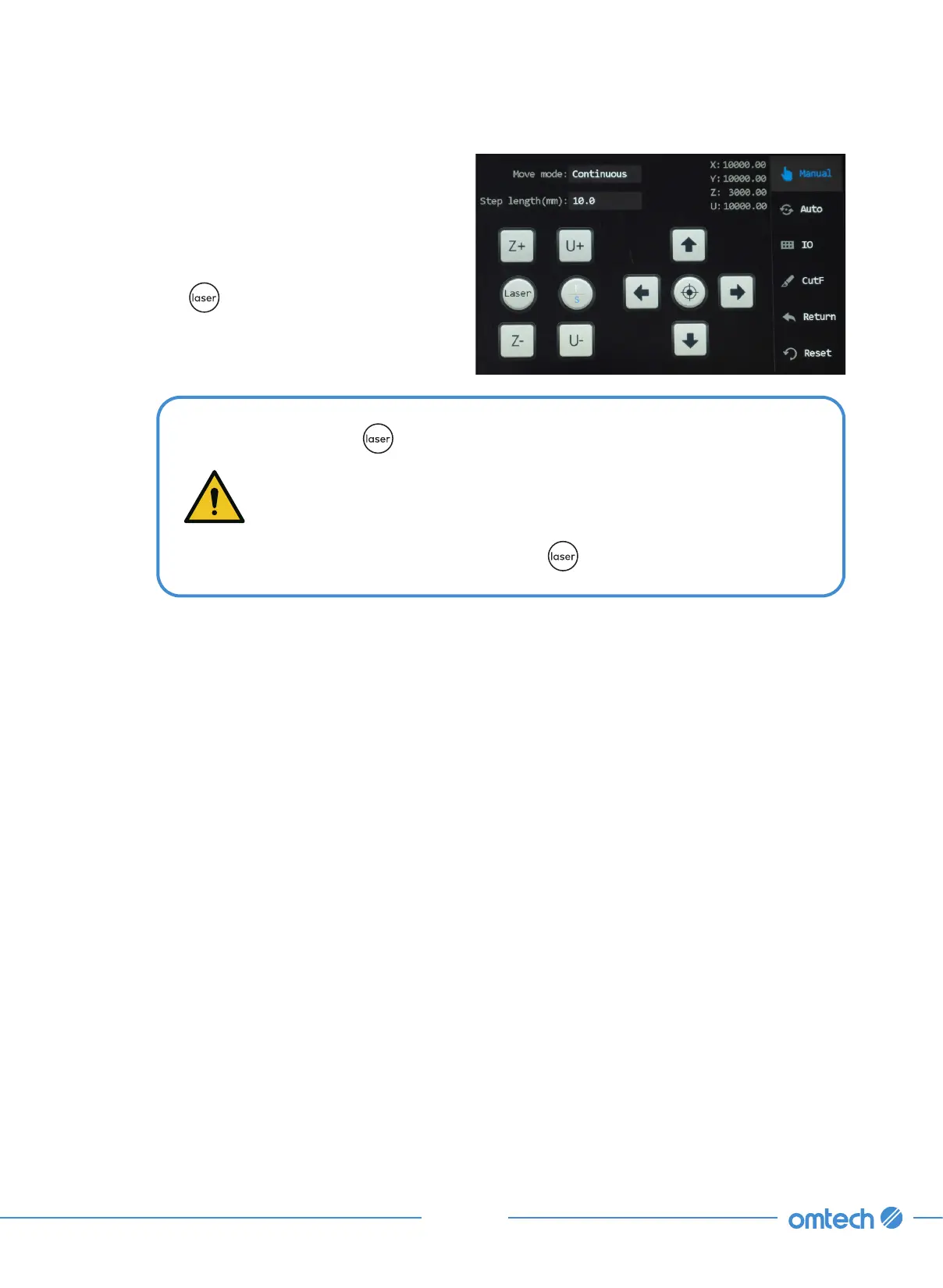
Step 5. Tap Manual in the main menu, and the
following menu pops up.
Step 6. Tap to manually fire the laser. You
should be able to see a small mark
on the tape. If it is not noticeable, tap
again.



 To Next Page