Method Strengths Limitations
Color and size
•
Does not require teaching
•
Identifies dierent parts in
the same task as long as
they are dierent from the
background
•
Provides fast cycle time
•
Does not support
sorting
NOTE:
When you use Part Location by Workpiece's inner features, position the
camera parallel to the surface on which the objects are placed.
•
Press .
II/2. Camera View
The camera view is an area which the Eyes will look at to detect workpieces. The area should
be a flat surface and its background's color should be distinctly dierent to color of the
workpieces to be detected. Eyes is robust to light changes, but it is advisable to limit lighting
changes, changing shadows or strong
reflections in the camera's view.
Position the camera as parallel to the surface as possible, at a distance between 400 mm –
1000 mm. The smaller the distance, the higher the accuracy. The larger the distance, the
larger region of the surface objects are detected in.
•
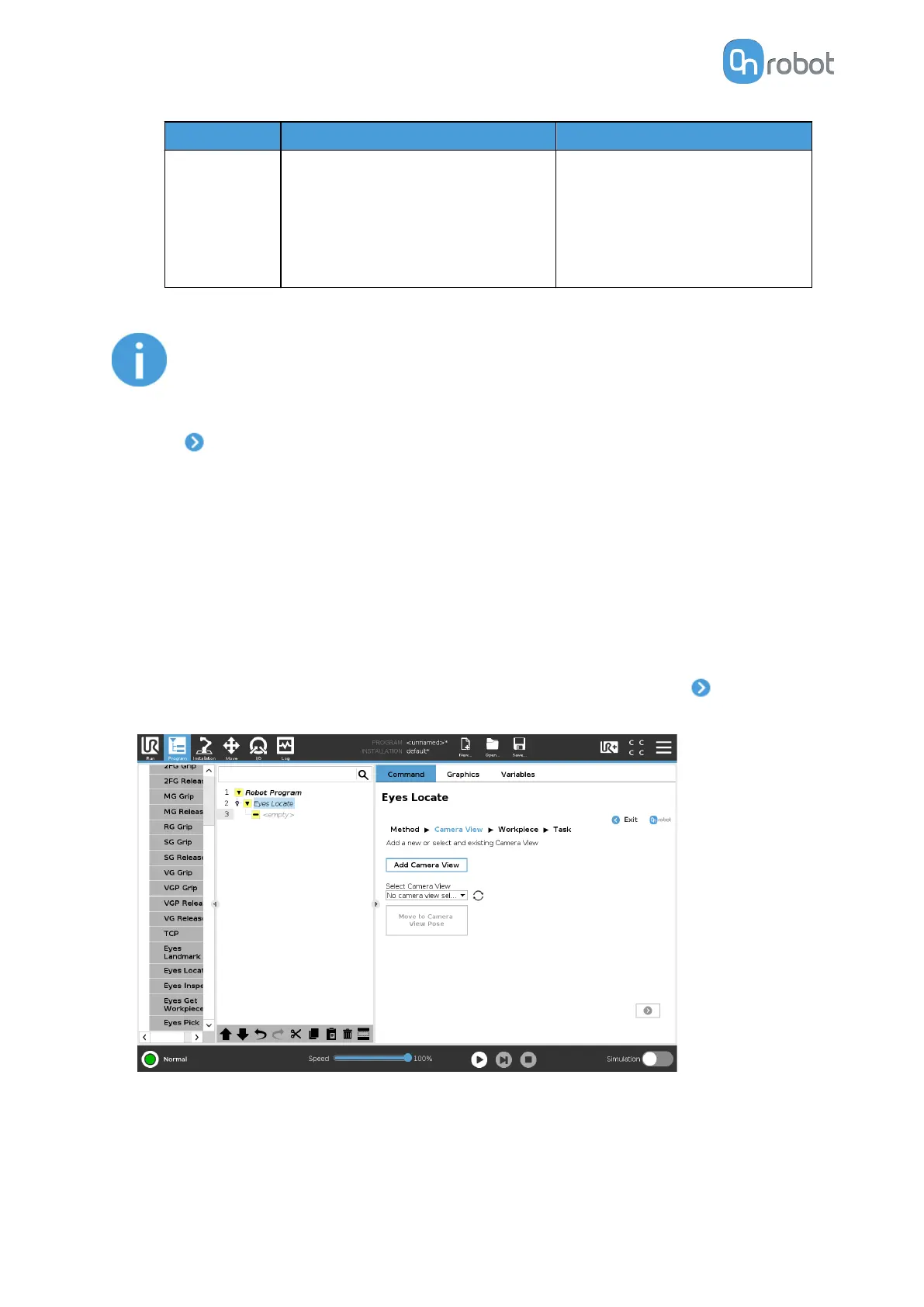
To use an existing camera view, select it from the dropdown list and press .
To create a new camera view, press Add Camera View.
•
Place the calibration plate on the surface, such that it can be seen in the camera feed. The
procedure is the same independently of the height of the objects to be detected. The
inner corners of the pattern should be marked in green if the pattern is correctly detected.
The working area of the Eyes is not limited to area covered by the calibration plate.
OPERATION
48



 To Next Page