13
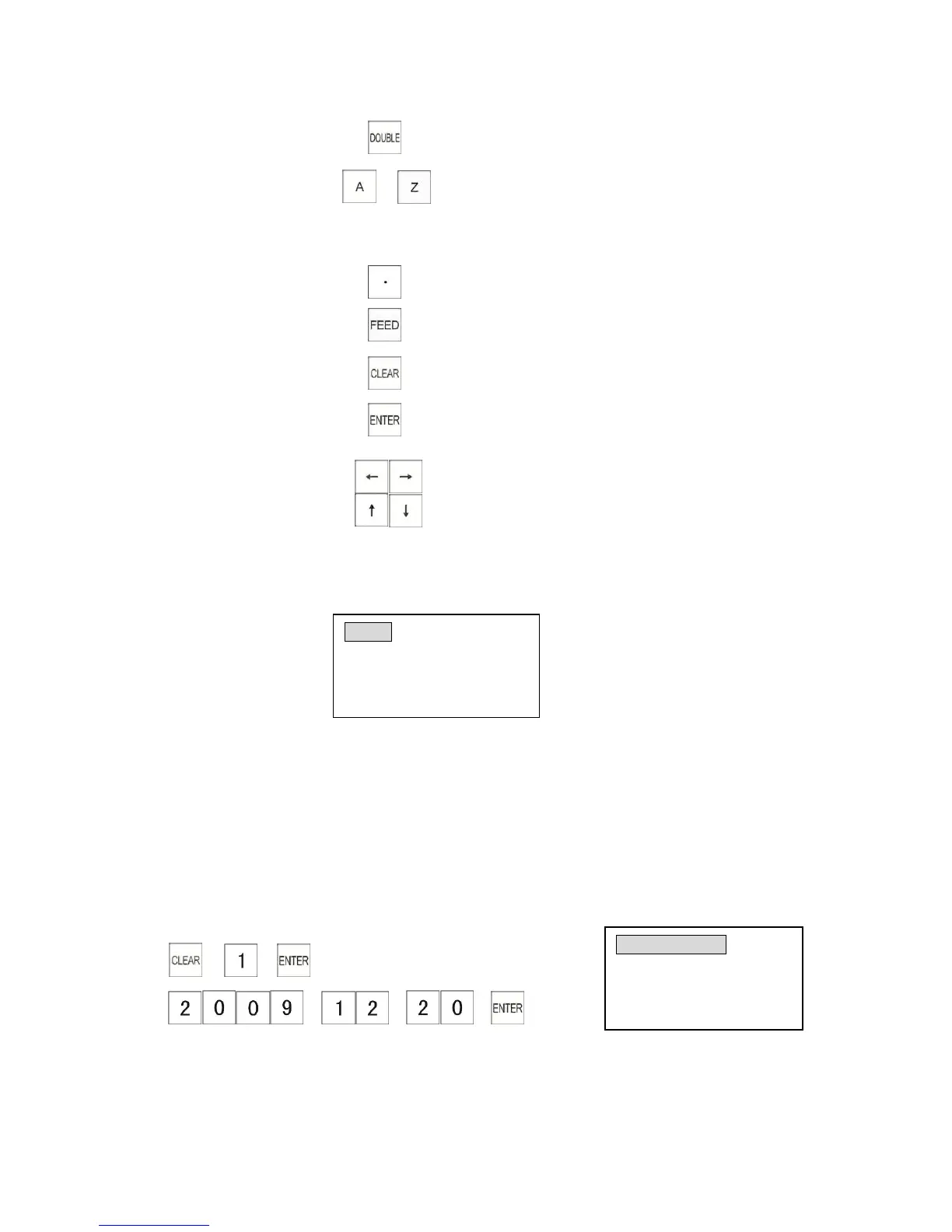
11. Double size key
12. Alphabet key to
13. Symbol keys , to *
14. Decimal Point Key
15. Receipt Feed Key
16. Clear key
17. Entry key
18. Cursor key
* All the explanations of following programming start from the menu below.
Turn the control lock to
"
P
"
position
Press [PGDN] key to next items and [PGUP] to go back.
3.1 Basic Data Programming
This chapter describes programming basic information such as date and time.
3.1.1 Programming the Date
Example: Program date to 2009-12-20
1) → →
2) → → →
(Year Month Date)
(Enter 4 digits for year, 2 digits for month & 2 for day)



 To Next Page