69
1) The report number counter will increase by 1 when each report is printed.
2) It is advised that a Z report is taken on a daily basis.
Note
Training report can be printed while the ECR is in Training mode and not in normal transaction
mode.
See Appendix 3 “Sample report” for details
8.2.2 Using USB Memory for Uploading and Downloading Data
The Cash Register can use USB memory for Uploading and Downloading data directly (Uploading
data means write the setting contents from USB memory to Cash Register, Downloading data
means write the settings or reports from Cash Register to USB memory.)
The operation is as follows
(The operations of following data can just be performed at the Z position):
→
Downloading Data:
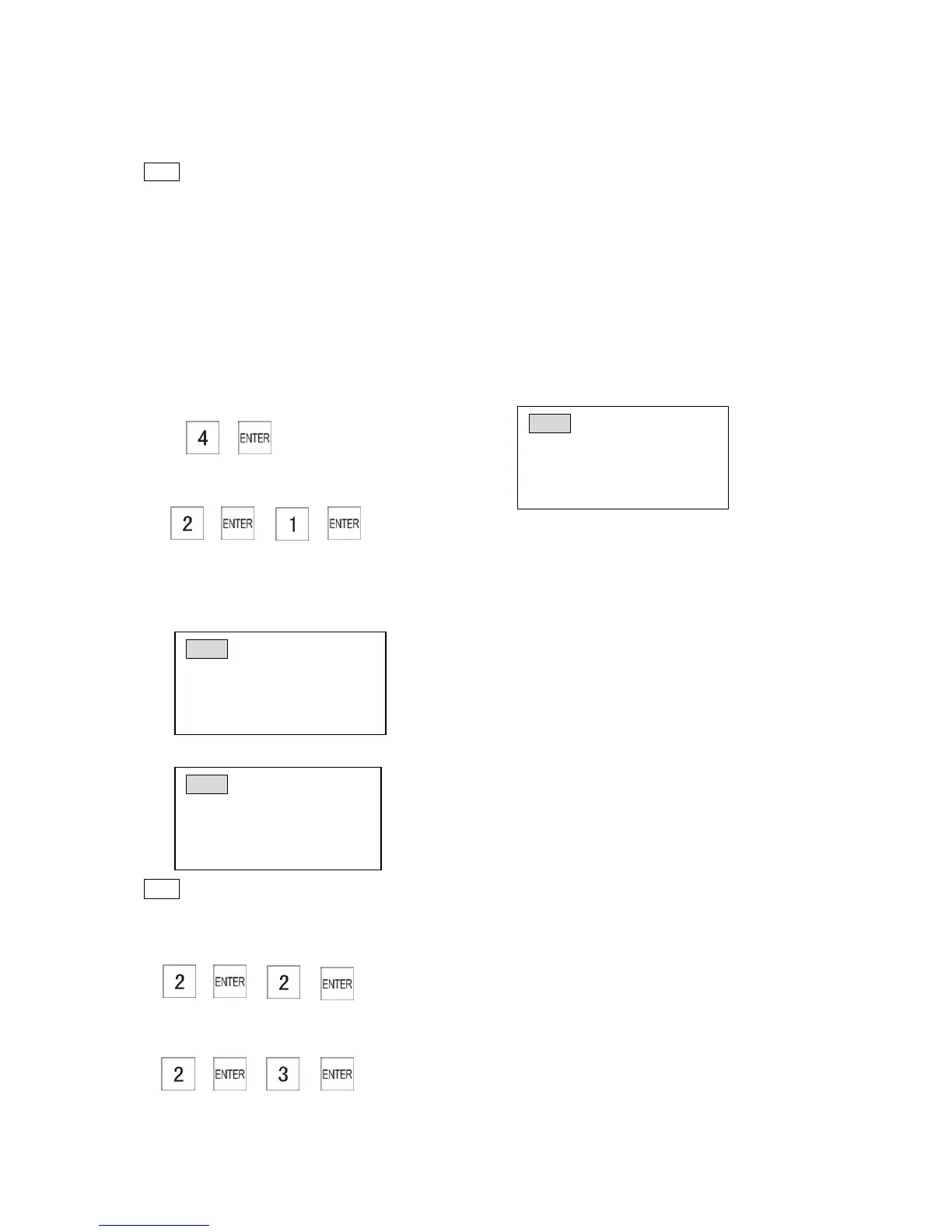
1. → → →
Writing the setting data of DEPT,Clerk,MainFlag,KeyLayOut,Tax,Word,Discount,Basic,FC and
Logo to the USB memory.
When you start to write the USB memory, the screen will display as follows:
After finish writing , the screen will display as follows :
Note
*Please don’t perform any operations or pull out the USB memory before the screen
resumed.
2. → → →
Writing the PLU setting data to USB memory.
3. → → →
Writing the Journal list data to USB memory.



 To Next Page