6
1. Getting to Know the Cash Register
1.1 General Specifications
Name Description
Power source AC 240V±10%
Power consumption Max. 70 W
Operating environment temperature 0℃ to 40℃ (32°F to 104°F)
Storage method C-MOS RAM
Type of printer 1 station thermal printer
Printing speed Approx. 7 lines per sec
Paper roll size Width 56.5-57.5mm (2.22-2.26 inches)
Max. diameter 70mm(2.76 inches)
External dimension 400mm (Width) x 330mm (Fathom) x 230mm (Height)
15.7”(W) x13”(F) x9.4”(H))
Weight (With NP33 cash drawer) 5.4kg (22 1b)
1.2 Precautions
Please note the following before using the cash register.
●Avoid using the cash register in the following conditions:
Exposed to direct sunlight or water
Hot or humid environments
Near equipment that generates strong electromagnetic fields
Anywhere there may be sudden changes in temperature
●Do not touch the cash register if your hands are wet.
●If the register malfunctions, do not attempt to repair the cash register.
●Plug your cash register into a standard wall outlet.
Other electrical devices on the same circuit may damage the cash register.
●The outlet must be located near the equipment and easily accessible.
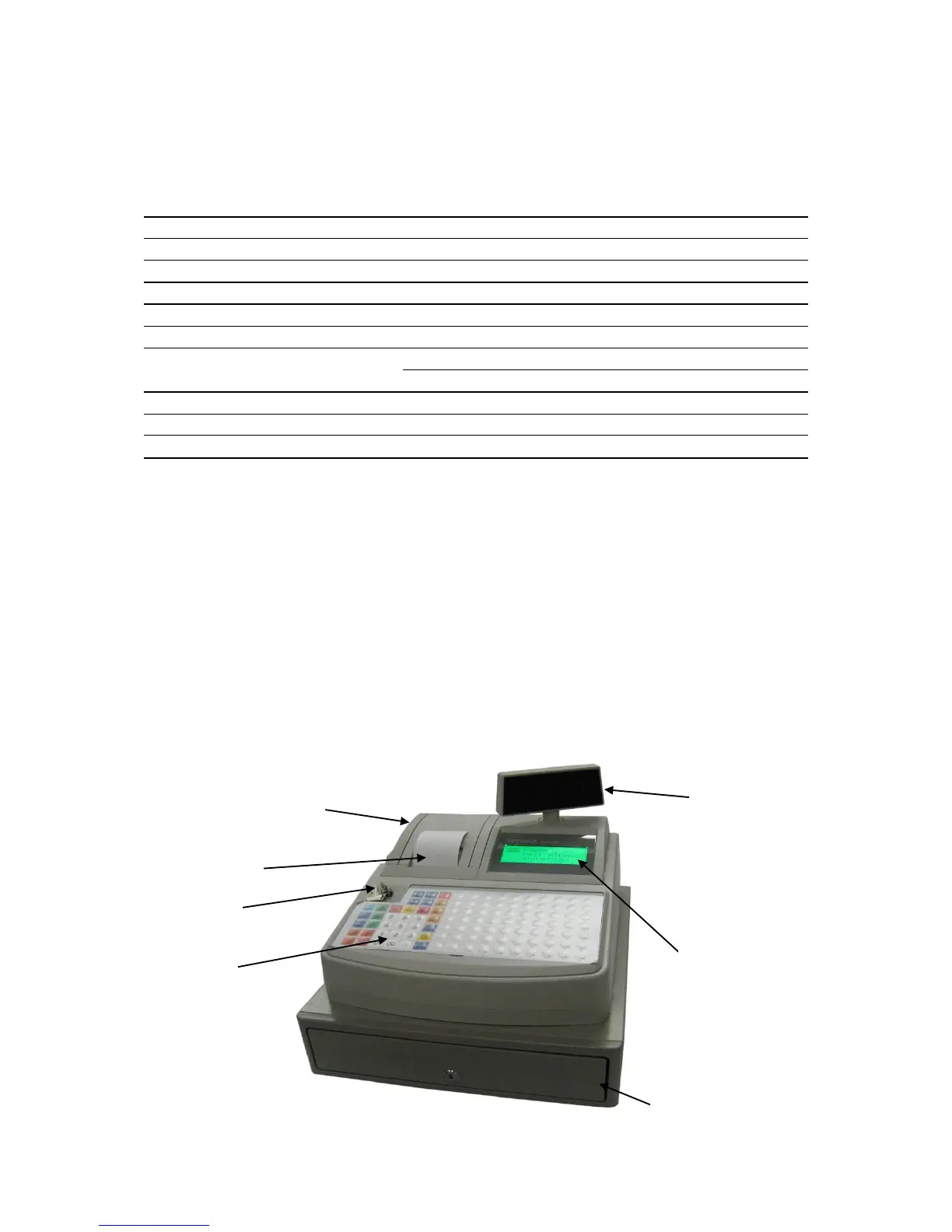
1.3 Part Names and Functions



 To Next Page