59
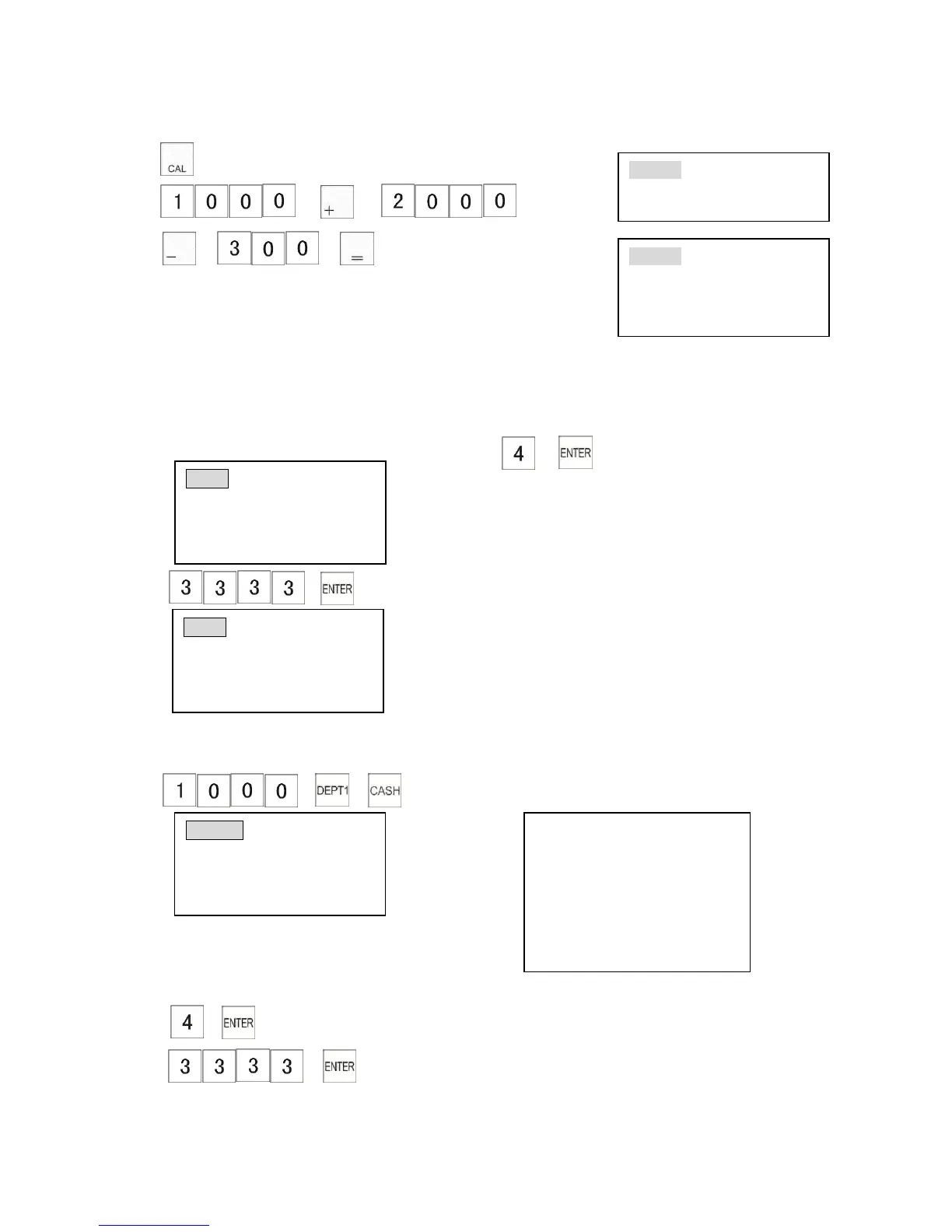
Before pressing [=] key, number keys and calculation keys can be input repeatedly.
1)
2) → →
→ →
5.7 Training Mode
Training mode allows you to train a new operator to use the cash register.
Enter training mode and then use the ECR as normal.
When the training is finished make sure the cash register is reset to normal operation mode.
1) Turn the control lock to the “X” position. 2) →
3) → (Enter the training password)
(See chapter3.13.3 training password)
Turn the control lock to the “R” position.
→ → The receipt shows
To exit training mode
1) Turn the control lock to the “X” position.
2) →
3) → (enter the training password)
4) Turn the control lock to the “R” position.



 To Next Page