72
APPENDIX
Appendix 1: PC communication mode
The Cash Register communicated by USB or and PC directly. Please make the lock located at L
place when the Cash Register communicated with PC, as other positions can not communicated
with PC.
The Cash Register can connect with USB scanner ( Position PRG and Position REG)
Appendix 2: Error codes and Messages
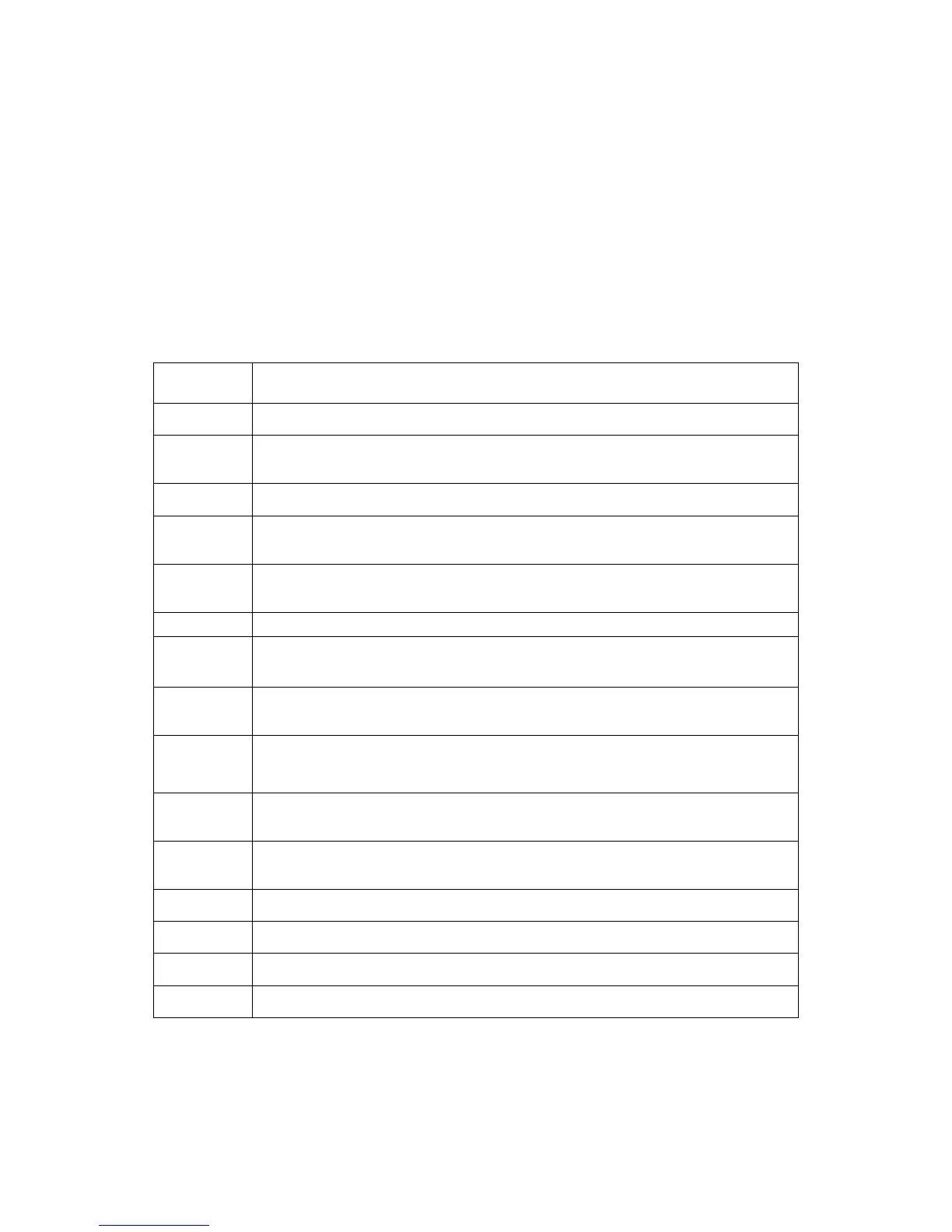
Wrong key press. Press [CLEAR] key to cancel.
The amount entered is too large. Press the [CLEAR] key to cancel and
re-enter the amount.
The transaction is not finished. Press [CASH] to finalize.
Password is required. Press the [CLEAR] key and enter password.
Clerk ID has not been entered. Press the [CLEAR] key to cancel and enter a
clerk ID.
System error. Please press the [CLEAR] key to clear the error.
The tender amount has not been entered. Press the [CLEAR] key and then
enter the tendered amount.
[ON/OFF] key is pressed and the Receipt [ON/OFF] is inactive. See the
information of Config Options 0108.
Shown when you turn the control key to other position than P while you are
programming a tax table. Turn back to P and finish the programming.
The maximum number of items for the transaction has been reached. Please
finalize the sale.
The report memory is full; please print the “Z” report (including daily report and
periodical report).
The printer is short of paper. Replace the paper roll.
General error. Please press the [CLEAR] key to correct.
Battery low, change your batteries.
Battery low change your batteries immediately.



 To Next Page