57
4.1.22 Item Tickets Function
This section describes how to print item tickets.
A. Turn the control lock to the “P” position.
B. Set the System Flag 0903 to “1” and set the Department and PLU.
C. Turn the control lock to the “R” position.
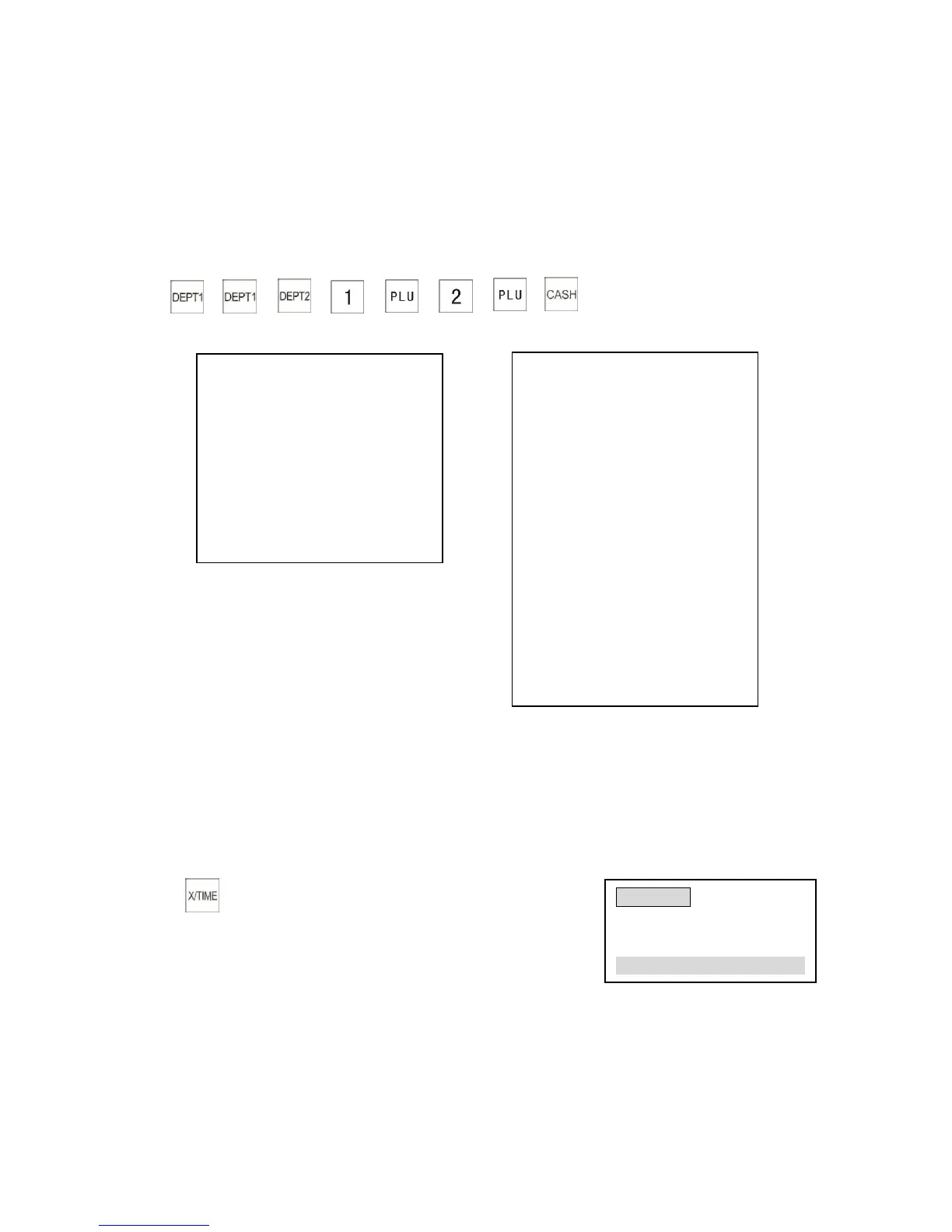
Using the item tickets function
Link PLU1 ($100.00) to Department 1 ($110.00)
Link PLU2 ($200.00) to Department 2 ($150.00)
→ → → → → → →
Normal receipt Sample of item ticket
5. Other Operations
5.1 Time or Date Display
The cash register can display current time or date at the “R” position in the non-sales state.
5.2 Clerk Login and Change Clerk during a Transaction
This section explains how to change the clerk during a sale.
Turn the control lock to the “R” position
For example: Clerk 4 ID No. 4444 starts a transaction and Clerk 7 ID No. 3030 takes over Clerk 4’s
transaction
CSCN : 1059
DEPT0001 2X
1010 12-20-2009 19 :14
-------------------------
CSCN : 1059
DEPT0002 1X
1010 12-20-2009 19 :14
-------------------------
CSCN : 1059
PLU0001 1X
1010 12-20-2009 19 :14
-------------------------
CSCN : 1059
PLU0002 1X
1010 12-20-2009 19 :14
---------------------------



 To Next Page