55
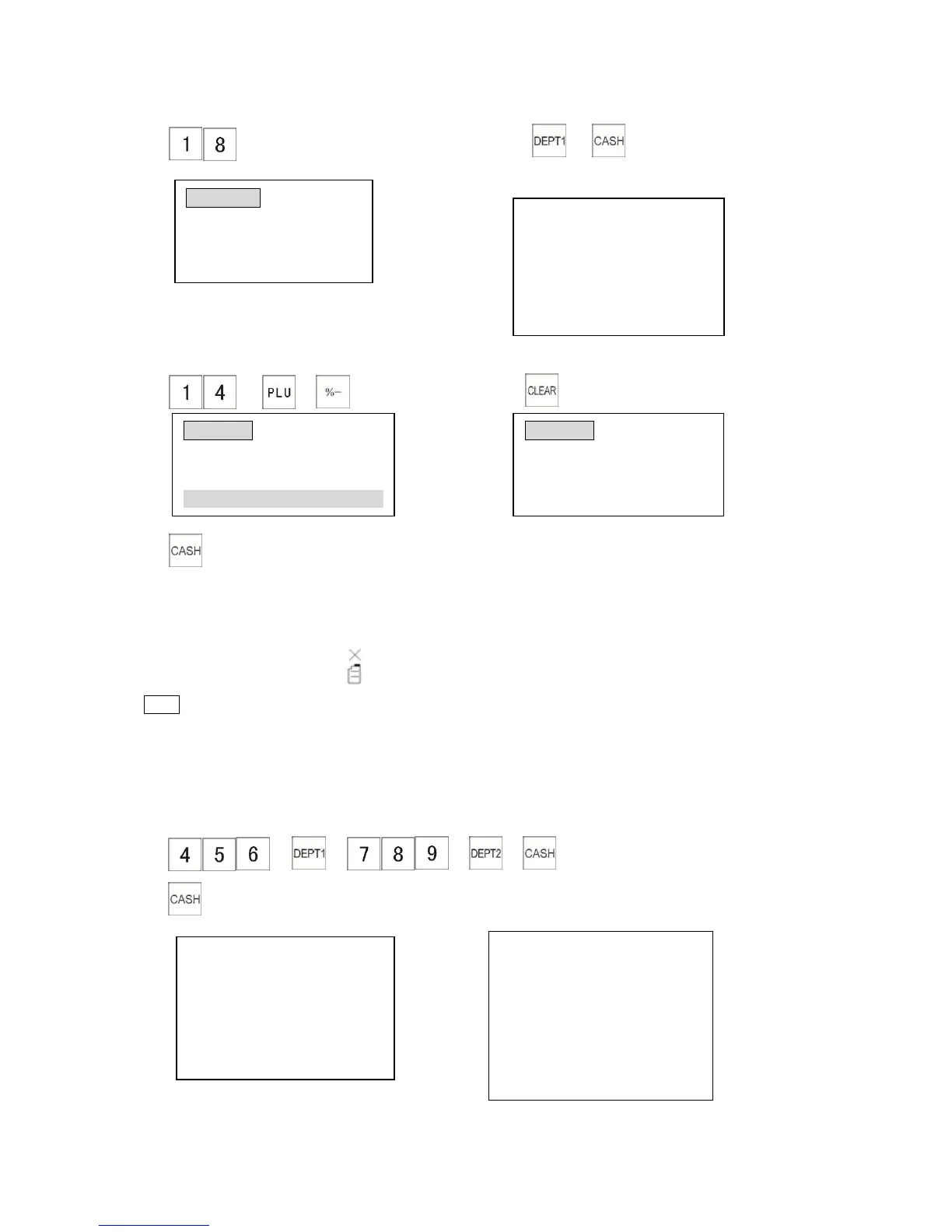
3) (Correct number) 4) →
The receipt shows:
When the display shows error, you can press the [CLEAR] key to clear the message.
1) → → (error) 2) (clear the error)
3)
4.1.18 Receipt ON/OFF
You can control receipts issued by the [ON/OFF] key. Each time you press the [ON/OFF] key the
Receipt On/Off mode is toggled.
Receipt ON/Off indicator, the will show on the top line when the cash register is in Receipt Off
mode. When switched to print on mode, the indicator will disappear.
Note
*To use this function the System Flag 0108 should be set to “0”.
4.1.19 Printing a Duplicate Receipt
The cash register allows you to print a duplicate receipt. The duplicate can be printed immediately
after finishing a transaction by pressing the [CASH] key.
1) → → → →
2)
Original receipt: A Second Receipt:



 To Next Page