Kitchen Printer Flag 02(Not use)
3.14.2 Programming Print Count
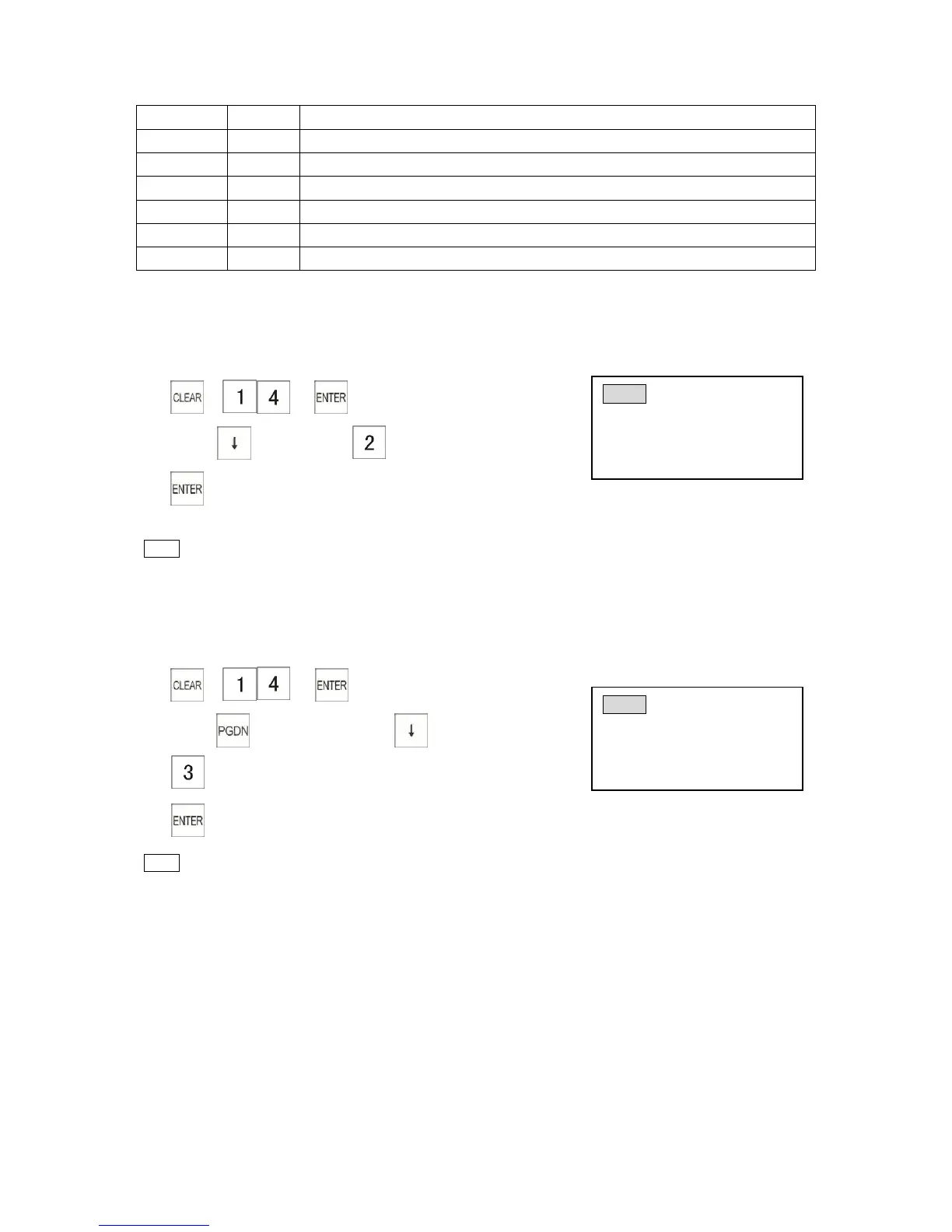
Example: Programming every time print two copies of No.1 Kitchen Printer
1) → →
2) Press key 2 times→
3)
Note
* Programming print count is “0”.Do not print of kitchen printer. System default value is "0".
* The print count max.9
3.14.3 Programming Feed Line Number
Example: Programming feed line 3 of No.4 kitchen printer
1) → →
2) Press key 3 times→Press key 3 times
3)
4)
Note
* The feed line number max.9.



 To Next Page