56
Note
* To enable this function System Flag 0807 should be set to “1”, if System Flag 0807 is “0” it
will be disabled. If the receipt is off (see the previous section ‘Receipt ON/OFF’) you can issue a
receipt by pressing [CASH].
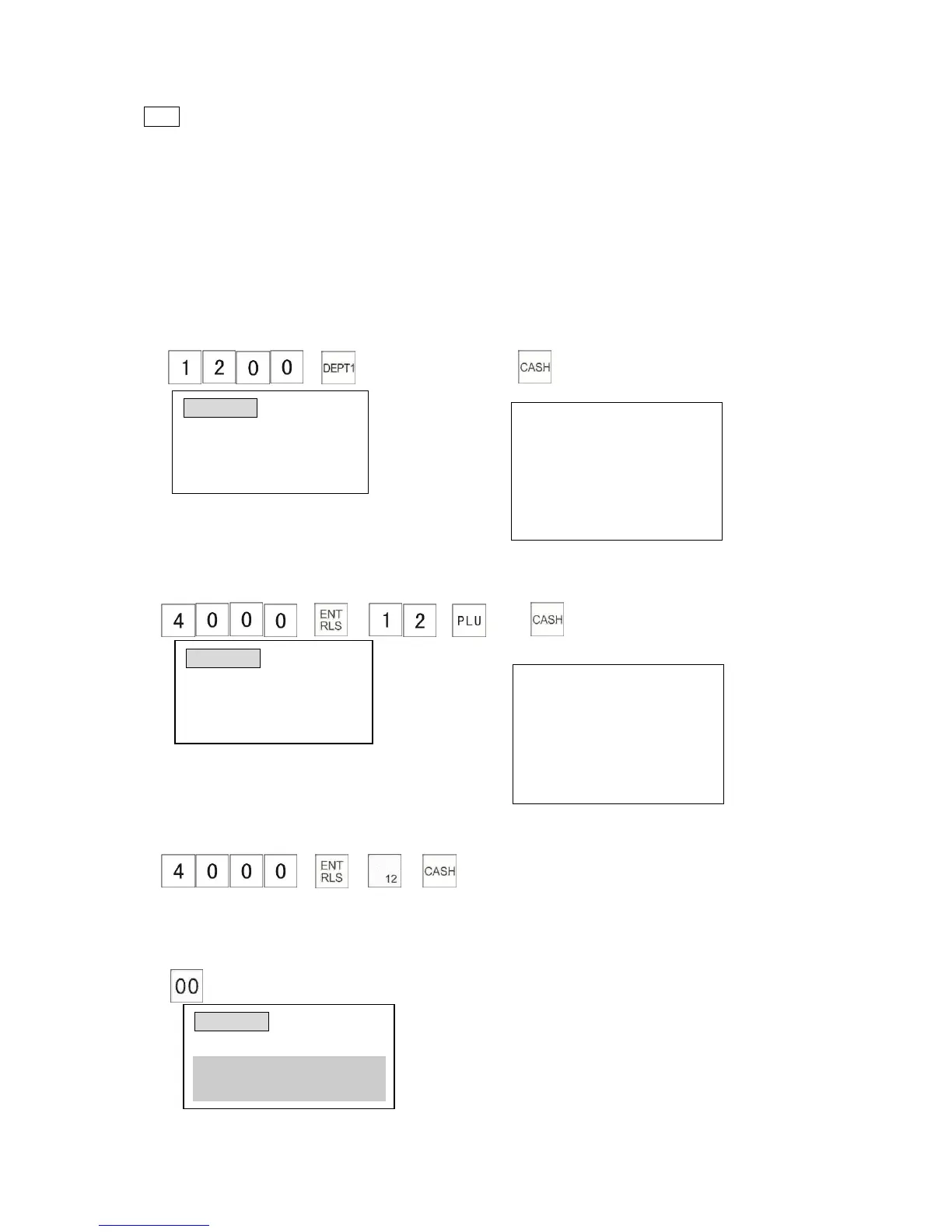
4.1.20 Changing the Unit Price at the “R” Position
The cash register allows you to change the department or PLU price temporarily during a
transaction. The following examples show how to change the department or PLU price.
A. Temporary change of the department price
The example shows how to change DEPT01 price from preset ($10.00) to temporary ($12.00).
1) → 2)
The receipt shows:
B. Temporary change of the PLU price
This example shows how to change the preset price of PLU 12 ($10.00) to $40.00.
1) → → → 2)
The receipt shows:
Using [PLU] Key:
1) → → →
4.1.21 PLU Price Check at the “R” Position
The cash register allows you to check the price of the PLU during the sale.
→ Scan the bar code of PLU.



 To Next Page