EasyManua.ls Logo

Optimas OP-680 - Reset Report (Z position); Reset Periodical Full Sales Report

Default Icon
76 pages
Print Icon
To Next Page IconTo Next Page
To Previous Page IconTo Previous Page
Loading...
68
8.2 Reset Report (Z position)
8.2.1 Reset Periodical Full Sales Report
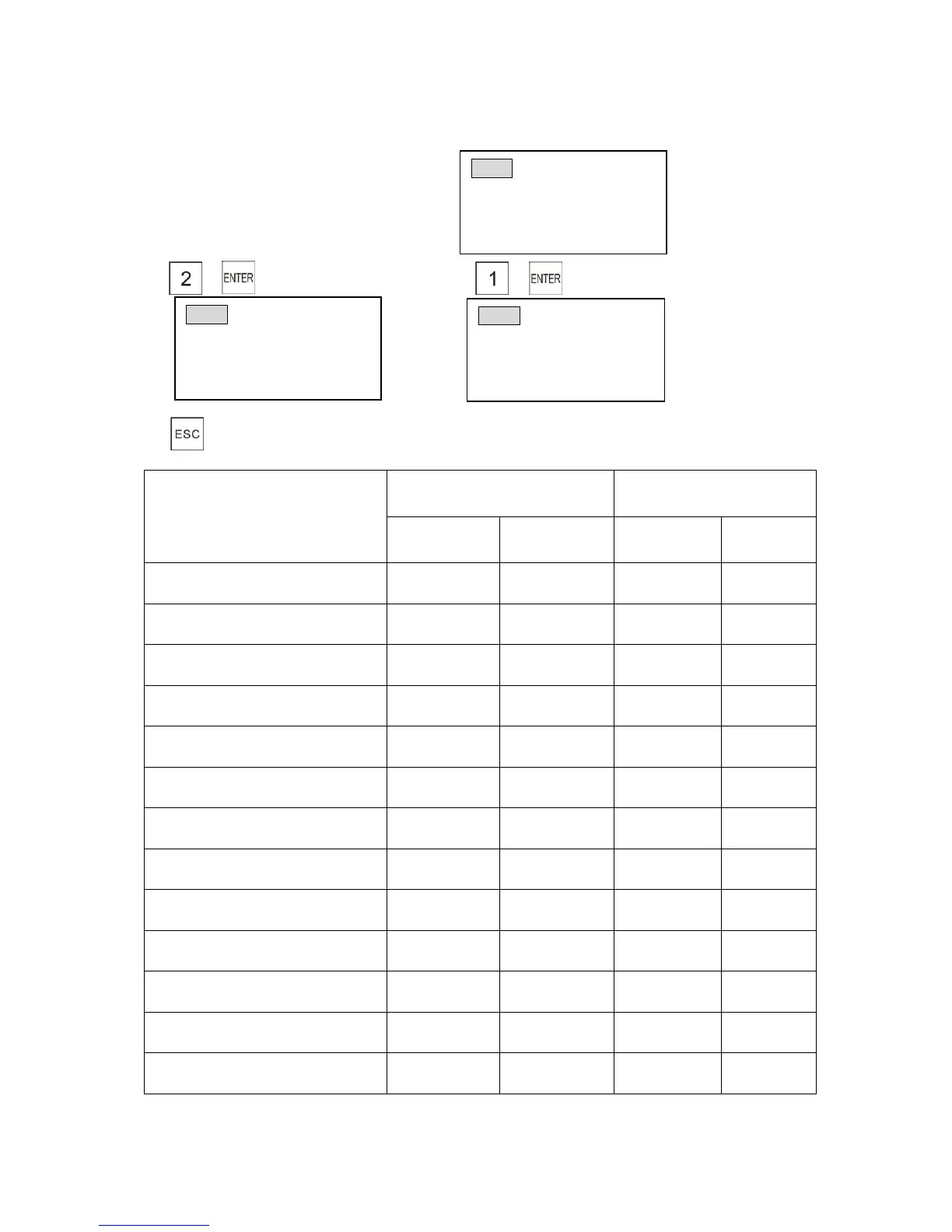
Turn the control lock to the Z position
1) 2)
3)
Table of available reports
Report name
“X” position
(Read report)
“Z” position
(Reset report)
X1
(Daily)
X2
(Periodical)
Z1
(Daily)
Z2
(Periodical)
FULL REPORT
FULL DEPARTMENT SALES
FULL GROUP DEPT SALES
FULL PLU SALES
FULL PLU LINK to DEPT
ALL CLERK SALES
HOURLY REPORT
DRAWER REPORT
TRAINING REPORT
JOURNAL LIST
SERIAL REPORT
CASH DECLARATION
GUEST REPORT
ZRPT (Periodic)
1) Full Sales Rpt
2) PLU Sales Report
# then [enter] or PG DN
ZRPT (P-Full Sales)
**Attention**
Please wait, printing
Please don’t pull paper!
ZRPT
1) Daily 2 )Periodic
3) Clear Rpt 4) SaveLoad
Input # then [enter]

Table of Contents