19
3.3.3 Programming a PLU Unit Price
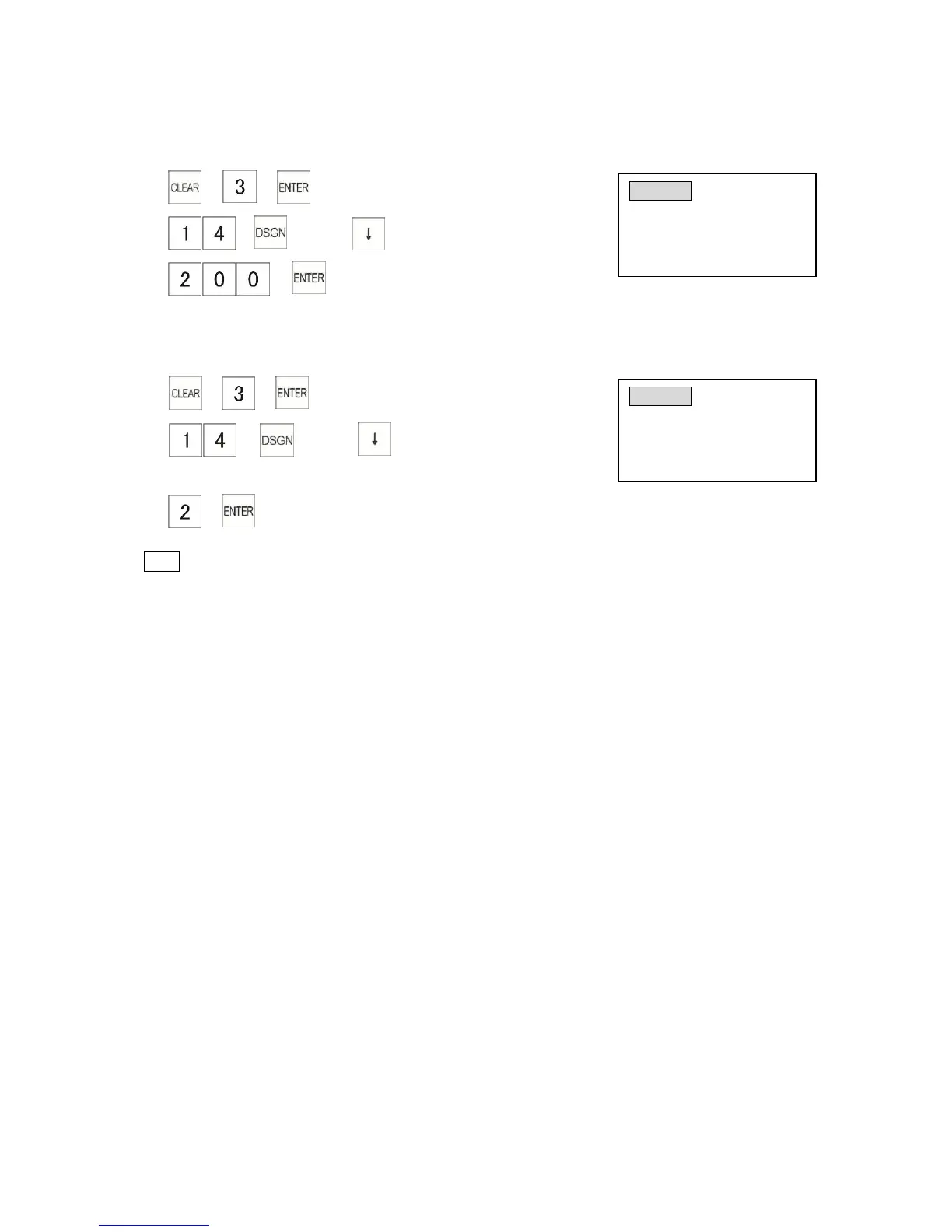
Example: Program the price of “tea” to $2.00.
1) → →
2) → → Press key twice
3) →
3.3.4 Programming a PLU Linked Department
Example: Program “tea” to link to Department 2 (DRINK department)
1) → →
2) → → press key 3 times
(PLU number)
3) →
(Linking department No.)
Note
* A PLU must be linked to a department and its sales data will be included in its department
report. If a PLU is not linked to a department, it is automatically linked to the last department. All of
the programmed department flags will be applied to its linked PLU.
3.3.5 Barcode Learning
A barcode learning function is available by setting the System Flag 1202 to 1. In Registration
Mode, a barcode is scanned without preset contents. The display will show a message to request
the entry of unit price. Please enter a unit price and press a Department key for setting up a
barcode
3.3.6 Searching the Barcode of a PLU
In Registration Mode, to check the price of a programmed PLU, press the double zero [00] key and
scan the barcode, the LCD screen will show the price. If the LCD shows “PLU # not found”, it
means the PLU has not been programmed.



 To Next Page