Enable setting guest No. automatically
Disable setting guest No. automatically
Must be not cash if ER display
Must be cash if ER display
3.7 Function Key Programming
3.7.1 Basic Key Operation Sequence
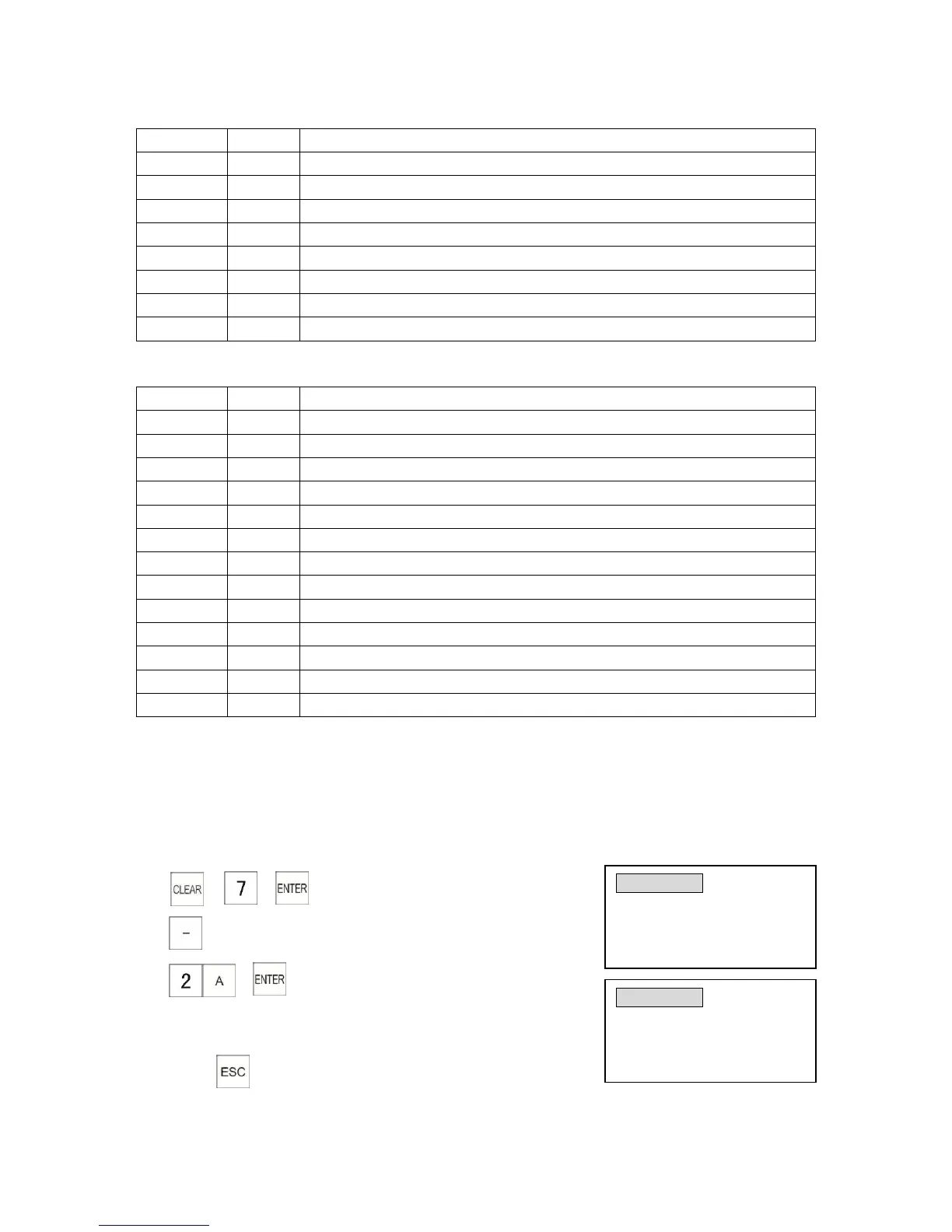
Example: Change function key in the position of [-] to [FC] key (function key code is 2A).
1) → →
2) (Select the key to be programmed)
3) →
(Input [FC] function key code)
4) Press key twice to exit programming
KEY LAYOUT Key #:07
Key code:45 -
Input # and [enter] . U/D
to scroll , [ESC] to exit
KEY LAYOUT Key #:07
Key code: 2A FC
Press key to edit, [CLR]
to redo, [ESC] to exit



 To Next Page