47
4.1.3 Quantity Sales
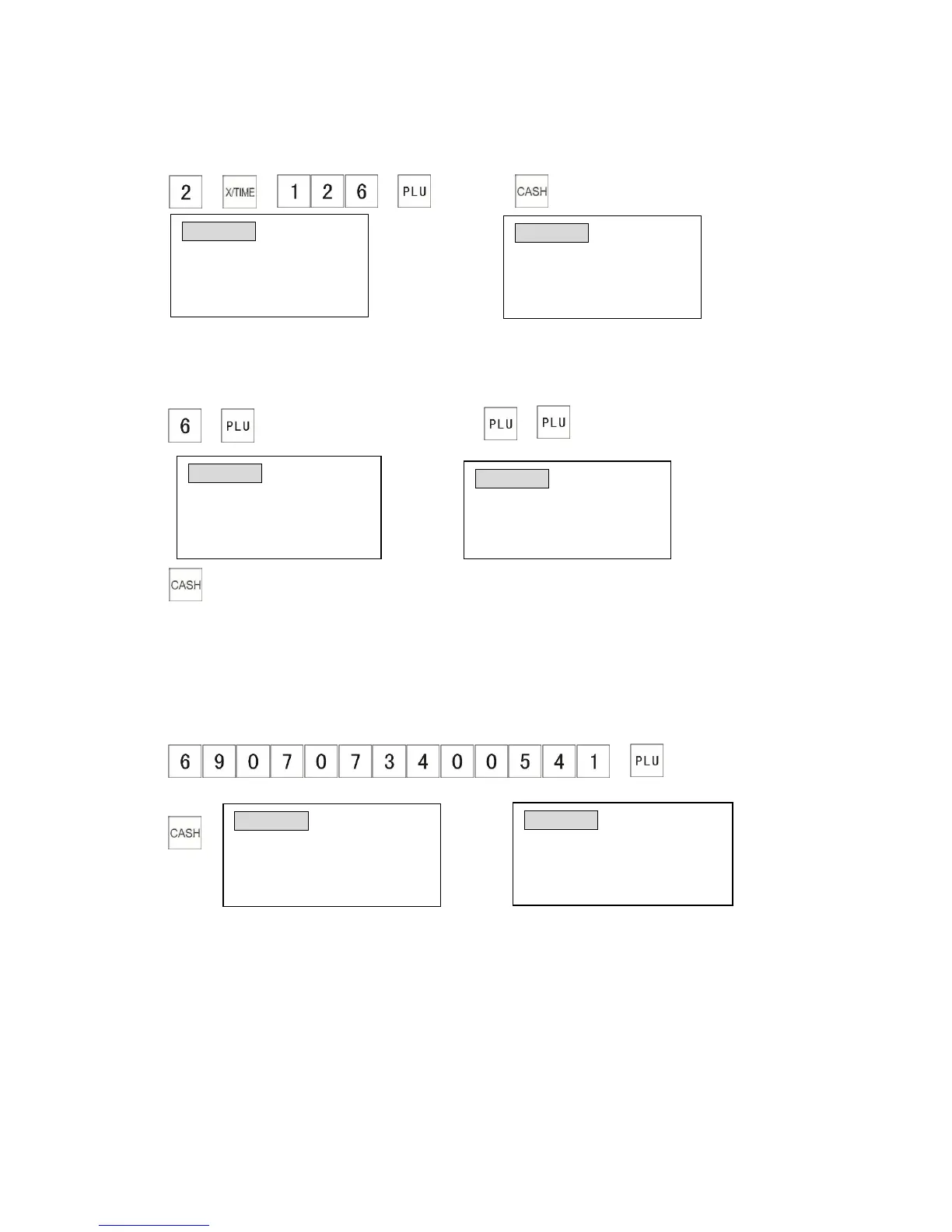
The following example shows you how to sell 2 products (PLU 126).
Example:
1) → → → 2)
4.1.4 Duplicate Entries
The following example shows you how to repeat the sale of PLU 0006 3 times.
Example:
1) → 2) →
3)
4.1.5 Barcode Entries
It is possible to sell items by scanning a barcode or manually entering the PLU barcode. The
following example shows how to use this function to sell an item with the barcode No.
6927073400541 (This barcode is programmed to PLU 0001, the unit price is $10.00, and the
System Flag 0106 must be 1.
1) →
(or you can scan barcode with your scanner)
2)



 To Next Page