48
If it is necessary to manually enter the barcode instead of PLU No. during the PLU code input
mode, press the [SHIFT] key before entering barcode.
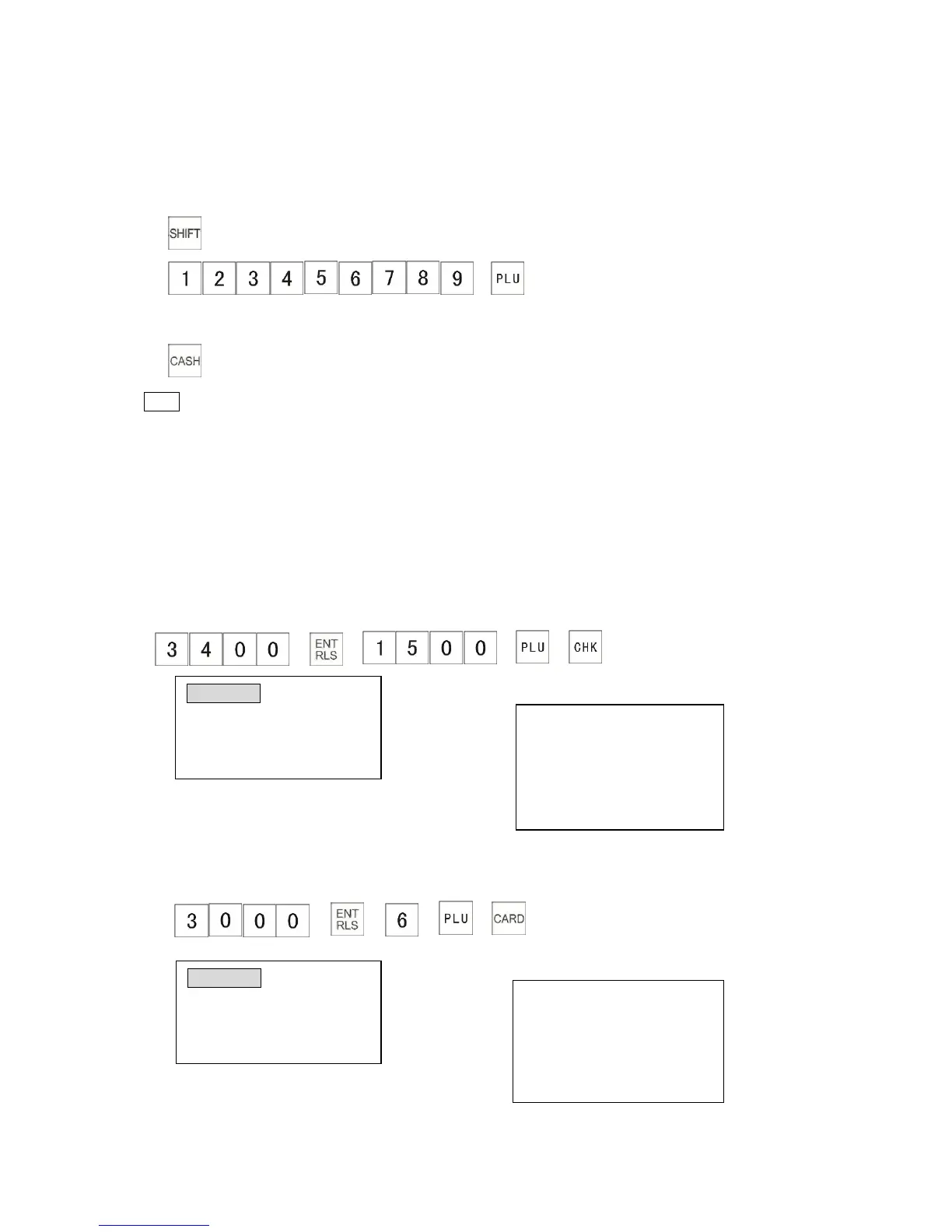
Example: The following shows how to use this function to sell an item with the barcode
No.123456789 (This barcode is programmed to PLU0002, the unit price is $12.00, and the
System Flag 0106 must be 0).
1)
2) →
(or you can scan barcode with your scanner)
3)
Note
* To use the barcode function, set the System Flag 0106 to “1”, otherwise the number
entered will be regarded as the PLU code.
4.1.6 Check, Credit and Charge Sales
This section explains how to operate the cash register when you receive a payment by Check,
Credit or Charge.
4.1.6.1 Check Sale
The cash register can finalize a sale with the [CHK] key. The following example shows how to
finalize when the customer pays $34.00 for PLU1500 by cheque.
→ → → →
The receipt shows:
4.1.6.2 Credit Sale
The cash register can finalize a sale by the [CARD] key. The following example shows how to
finalize when customer uses a credit card to pay $30.00 for PLU0006.
→ → → →
The receipt shows:



 To Next Page