66
8. Read and Reset Reports
(Turn the control lock to the “X” or “Z” position)
You can check daily sales information by two methods and print 13 different types of reports.
Turn the control lock to the “X” position and choose the corresponding report item to print the Read
Report.
Turn the control lock to the “Z” position and choose the corresponding report item to print the
Reset Report.
The cash register provides two types of reports: daily reports and periodical reports.
The daily report can be divided into daily read (X1) and daily reset (Z1) report
The periodical report can be divided into periodical read (X2) and periodical reset (Z2).
You can use the read report to check the current sales information or data.
You can print daily or periodical report in “X” or “Z” mode.
After printing a Z report the sales data is reset.
8.1 Read Report (“X” position)
Turn the control lock to the “X” position
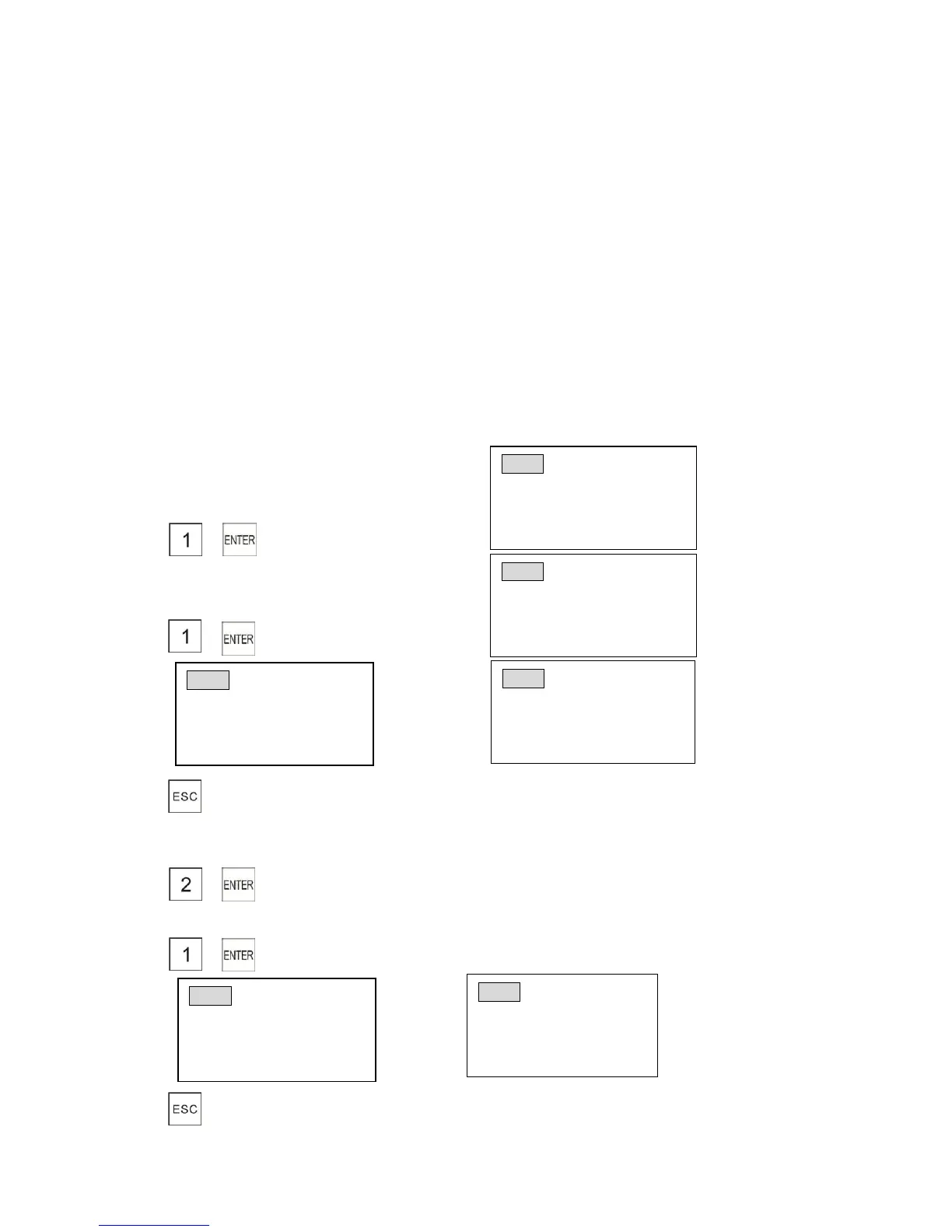
8.1.1 Printing Daily Reports
Select daily mode
1) →
Print daily full sales report
2) →
3)
8.1.2 Printing Periodical Reports
Select periodical mode
1) →
Print periodical full sales report
1) → After printing, the display shows as follows
3)



 To Next Page