46
1: Current clerk information 2: Input value
3: Sale item name 4: Item quantity
5: Current sales item amount 6: Transaction total amount
7: Unit price
4.1 Basic Operation
4.1.1 Single-item Cash Sale
Single item cash sale is a function which allows you to reduce number of key presses when
registering a single item for a cash sale.
When you press a department key, which has the “single item cash”, function the transaction
finalizes without pressing the [CASH] key.
The department flag must be programmed. (Set Flag2; #1 to “1”).
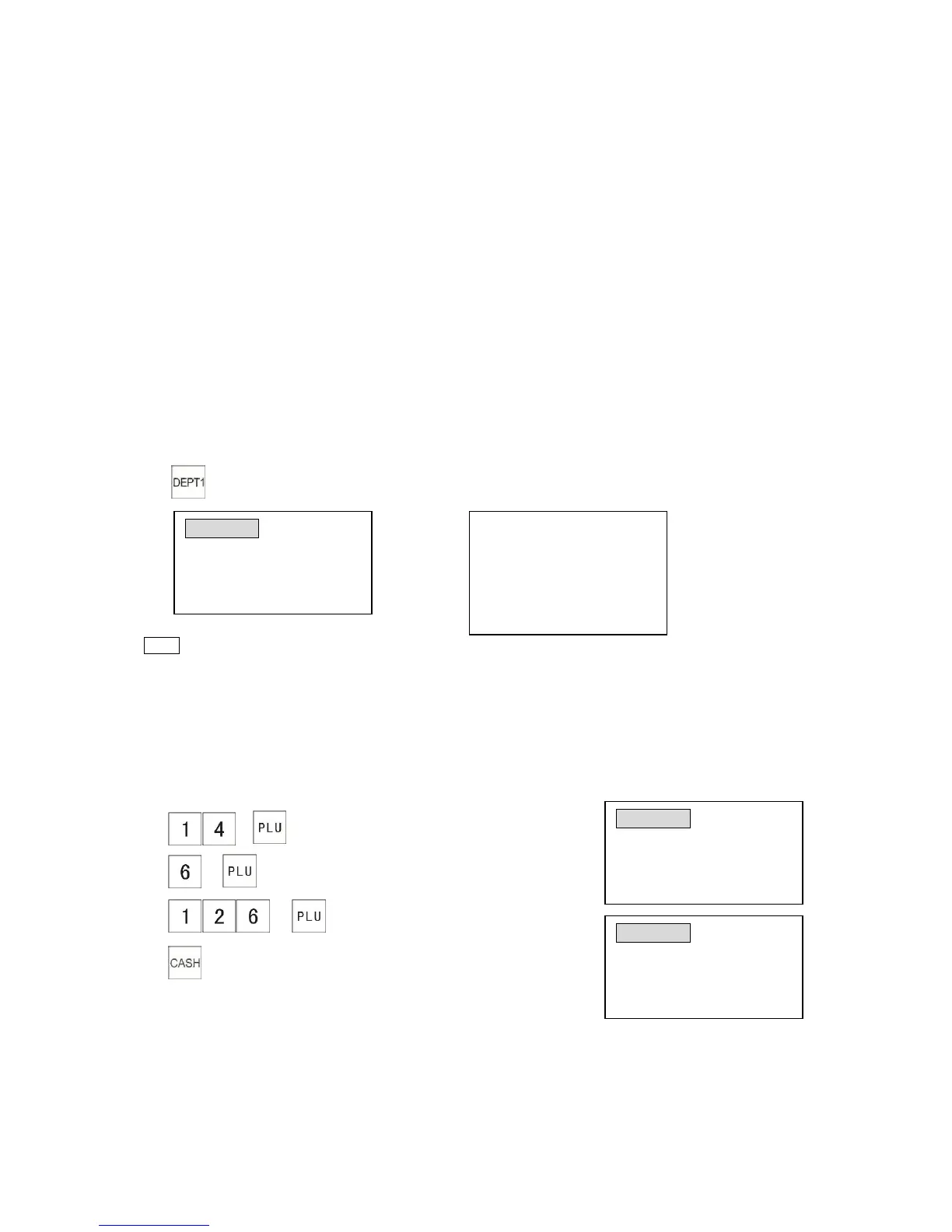
The following example shows how to sell Department 1 (unit price $100.00) with single-item sale.
Example:
1) The receipt shows
Note
* If you need to cancel the single-item cash sale, press the [ENT RLS] key before the
registration single-item cash sale department.
*If a department is programmed as a single-item cash sale, a PLU linked to the department
will work as a single-item cash sale.
4.1.2 Multiple-item Entries
Example: The following shows you how to sell PLU 0014, PLU 0006 and PLU 0126. (Assuming
PLU 0014 price is $1.00, PLU 0006 price is $3.00 and PLU 0126 price is $10.00)
1) →
2) →
3) →
4)



 To Next Page