45
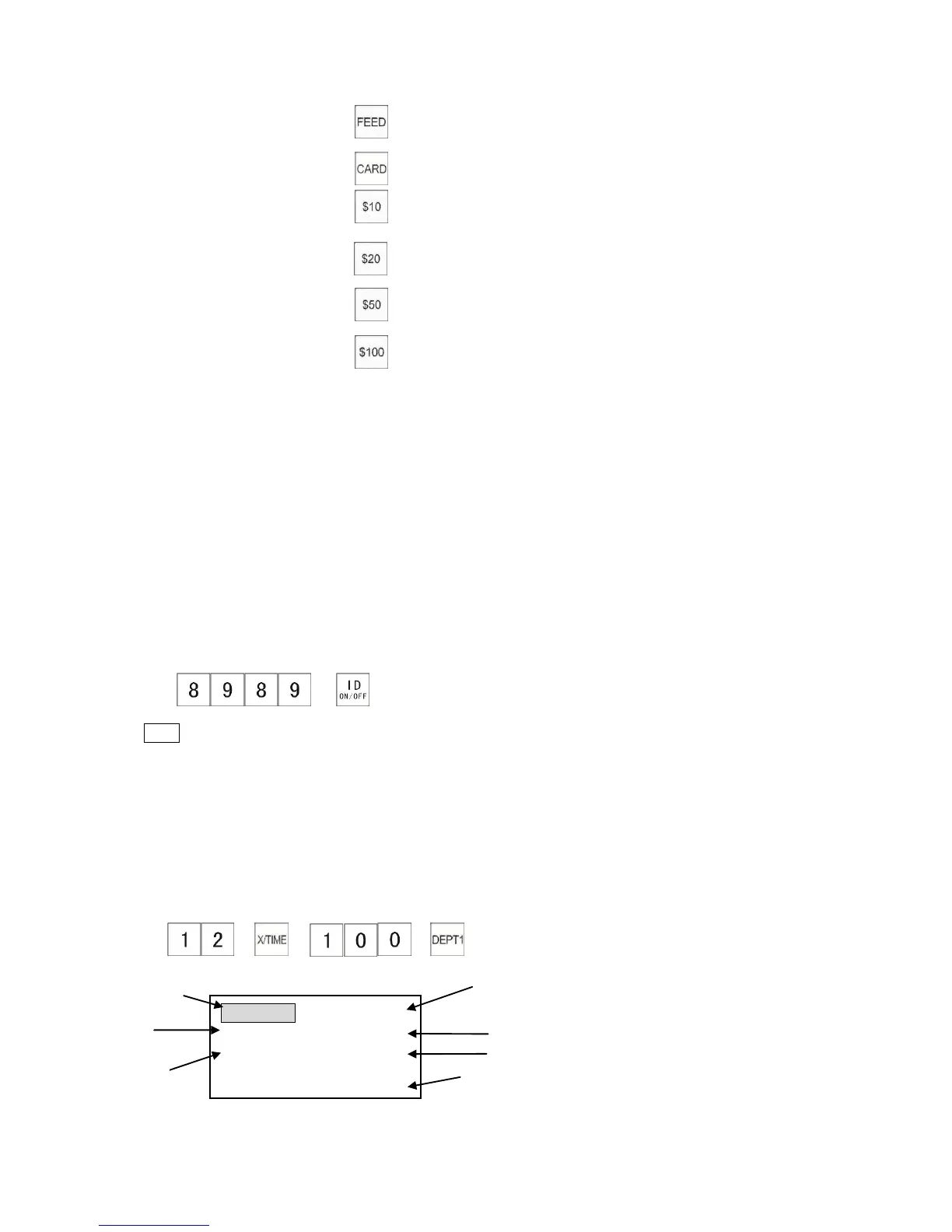
26. Receipt Feed Key
27. Card1 Key
28. $10 Cash Key
29.$20.00 Cash Key Used to finalize a transaction by $20 key and payment the amount
is 20.00.
30.$50.00 Cash Key Used to finalize a transaction by $50 key and payment the amount
is 50.00
31.$100.00 Cash Key Used to finalize a transaction by $100 key and payment the amount
is 100.00
Before using the cash register, please ensure the following has been completed:
A. Confirm all of the programming is completed
(Refer to the related chapters/sections if necessary)
B. Make sure paper rolls are installed correctly;
C.Insert the manager’s key (MA) or the operator’s key (OP) into the control lock and turn the
lock to the “R” position (Refer to the “Control Lock and Functions”)
D.If the clerk ID was set, enter the clerk ID, and then press the [ID] key to sign on.
Example: The following example shows how to sign on a clerk.
→ (Clerk10 password)
Note
* If an error code is shown on the display, press the [CLEAR] key to clear the error code and
input the clerk ID again.
* If the cash register does not respond during a transaction, please reset the cash register.
(Refer to the “System Clear” for more details.)
Explanation of LCD display in ‘R’ mode
Example:
→ → →



 To Next Page