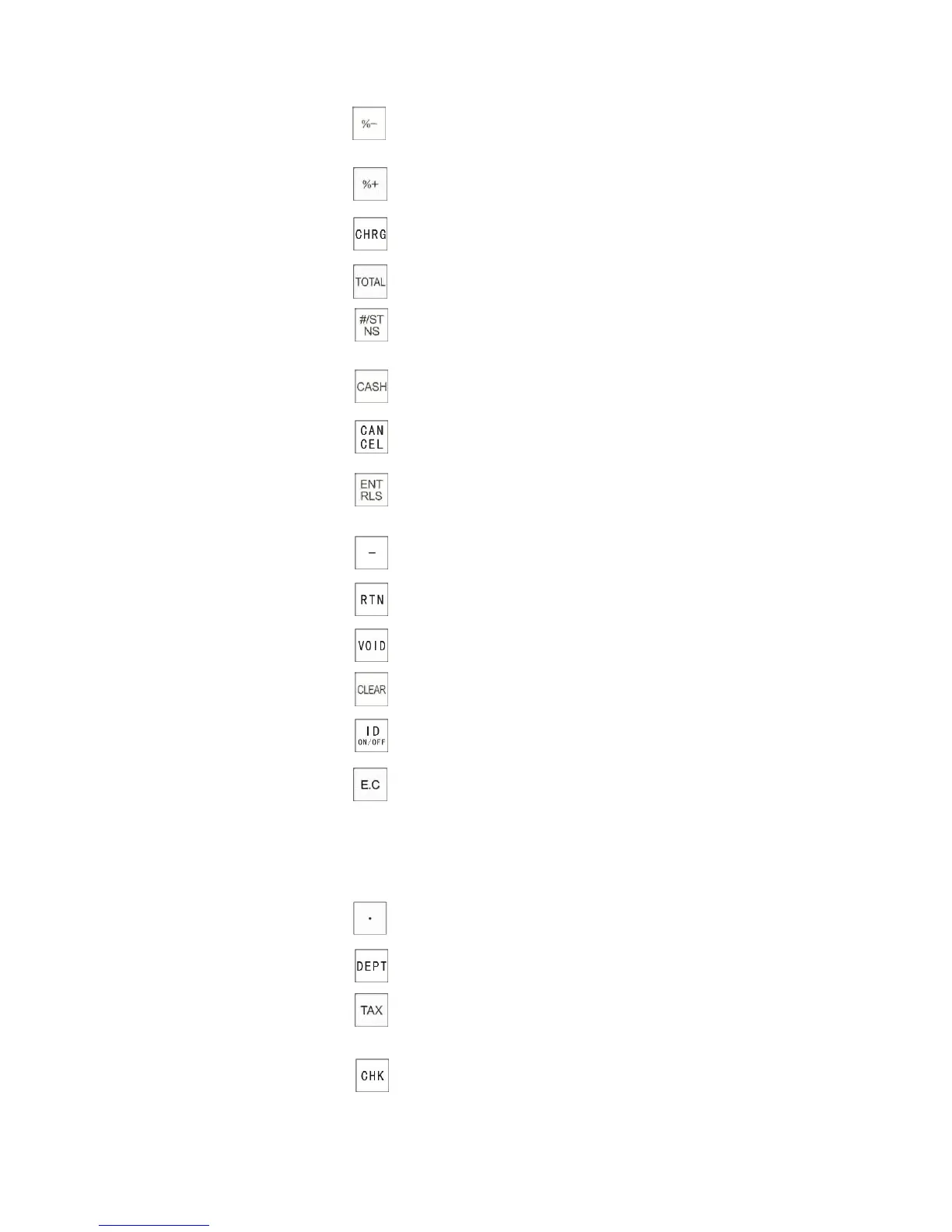
44
6. Minus Percentage Key
7. Add Percentage Key
8. Charge Key
9. Total Key
10. Non-Add/Subtotal Key
11. Cash Key
12. Cancel Key
13. Entry Release Key
(PLU price entry and release key)
14. Minus Key
15. Return Key
16. Void Key
17. Clear Key
18. Clerk ID Key
19. Error Correction Key
20. Numeric Keys 1 to 00
21. Department Keys 1 to 15
22. Decimal Point Key
23. Department Key
24. Tax force Key
25. Check Sales Key
Used to give a discount as a percentage of an item.
Used to finalize a transaction by a charge sale
Used to display a subtotal including tax. Also used for issuing 2nd receipt.
Triple function – Used to open the drawer without a sale
Used to display sub-total
Used to enter up to 9 digit reference number which prints on the receipt.
Used to finalize a transaction by cash and calculates the amount of
change due.
Used to temporarily override a preset PLU price
Used to subtract a specific amount from an individual item.
Used to refund a product.
Used to void an item you entered or transaction which was done.
Used to clear a numeric entry or an error
Double function - Used for entering clerk ID.
Used to turn on/off the receipt printing
Used to clear the last product entered
Used to enter a department sale.
Used to enter the department number manually.
Used to add a tax amount to the sale according to the rate programmed
for this key. "Tax force" key is normally used to program a second tax rate
require by a particular area or state. It can also be used to override a
preset tax.
Used to finalize a transaction by cheque.
Used to cancel the current transaction.
Used to add a percentage.



 To Next Page