70
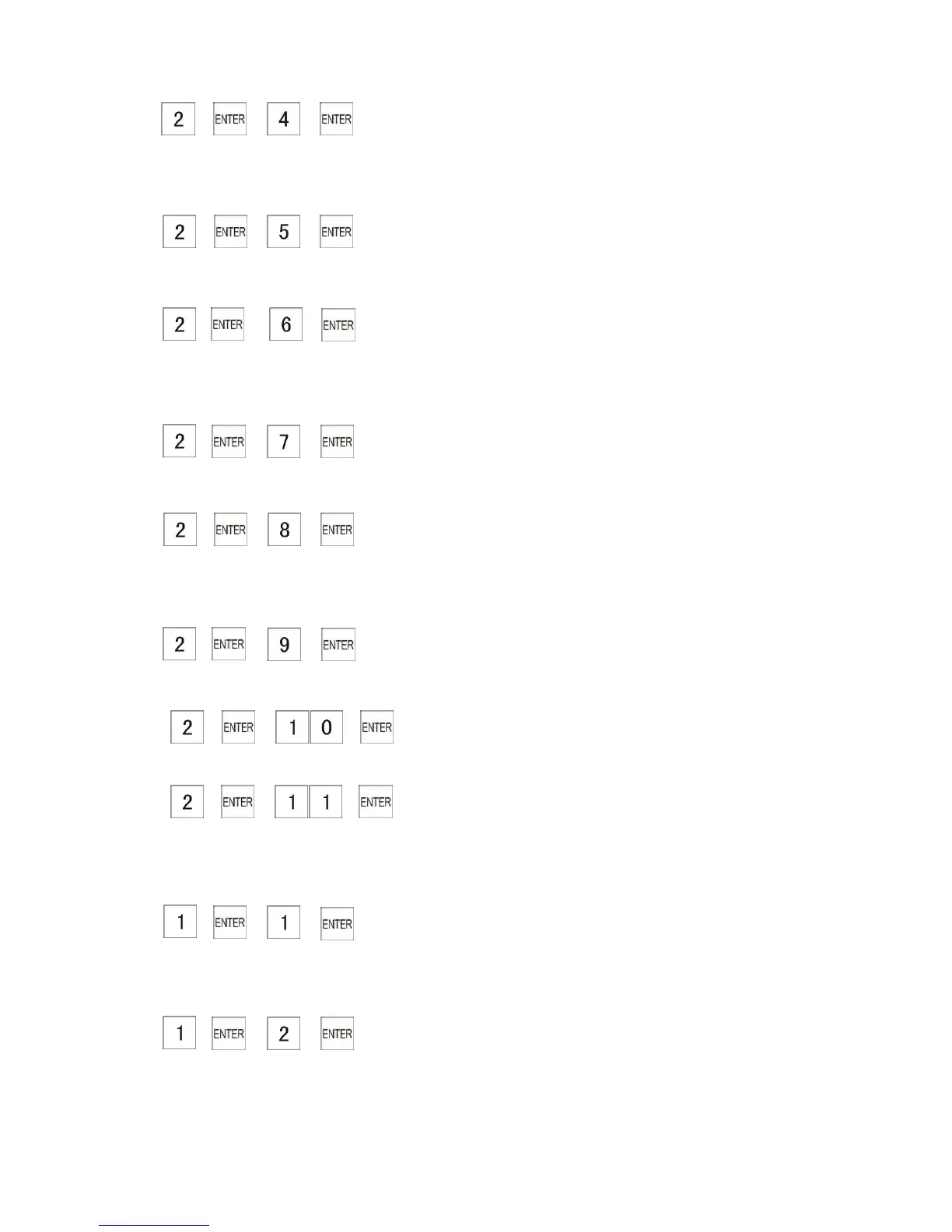
4. → → →
Writing the daily reports of DEPT,hour,Transaction,Clerk Net Sales,Clerk void, Clerk tax,Clerk
return and Clerk no sales to USB memory.
5. → → →
Writing the PLU daily reports to USB memory.
6. → → →
Writing the periodical reports of DEPT,Transaction,Clerk Net Sales,Clerk void, Clerk tax,Clerk
return and Clerk no sales to USB memory.
7. → → →
Writing the PLU periodical reports to USB memory.
8. → → →
Writing the full reports of DEPT,Transaction,Clerk Net Sales,Clerk void, Clerk tax,Clerk return
and Clerk no sales to USB memory
9. → → →
Writing the PLU full reports to USB memory
10. → → →
Writing the GUST reports to USB memory
11. → → →
Writing the NRGT reports to USB memory
Uploading Data
1. → → →
Writing the USB memory setting data of
DEPT,Clerk,MainFlag,KeyLayOut,Tax,Word,Discount,Basic,FC and Logo to Cash Register.
2. → → →
Writing the PLU setting data from USB memory to Cash Register.



 To Next Page