V–24
Test Run and Outdoor Unit Forced Settings: No. 4 (Level 0) <
>
Key operation is used to determine the settings for forced test run, forced bypass valve closing, forced water
circuit and forced valve opening.
1) Test run and forced setting display (Level 0)
Displays of the test run and forced settings selected with the menu.
2) Forced setting selection operation (Level 1)
Pressing the SET (S007) key in the test run/forced setting display mode causes the following display to
appear.
Operating the UP (S005) and DOWN (S006) keys in this mode makes it possible to select the settings for
forced cooling test run, forced heating test run, forced valve opening, forced water circuit, forced bypass
valve closing, forced engine distributor mode, forced engine feedback, and forced engine adjustment valve
closing.
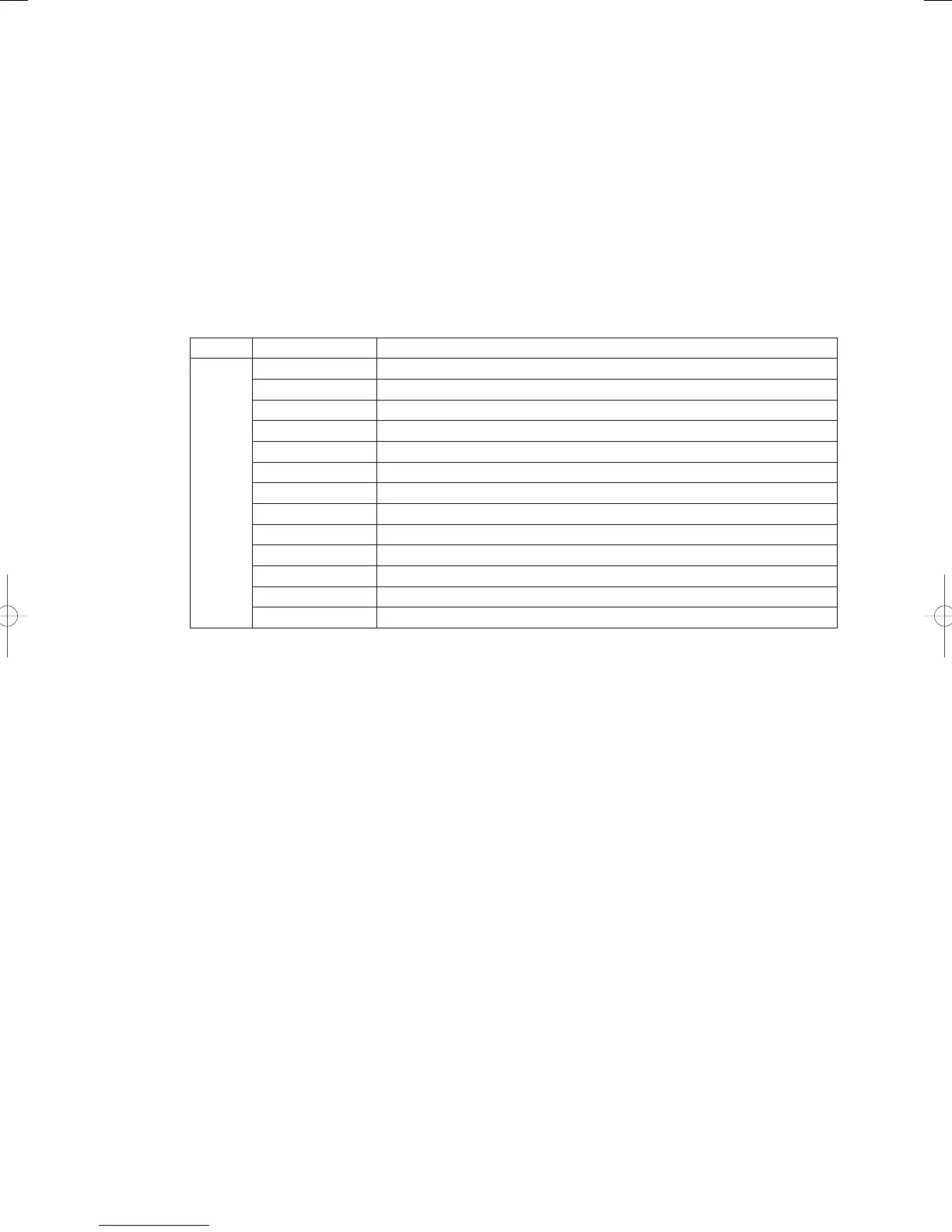
Display Function
↑Down
↓Up
Forced cooling test run setting
Forced heating test run setting
Forced valve opening setting
Forced water circuit setting
Forced bypass valve closing
Coolant air purging mode
Forced engine distributor mode
Forced engine feedback
Forced engine adjustment valve closing
Forced defrosting operation setting (not possible with W-Multi or 3WAY)
Pressure sensor ignored
Forced gas solenoid valve closing
Forced cranking mode
3) Forced cooling test run setting (Level 2)
Display :
Rejection conditions : Heating test run in progress, valve open, all stop operation in progress, automatic
addressing in progress, indoor unit operation in progress.
Operating method : Press the SET (S007) key for one second while forced cooling test run is not in
progress. (TEST/WARNING LED light)
Operation details : Cooling test run is activated.
Forced setting in progress display (TEST/WARNING LED light) is shown during
this time.
Releasing method : Press the SET (S007) key for one second during forced cooling test run.
The forced-setting used in forced cooling test run will be canceled at this time.
(TEST/WARNING LED off)
4) Forced heating test run setting (Level 2)
Display :
Rejection conditions : Cooling test run underway, valve open, all stop operation in progress, automatic
addressing in progress, indoor unit operation in progress.
Operating method : Press the SET (S007) key for one second while forced heating test run is not set.
(TEST/WARNING LED light)
Operation details : Forced setting in progress display (TEST/WARNING LED light) is shown during
this time.
Releasing method : Push the SET (S007) key for 1 second during forced cooling heating operation.
The forced setting used in forced heating test run will be canceled at this time.
(TEST/WARNING LED off)
GHPtroubleshooting.indbV‒24GHPtroubleshooting.indbV‒24 2012/11/2611:20:202012/11/2611:20:20















 To Next Page