IV–4
A02 Engine Oil Error
This function is used to advise the user that the time for changing the engine oil has arrived (or is close.) It is not
a function for detecting and displaying equipment malfunctions (or suspected malfunctions) in the same way as
normal error detection.
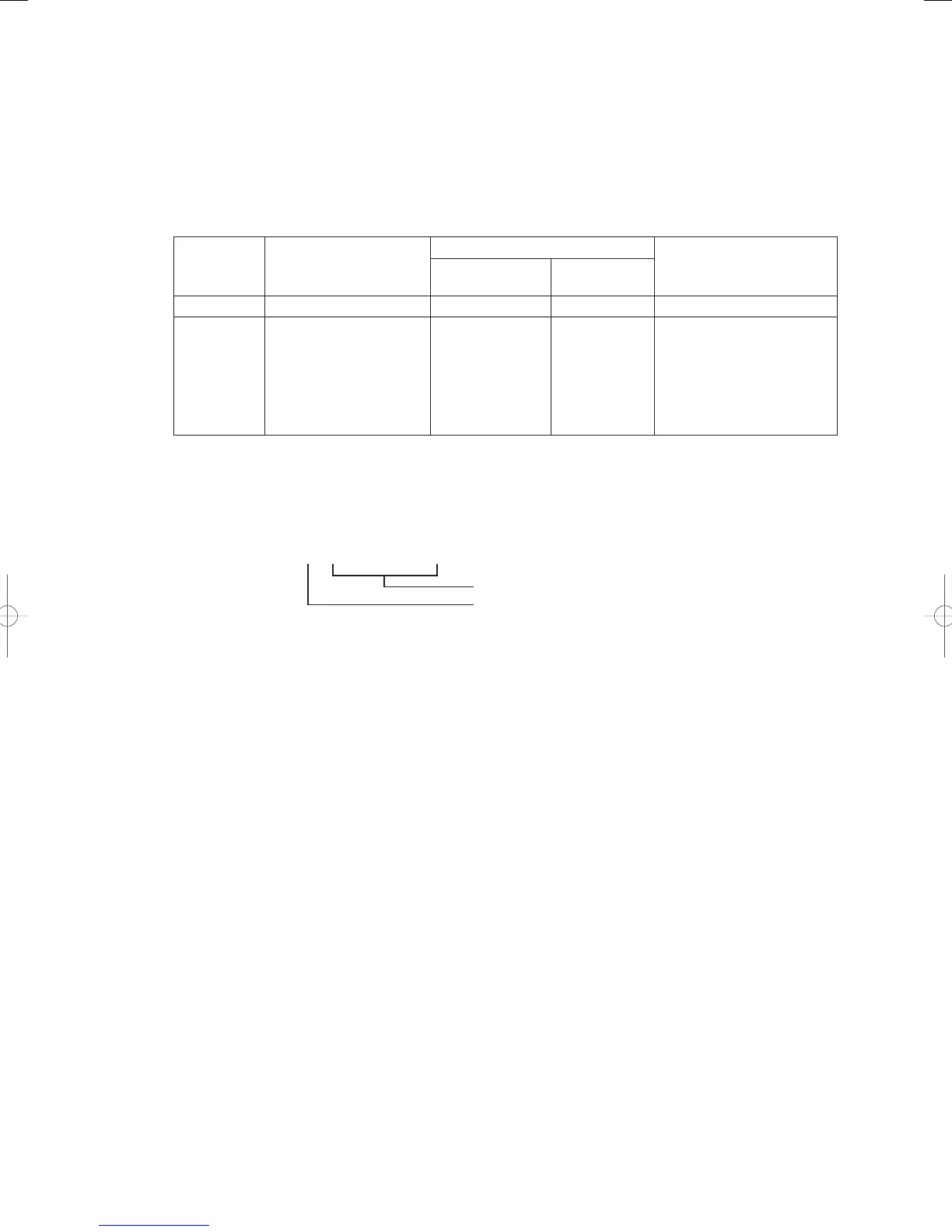
Oil Change Notifi cation Conditions and Display Method
The fact that the time for changing the engine oil has arrived (or is close) is displayed on the remote controller
and on the main circuit board on the outdoor unit.
Notifi cation Notifi cation Conditions
(Time to Change Oil *1)
Display method Remarks
Remote controller Outdoor Unit
Circuit Board
Oil Inspection 9,800 or more hours “Oil Change” blinks
Operations continued
A02 Alarm (a) 10,000 to 10,300 hours
• Alarm triggered every
50 hours
(b) 10,300+ hours
• Alarm triggered every
4 hours
“A02” blinks
(Displayed
alternately)
Operations restarted when
error is reset.
* Error reset with the remote
controller and outdoor unit
circuit board.
* Only
is
displayed after reset.
*1) Oil change time: Engine operation times since the previous oil-change and time reset
(See
below for details on how to reset the oil change time.)
Method for resetting oil change hours timer
1) Select Menu No. 2 “Oil change hours display”. The oil change hours are displayed as shown below.
• (o10100)
Oil change hours (10100 hours)
Displays “o” for oil change hours
2) By holding down the set key while displaying the oil change hours, the display changes to the following.
Also, if an operation error results in this display, simply wait for about one second to return to the previous
oil change hours display.
• (CLr )
3) When the CLr display appears, release the set key momentarily, then quickly press and hold down the set key
again.
When the following display appears, the oil change hours are reset to 0 hours.
When this display does not appear, and the previous oil change hours are displayed, repeat the process as
described above.
• (End )
GHPtroubleshooting.indbIV‒4GHPtroubleshooting.indbIV‒4 2012/11/2611:20:052012/11/2611:20:05















 To Next Page