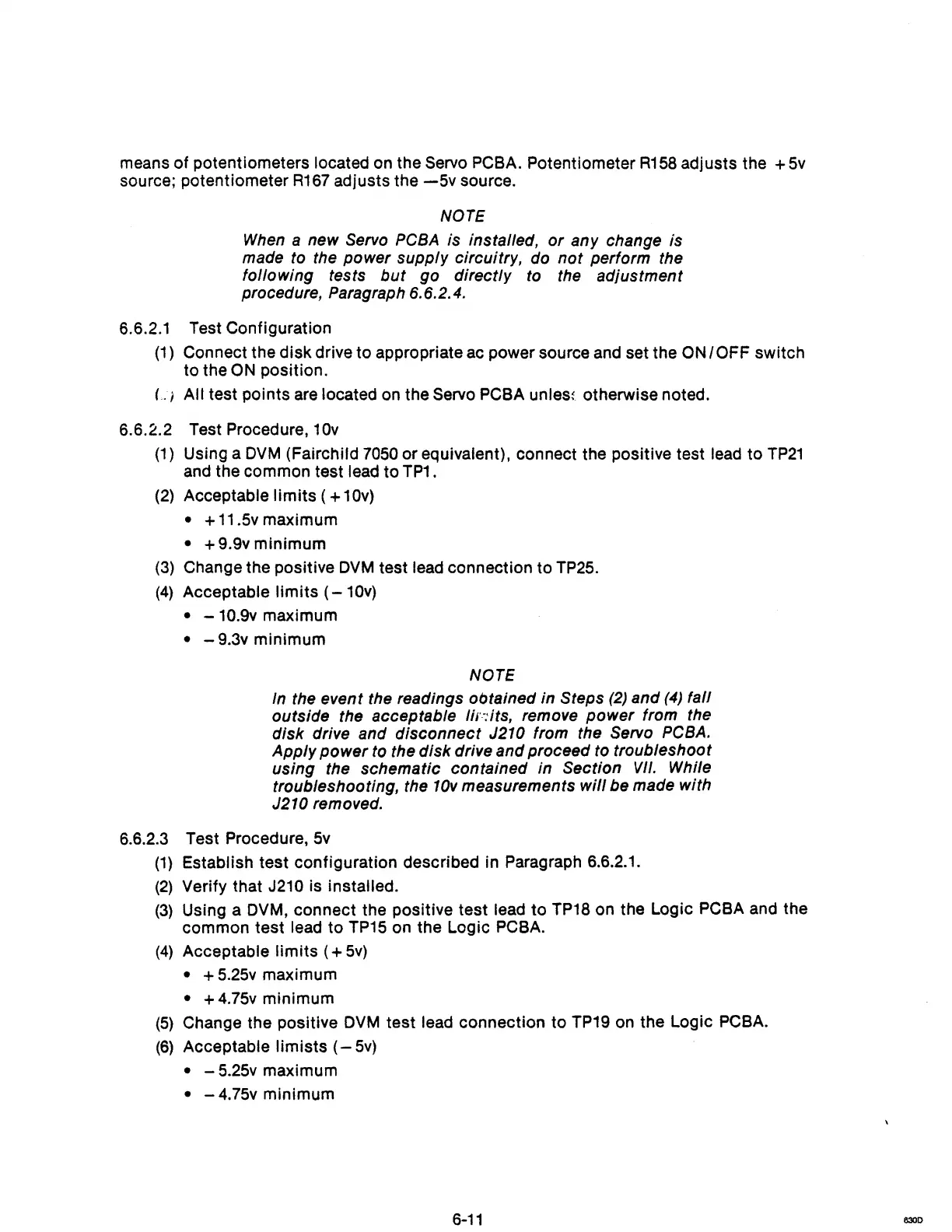
means of potentiometers located on the Servo PCBA. Potentiometer
R158
adjusts the +
5v
source; potentiometer
R167
adjusts the
-5v
source.
NOTE
When
a new Servo
PCBA
is installed,
or
any change is
made to the power supply circuitry, do
not
perform the
following tests
but
go directly
to
the adjustment
procedure, Paragraph 6.6.2.4.
6.6.2.1 Test Configuration
(1)
Connect the
disk
drive to appropriate ac power source and set the
ON
IOFF
switch
to the
ON position.
L I All test pOints are located on the Servo PCBA
unles~
otherwise noted.
6.6.2.2 Test Procedure, 10v
(1)
Using a
DVM
(Fairchild
7050
or equivalent), connect the positive test lead
to
TP21
and the common test lead
to
TP1.
(2)
Acceptable
limits
( + 10v)
• +
11
.5v maximum
• + 9.9v minimum
(3)
Change the positive
DVM
test lead connection to TP25.
(4)
Acceptable
limits
(-
10v)
• - 10.9v maximum
• - 9.3v minimum
NOTE
In
the event the readings obtained in Steps (2) and (4) fall
outside the acceptable
1iS'-:its,
remove
power
from the
disk drive and disconnect
J210 from the Servo
PCBA.
Apply
power
to the disk drive and proceed to troubleshoot
using the schematic contained in Section
VII.
While
troubleshooting, the
10v
measurements
will
be made with
J210 removed.
6.6.2.3 Test Procedure,
5v
(1)
Establish test configuration described in Paragraph 6.6.2.1.
(2)
Verify that J210 is installed.
(3)
Using a DVM, connect the positive test lead
to
TP18 on the Logic PCBA and the
common test lead
to
TP15
on the Logic PCBA.
(4)
Acceptable
limits
( +
5v)
• +
5.25v
maximum
• +
4.75v
minimum
(5)
Change the positive
DVM
test lead connection to TP19 on the Logic PCBA.
(6)
Acceptable limists
(-
5v)
• - 5.25v maximum
• - 4.75v minimum
6-11
8300



 To Next Page