Launching the Application
The program is loaded in the background automatically when you boot up your computer. You will know
this by seeing the PC Meter Connect™ icon in the system tray.
NOTE: If the PC Meter Connect™ software was not running for some reason (you'll know this when you don't
see the PC Meter Connect™ icon in the system tray), double clicking on the desktop icon will restart the
software. Alternately, you may click on the Start button > All Programs > Pitney Bowes > PC Meter Connect. A
PC Meter Connect™ icon will then appear in system tray.
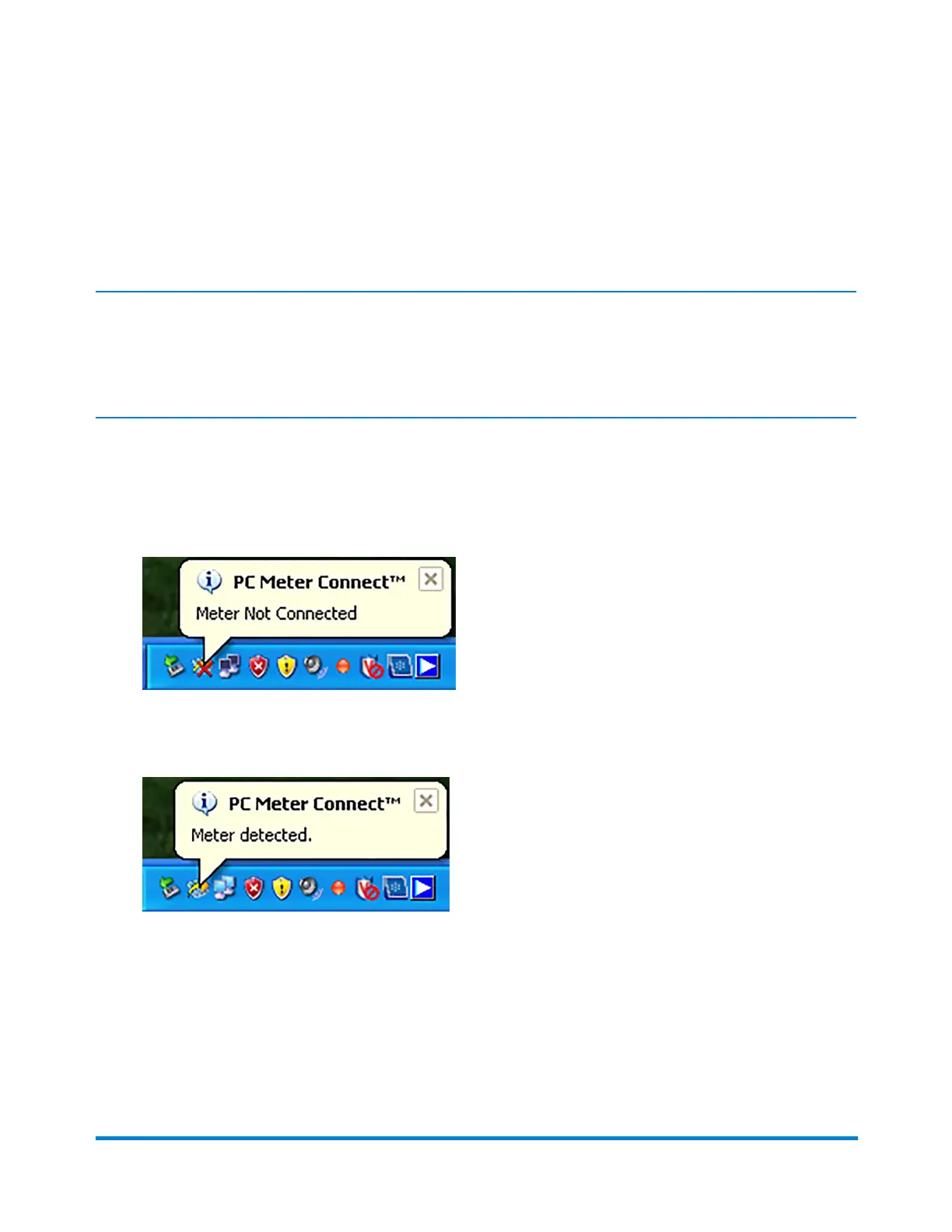
If you connect or disconnect your machine from the PC, messages display from the PC Meter Connect™
icon in the system tray:
l "Meter Not Connected" displays when you disconnect your machine from the PC. The red "x"
stays on the icon thereafter.
l "Meter detected" displays when you connect your machine to the PC (after it had been
disconnected). The red "x" disappears.
To access more features of the program, review the following pages.
Using PC Meter Connect
Pitney Bowes Operator Guide February, 2017 Page 157 of 226












 To Next Page