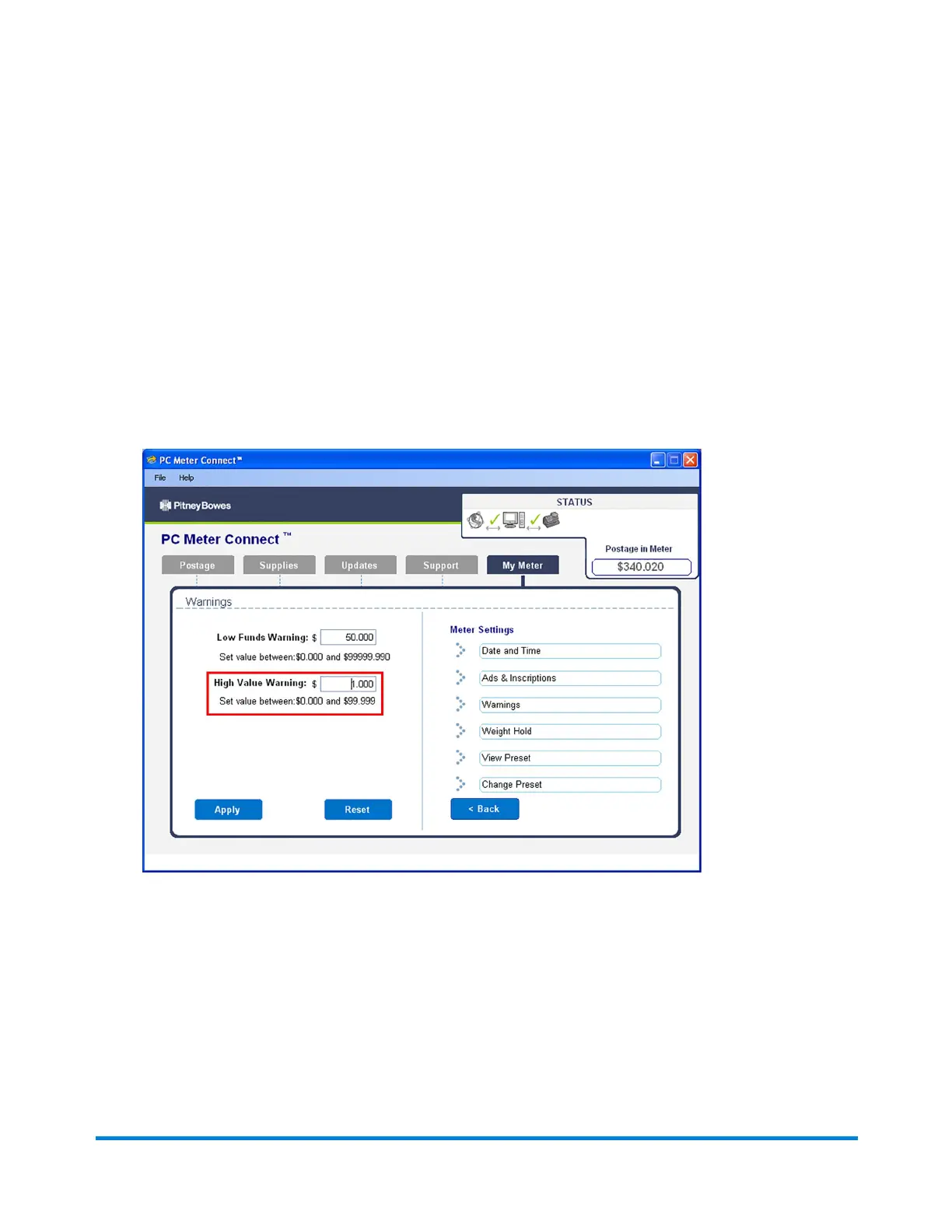
Setting the High Value Warning Using PC Meter
Connect
1. Select the My Meter tab from the PC Meter Connect main window.
2. Click Meter Settings in the Task panel on the right side of the screen.
3. Click Warnings.
4. Enter a value up to $99.000 in the High Value Warnings field for which you want the system to
prompt you with the high warning message.
5. Click Apply.
Using PC Meter Connect
Pitney Bowes Operator Guide February, 2017 Page 178 of 226












 To Next Page