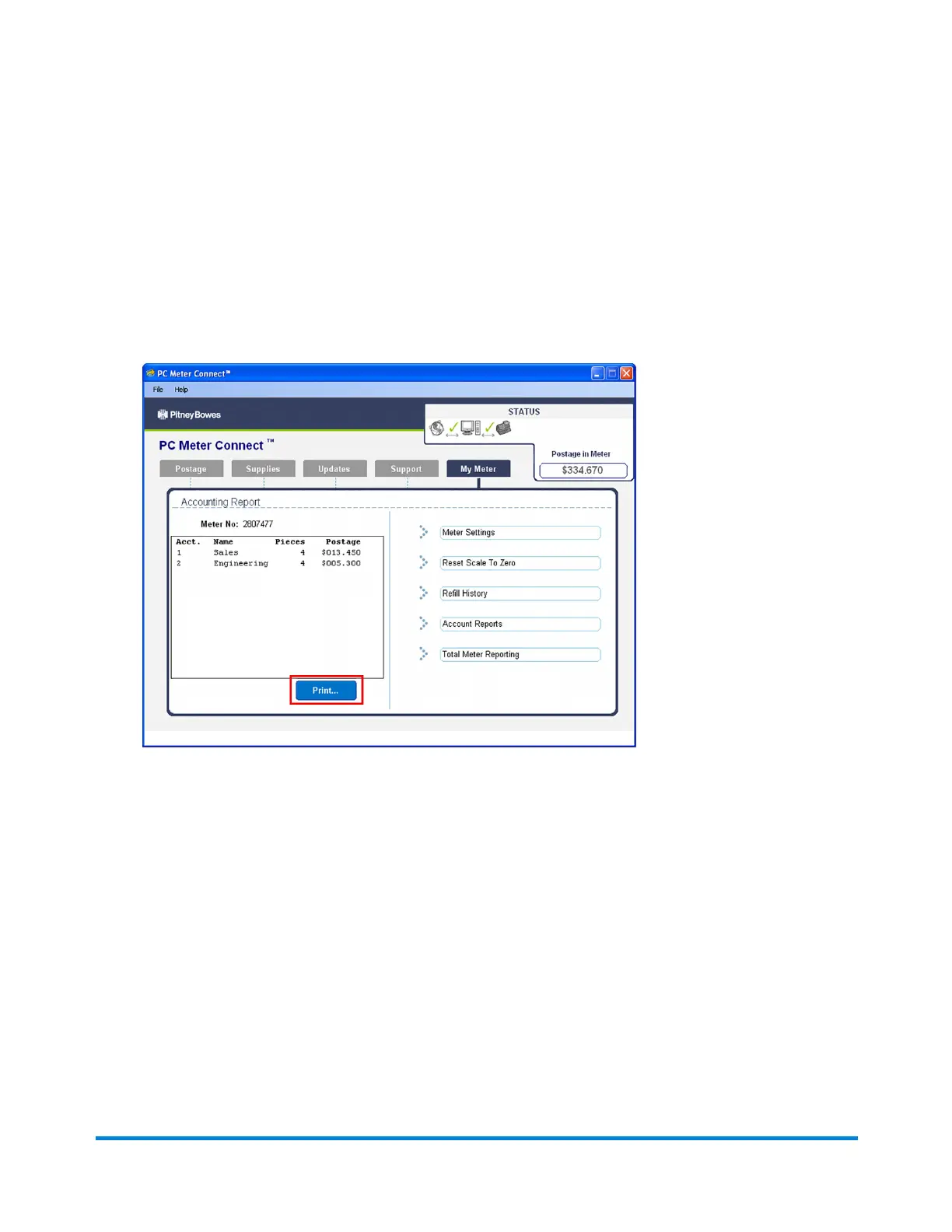
Printing an Account Report Using PC Meter Connect
1. Select the My Meter tab from the PC Meter Connect main window.
2. Click Account Reports on the right side of the screen in the task panel.
3. Click Print at the lower left side of the screen.
Using PC Meter Connect
Pitney Bowes Operator Guide February, 2017 Page 181 of 226












 To Next Page