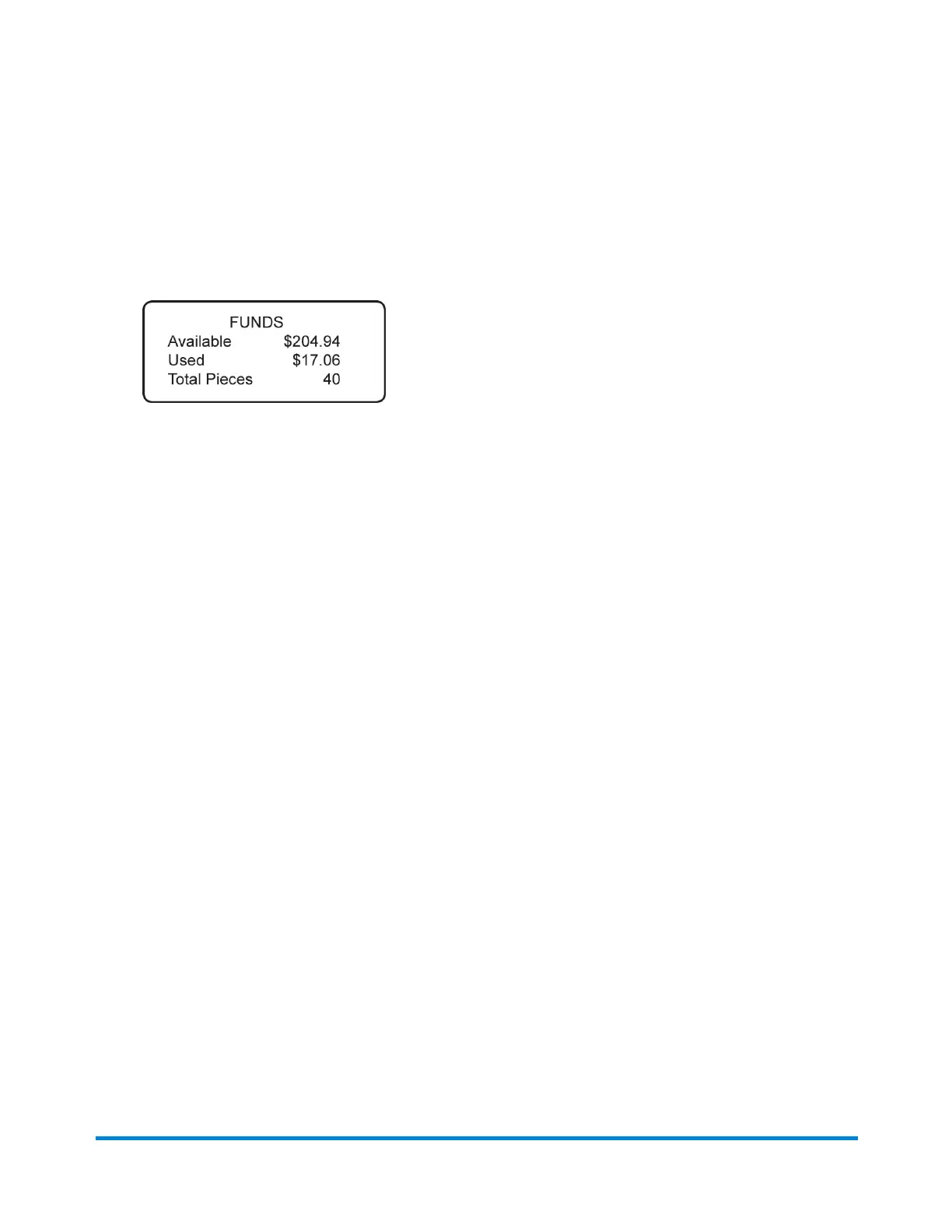
Checking the Amount of Postage Available
1. Press Funds.
2. The funds left, used, and pieces processed display.
Available – the amount of funds (postage) left in your meter
Used – the total of all postage ever used in the meter
Total Pieces – the total number of mail pieces run through the meter that had postage applied
3. Press Clear (back arrow key) or Home to return to Home screen.
Running Mail
Pitney Bowes Operator Guide February, 2017 Page 37 of 226












 To Next Page