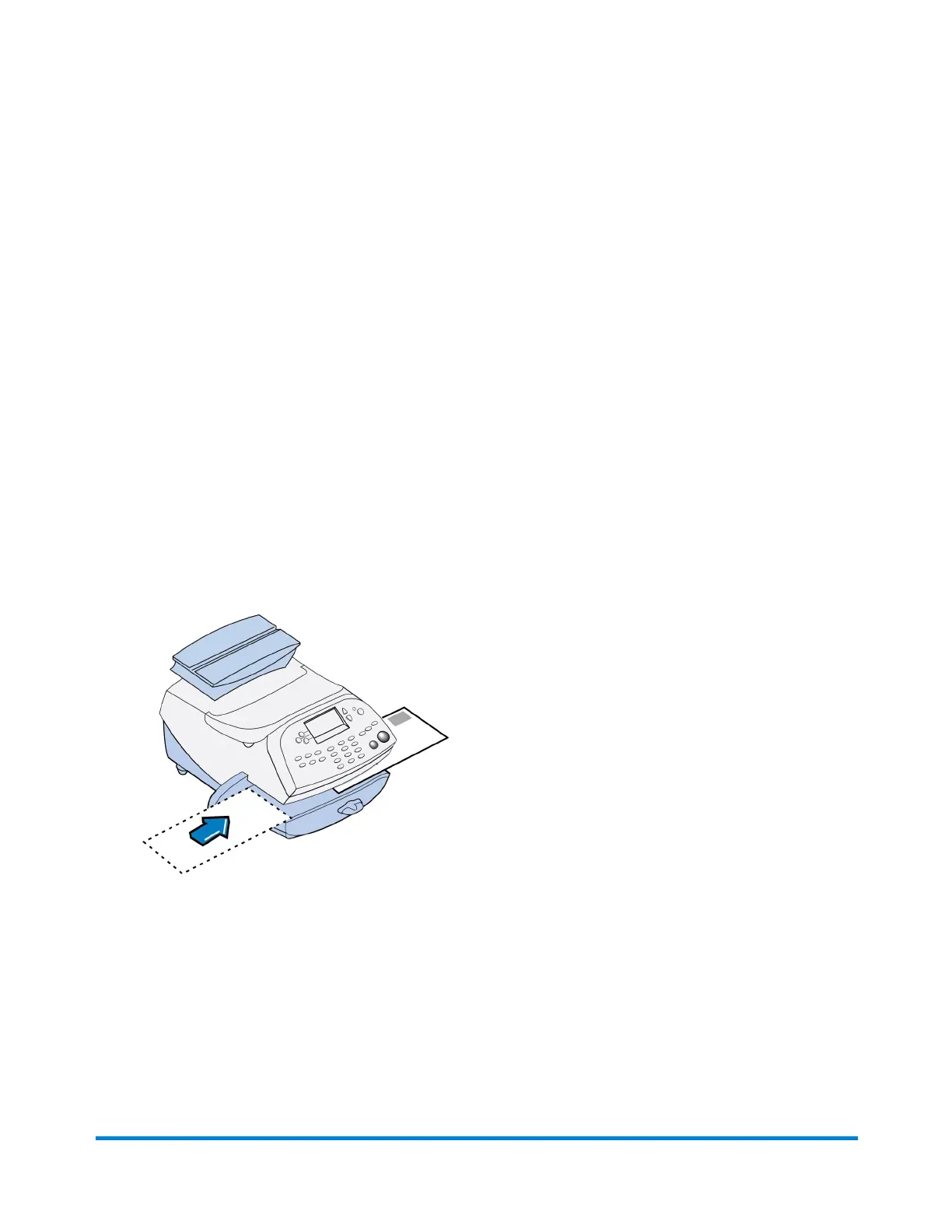
Printing Advertisement, Date and Time Only (no meter
stamp)
1. Press Print Menu.
2. Press Page Down and select Ad, Date & Time.
3. The Print Ad, Date & Time screen appears.
l If you already have an envelope ad set as part of your meter stamp, that ad is listed on the
display next to the "Ad" selection. If this is the correct ad, continue with step 4.
l If you need to change the ad, or select one if none was chosen, select Ad, then select Select
an Ad. Choose an ad from the list provided. You return to the Print Ad, Date & Time screen.
4. Place the envelope/tape sheet up against the registration wall of the system and slide it to the right
until the system grasps it. The system prints the ad, time and date, and ejects the envelope/tape
sheet.
Make sure you orient the mail piece so the date and time prints on a blank section of the mail piece.
5. Select Exit Ad Date & Time when finished to return to the Home screen.
What You Can Print on Mail Pieces
Pitney Bowes Operator Guide February, 2017 Page 32 of 226












 To Next Page