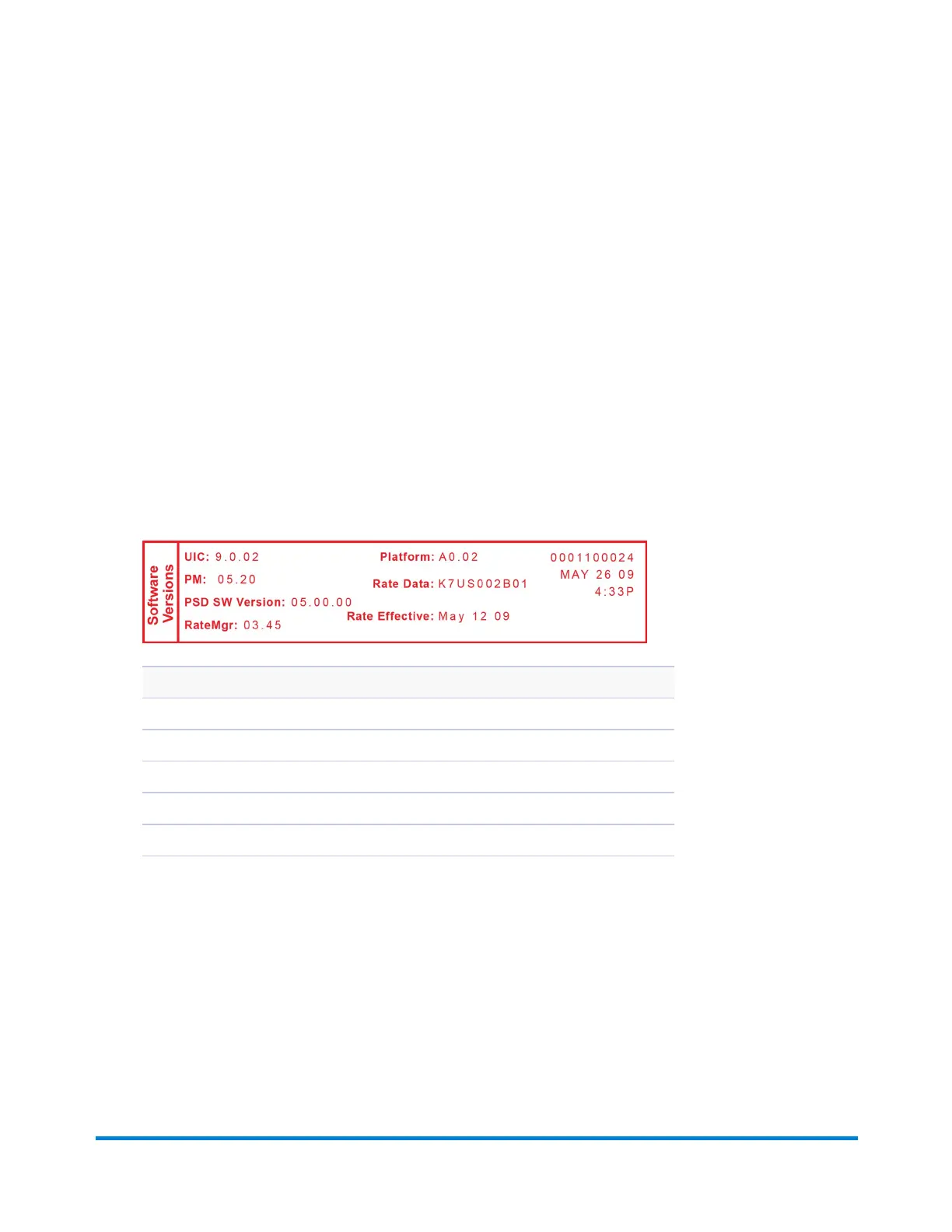
Rates Summary Report
This report lists system information about your mailing machine.
1. Press Reports.
2. Select Printable reports.
3. Press Page Down once.
4. Select Rates Summary Rpt..
5. When prompted, insert tape sheet or envelope into the machine. If it is a multi-page report you will
be prompted to insert another envelope/tape sheet.
6. Press Clear (back arrow key) to return to the Reports menu, or press Home to return to the Home
screen.
Description
Description: the specific type of rate.
Version: the alpha-numeric identifier used for this rate.
Effective Date: the date the rate takes effect.
Active: indicates if the rate is active (Yes or No).
Meter Number: the serial number of this meter.
Reports
Pitney Bowes Operator Guide February, 2017 Page 88 of 226












 To Next Page