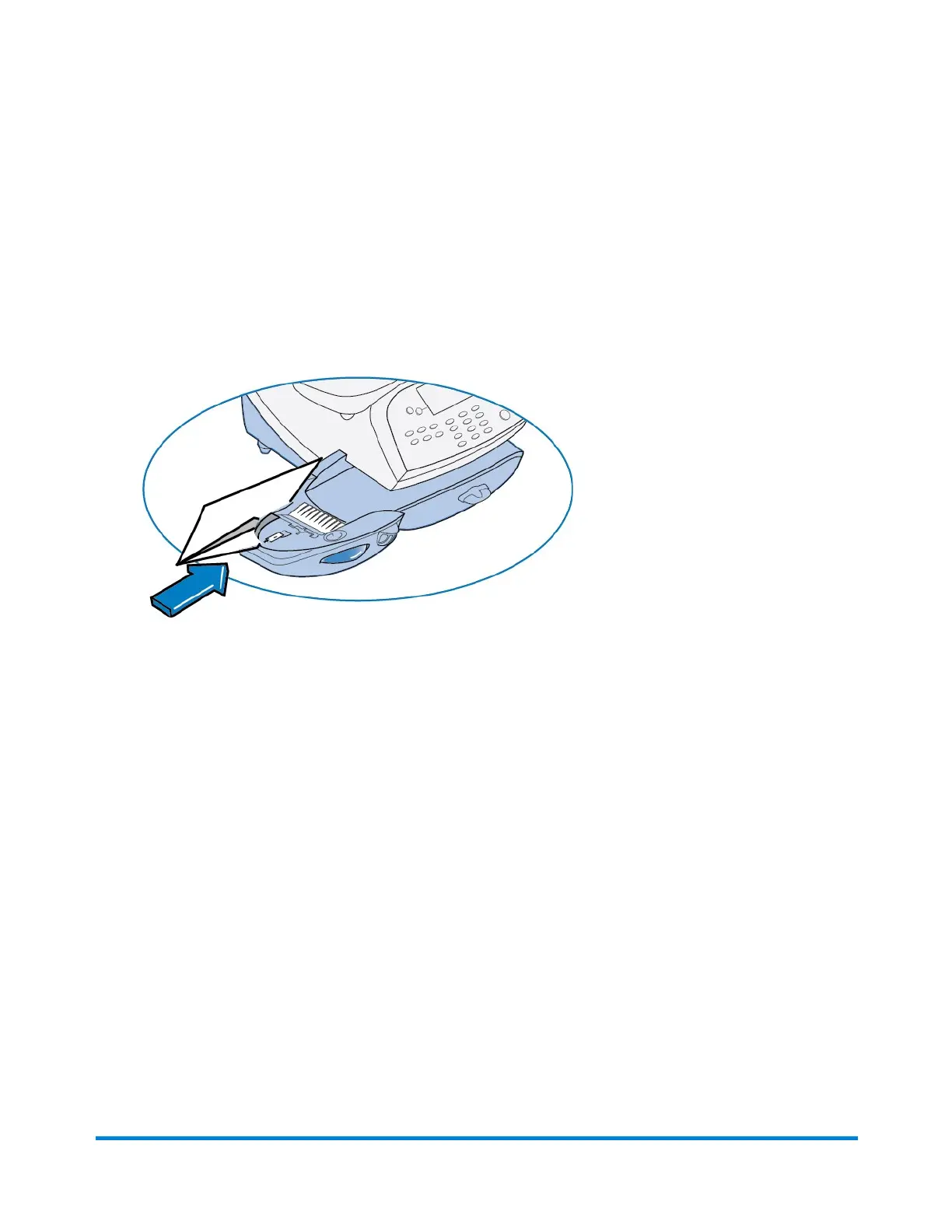
Seal the Envelope Only - Bypass All Printing
1. Press Print Menu.
2. Select Seal Only.
3. Place flap along moistener and move towards the right.
4. Slide the envelope to the right until the system takes hold of it. The system seals and ejects the
piece.
5. Select Exit Seal Only when finished to return to the Home screen.
What You Can Print on Mail Pieces
Pitney Bowes Operator Guide February, 2017 Page 34 of 226












 To Next Page