Applying Postage Entering Weight In Manually
This procedure can be used when you already know the weight of a mail piece and you are not using the
integrated weighing platform.
1. Press Weigh/Rate.
2. Select Enter Manual Weight.
3. Key in kilograms and Set Kilograms (maximum is 31.7 kg)
4. Key in grams and select Set gm and Continue.
5. Select the desired class by pressing the key next to the class name (use the scroll keys to see
additional classes).
6. If there is no value next to the class name, more information is needed. Follow the prompts for the
options and/or services available for this class of service. The last screen is usually "Services" and
lists special services such as COD and Insurance. If you are unsure if a particular class is valid for
your mail piece, call your local post office or visit www.canadapost.ca.
7. Select Done when finished entering all the class options and fees.
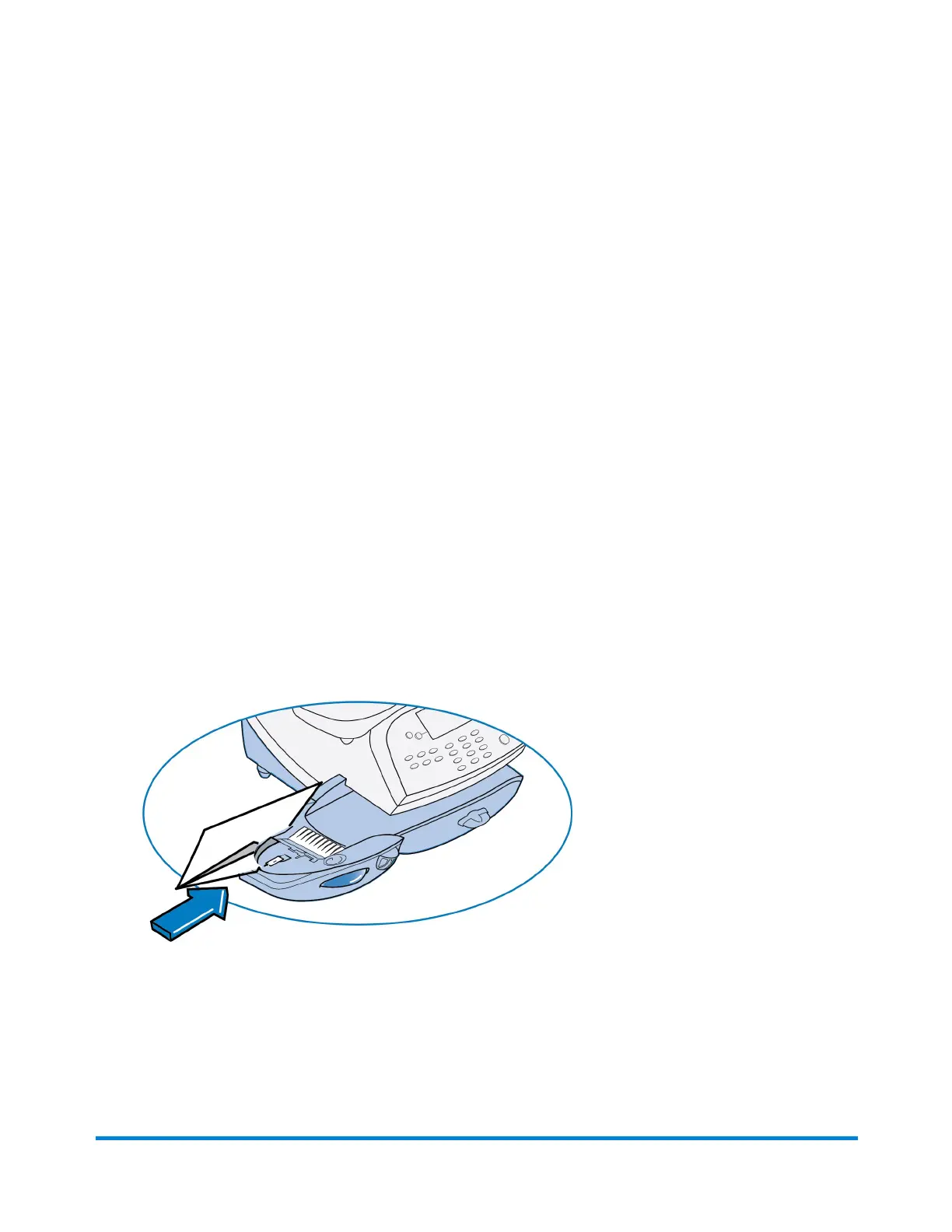
8. If using the moistener, place flap along moistener and move towards the right.
Running Mail
Pitney Bowes Operator Guide February, 2017 Page 41 of 226












 To Next Page