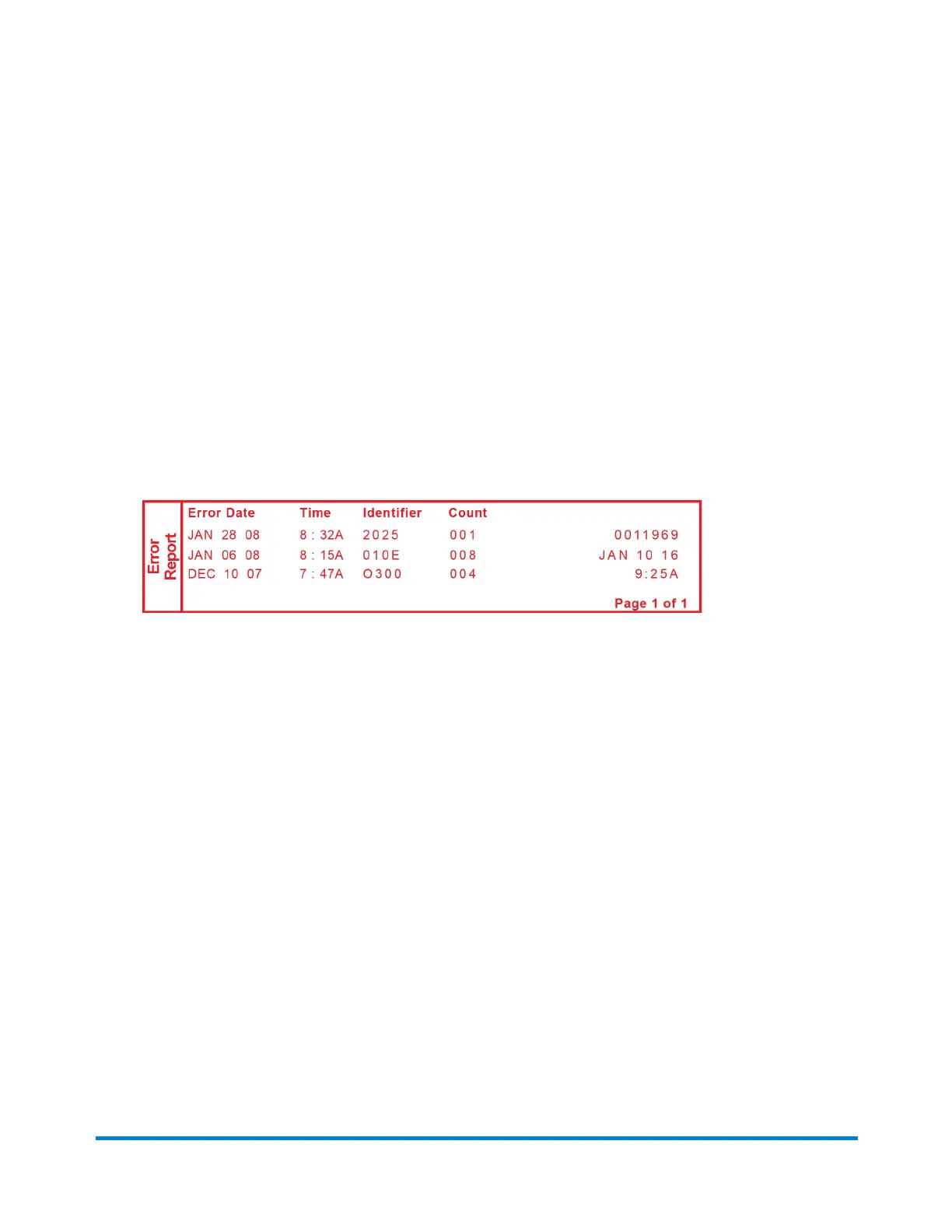
Error Report
This report provides a history of error codes. It is generally a report you will not need unless your Pitney
Bowes Customer Service Representative requests it.
1. Press Reports.
2. Select Printable reports.
3. Select Error report.
4. When prompted, insert tape sheet or envelope into the machine. The report is printed.
5. Press Clear (back arrow key) to return to the Reports menu, or press Home to return to the Home
screen.
Reports
Pitney Bowes Operator Guide February, 2017 Page 94 of 226












 To Next Page