Replacing the Ink Cartridge
IMPORTANT: This procedure should only be done under the direction or with the permission of a Pitney Bowes
representative. This procedure can also be used to reseat the print head in response to a possible error condition.
1. Remove the weighing platform (if you are using one) by lifting it straight up.
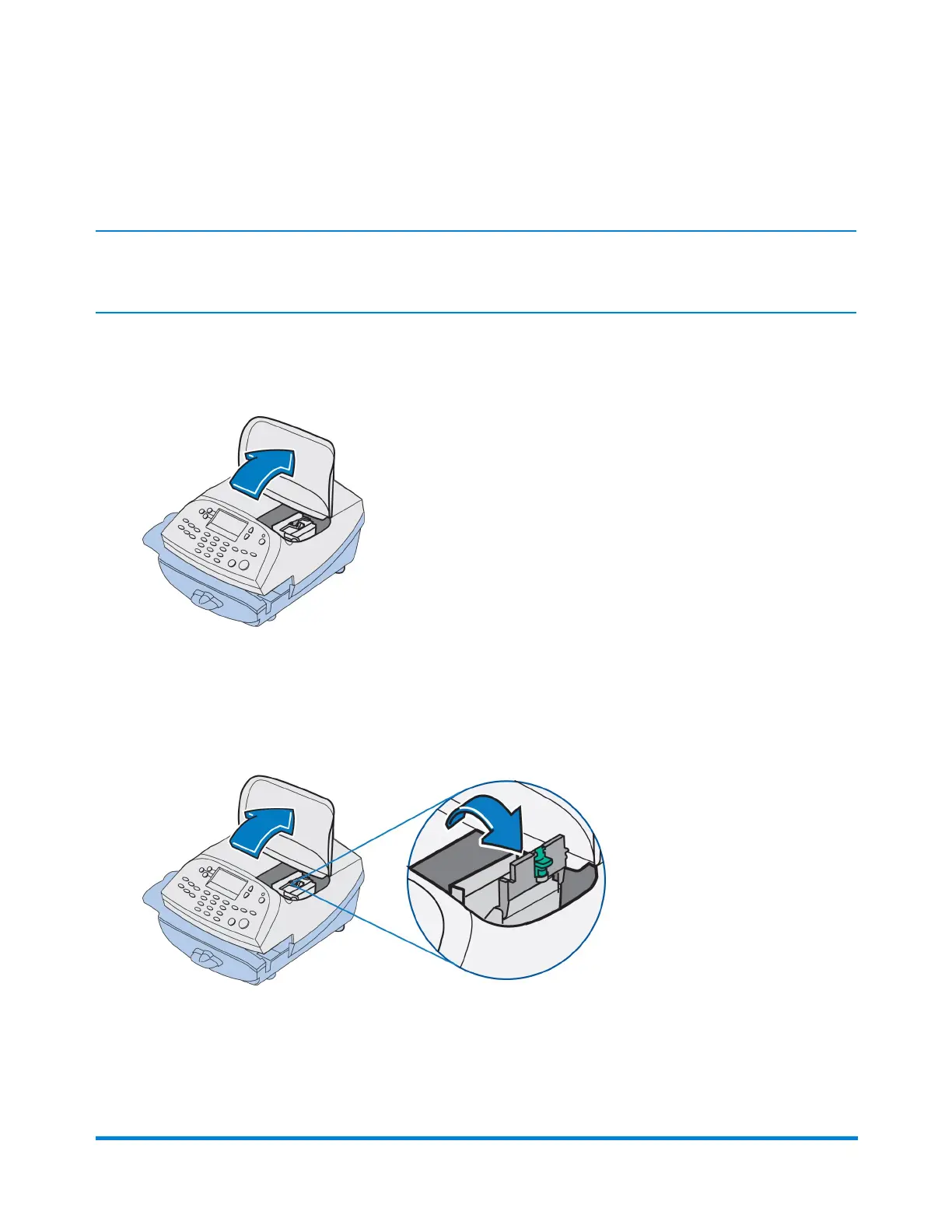
2. Open the top cover.
3. Select Replace Ink Tank on the display. This moves the printhead and ink tank cartridge into
position.
4. Unlatch the ink tank cartridge guard by sliding the green lever to the right and flipping the guard
open.
Maintenance
Pitney Bowes Operator Guide February, 2017 Page 57 of 226












 To Next Page